2
2. Adding T2
- Log in the EZVIZ app.
- Find your Internet Alarm Hub and enter the Linked Device list.
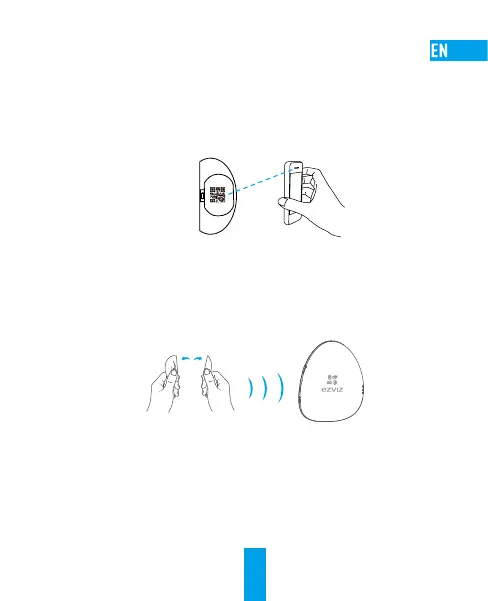
- Tap the “+” of the Linked Device and scan the QR code of T2, which is on the battery
cover of T2, to link T2 to the Internet Alarm Hub.
• Option 2 Adding by Operating Internet Alarm Hub
1. Turn on the “Adding Detectors Mode” of your Internet Alarm Hub by pressing the
Setting button. Refer to Quick Start Guide of your Internet Alarm Hub for details.
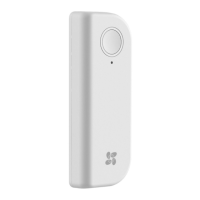
2. Take T2 close to the Internet Alarm Hub (within 50cm) and separate the two parts of T2
to send the adding request.
Within 50 cm
3. The Internet Alarm Hub issues a voice prompt of the device type and serial No.
indicating T2 has been added.


 To Next Page