8.1 PC access
(1)Enter http://www.xmeye.net/index
(2) Install step by step according to the gudies.(Maybe install ActiveX by step)
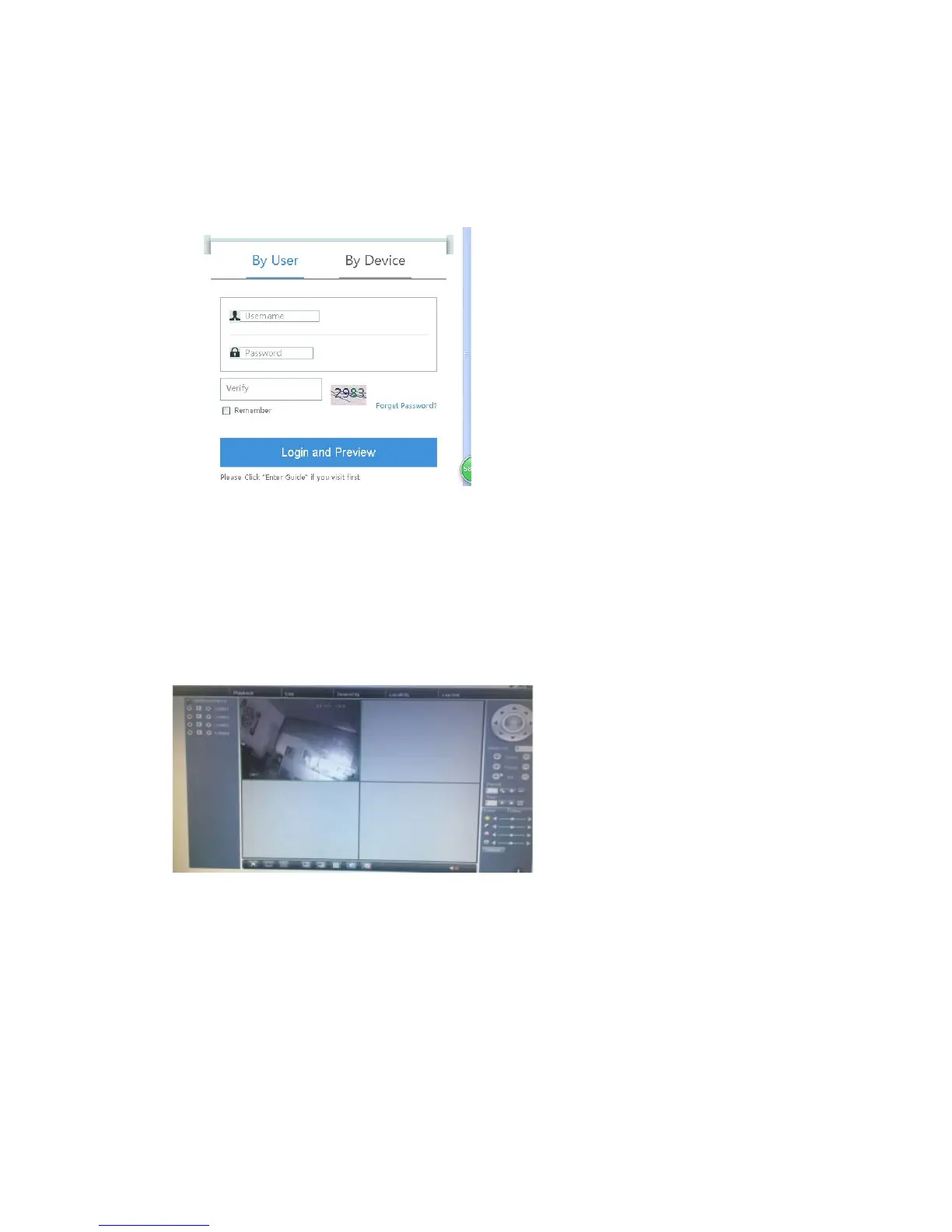
(3)Click login to enter cloud service interface,as follows:
(4) After successful configuration, wherever and whenever you are, as long as you can
surf the Internet, you can access to the device. PC monitoring Login
http://www.xmeye.net ;Login with user name and password (user name: guest/
password:123).
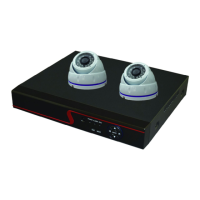
(5) Device list is on the left, click the device the preview.



 To Next Page