6 channel management
Note:not all models support this function
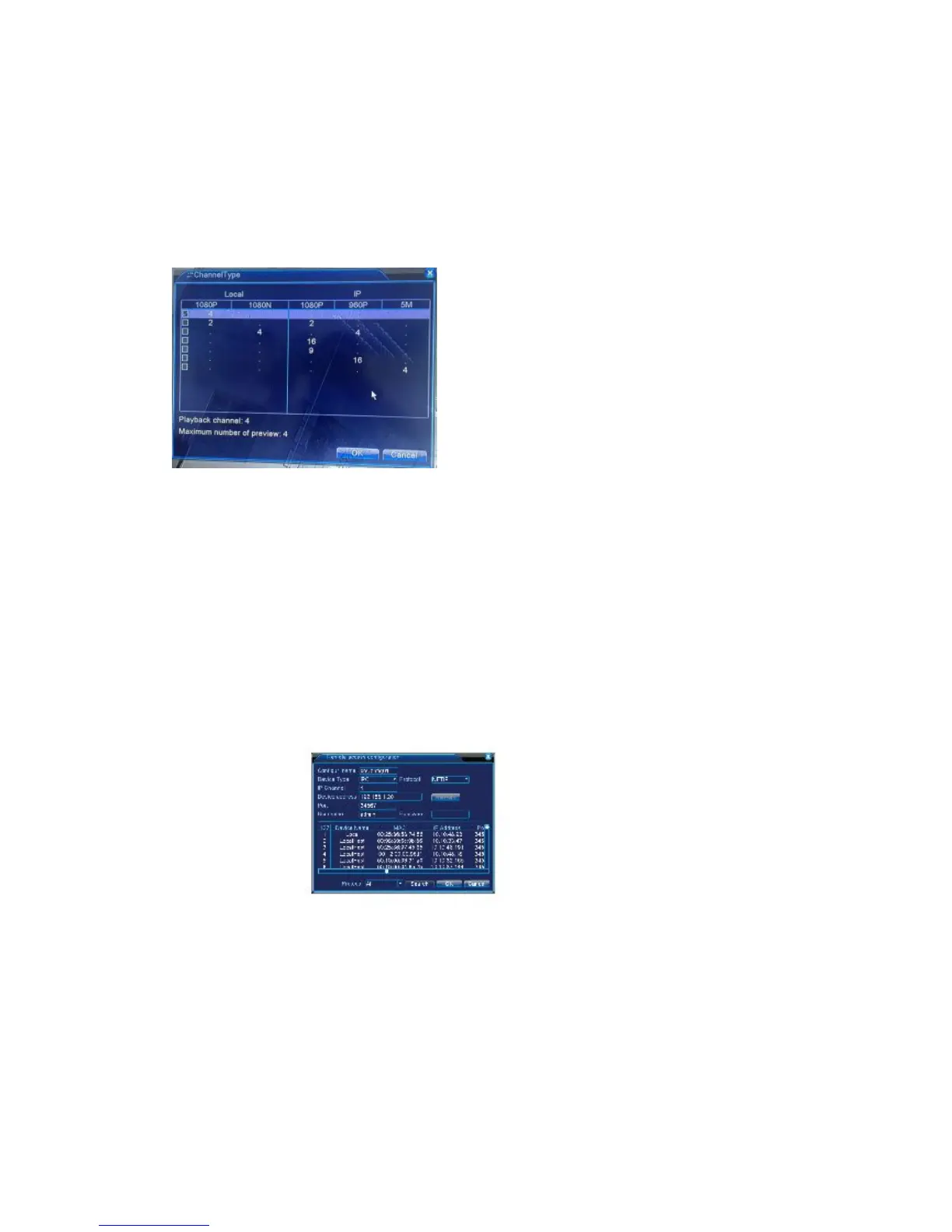
Go to <main menu>-<system>-<digital>-<Channel Type>configure, you can connect IP
camera under pure network or hybrid network.
Go to <main menu>-<system>-<Digital>-<Digital Channels> to add IP camera to Digital
channels
<Enable> * means enable,setting are effective after enabling.
<Channel> select channel number, to add IP camera.
<Connection Mode> Single connection and multi-connection, multi-connection can
connect to several devices, device will be displayed one by one, tour interval can be set.
No less than 10s: single channel can only connect to one monitoring device
<add> click add, the following interface will be seen:
<search>: search and display the IP address within the same LAN,such as the IPC ,DVR
and NVR, choose one IP address, device name,type, IP address, port and protocol will be
entered automatically
<protocol> Support NETTP, ONVIF and all. Default is all.
<OK> click OK to finish adding,go back to digital channel interface,choose added
monitoring device to preview.



 To Next Page