3,Software operation
1,Appearance&interface
Instructions
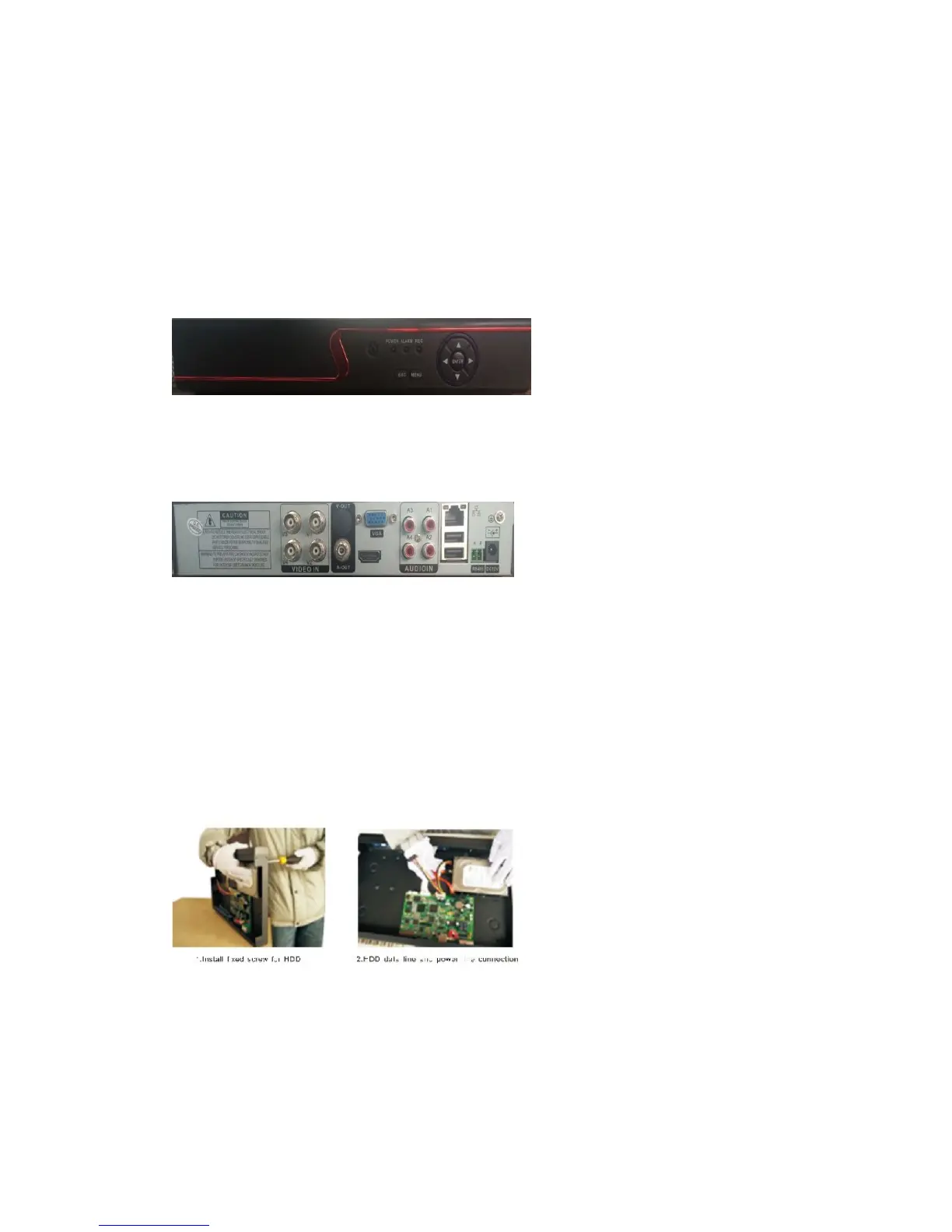
1.1 Front-end panel
1.2.Rear Panel
Power before replacing.
2 Boot up / shut down & user login
2.1 HDD installation(Skip this if you do not need storage):
Install the HDD(Skip this if you do not need storage):
2.2 Boot up
Connect to power,the indicator turns on,DVR boots up.
Note:1,Use matched adapter to avoid abnormal situation or damage.
2,Shut down power switch(some might have power switches)


 To Next Page