7.2 Tire diameter setting
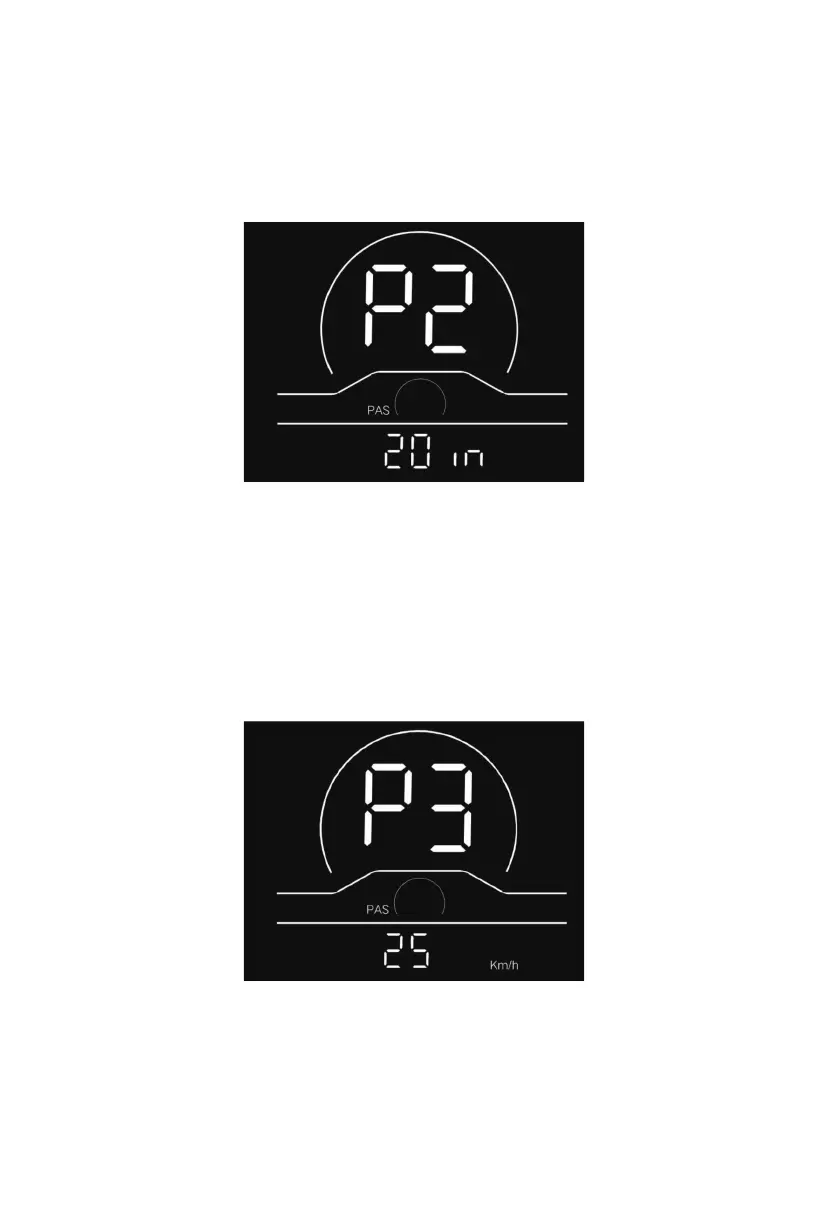
P2 refers to the tire diameter setting option. Available parameters include: 8-32 inches.
Press the power button to enter the parameter modification interface. Press the
plus/minus button for parameter selection. Press the power button to save the parameter
and return to the selection interface of custom setting options.
14
Fig. 7-2 Tire Diameter Setting Interface
7.3 Speed limit setting
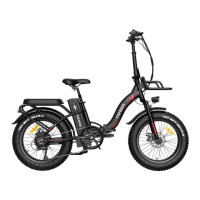
P3 represents the speed limit setting option. The adjustable range is 10~40km/h. Press
the power button to enter the parameter modification interface. Press the plus/minus
button for parameter selection. Press the power button to save the parameter and return
to the selection interface of custom setting options.
Fig. 7-3 Speed Limit Setting Interface


 To Next Page