7.4 Metric/imperial system setting
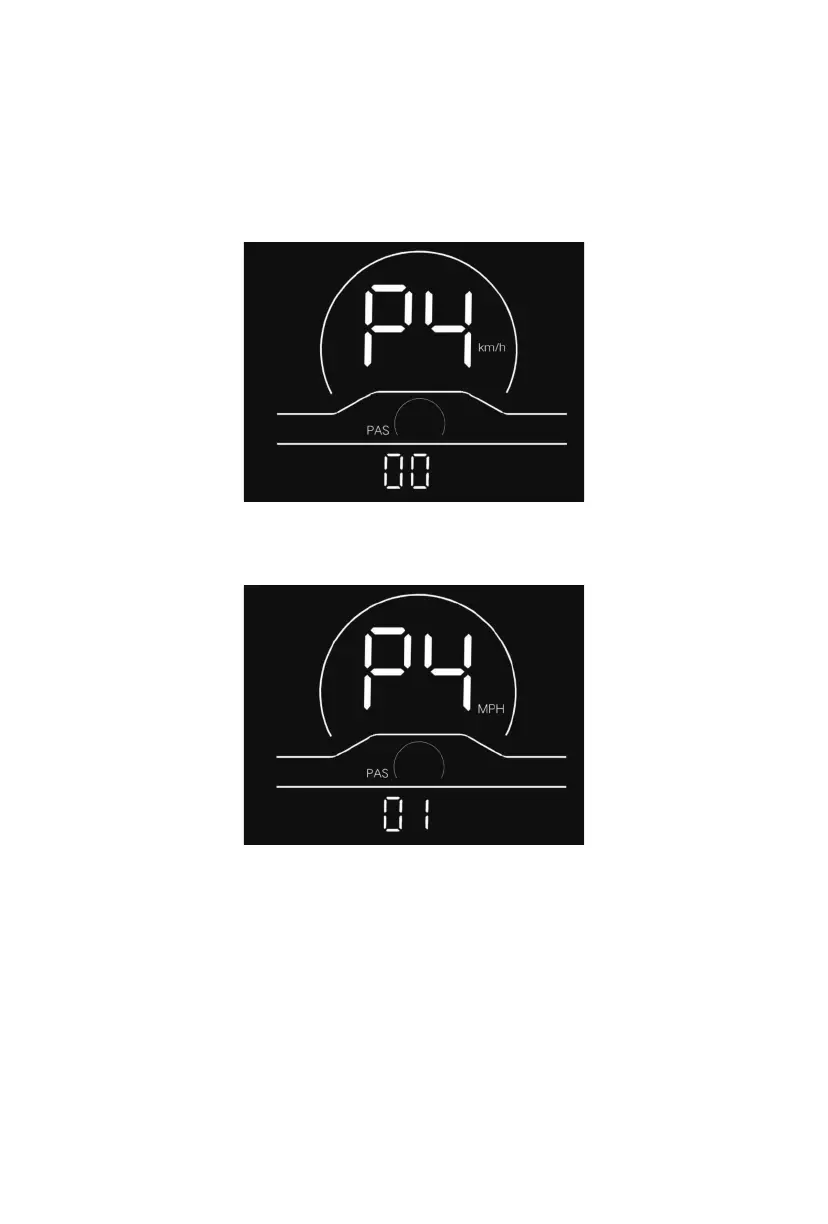
P4 refers to the metric/imperial system setting option. 00 represents the metric system,
and 01 represents the imperial system. Press the power button to enter the parameter
modification interface. Press the plus/minus button for parameter selection. Press the
power button to save the parameter and return to the selection interface of custom setting
options.
Metric system indicator interface
15
Imperial system indicator interface
Fig. 7-4 Metric/imperial System Setting Interface



 To Next Page