20
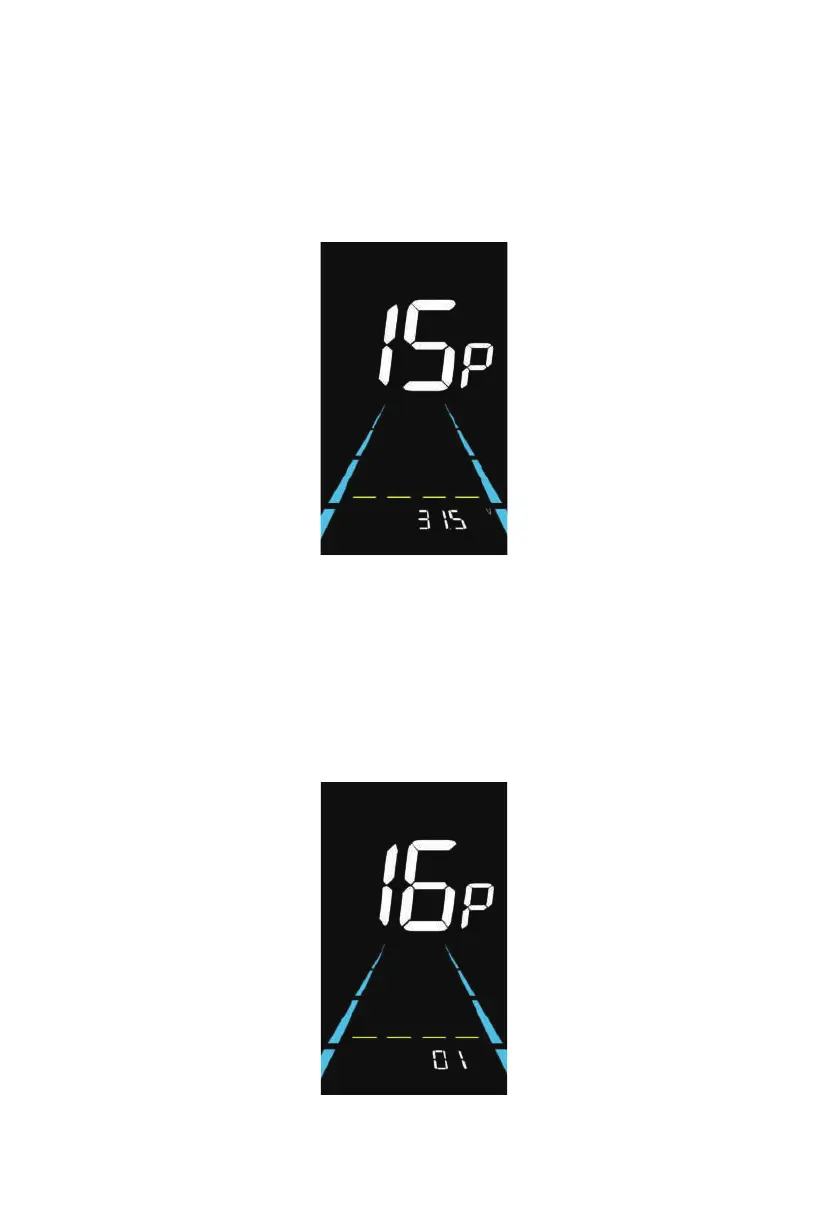
Figure 6-15 Battery under voltage value setting interface
Figure 6-16 ODO reset setting interface
6.15 Battery under voltage value setting
15P is the battery under voltage setting. The value can be adjusted based on the current
rated voltage.
Press i button to enter the parameter changing state. Press the plus/minus button to select
the parameter and press i button to save the parameter setting and return to the
personalized parameter setting interface.
6.16 ODO reset setting
16P is the ODO reset setting. The display can choose the following: 00→non reset, 01→
reset.
Press i button to enter the parameter changing state. Press the plus/minus button to select
the parameter and press i button to save the parameter setting and return to the
personalized parameter setting interface.



 To Next Page