EasyManua.ls Logo

Fagor iOMiRO 200 - User Manual

Fagor iOMiRO 200
36 pages
Go to English
Print Icon
To Next Page IconTo Next Page
Loading...
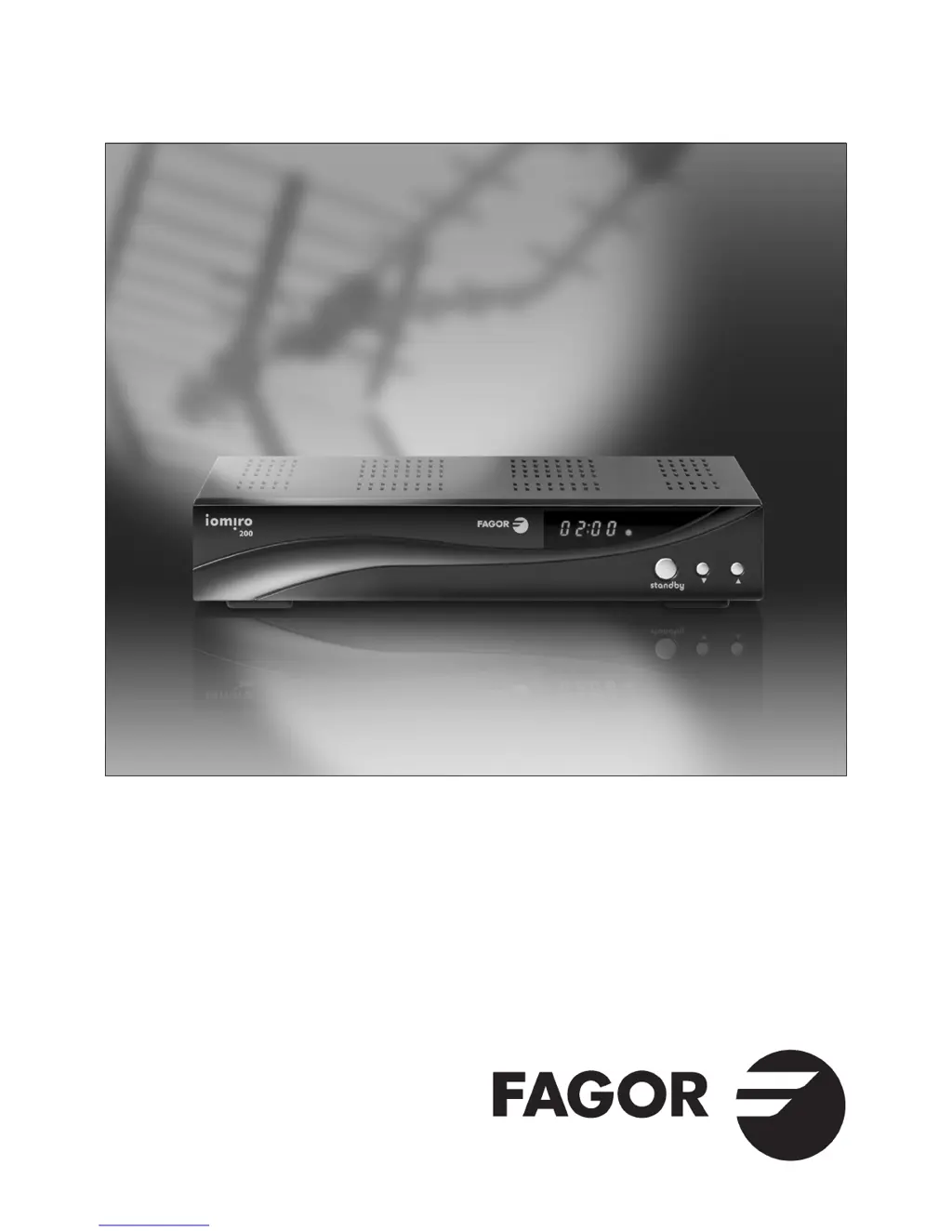
iOMiRO 200
Receptor TV Digital Terrestre
Récepteur Numérique Terrestre
Digital Terrestrial Receiver

Questions and Answers

  • M
    Mr. Michael BarrAug 10, 2025
    Why does my Fagor iOMiRO 200 say no signal or bad signal?
    • R
      Rebecca WalkerAug 10, 2025
      A 'no signal' or 'bad signal' message on your Fagor TV Receiver could be due to several reasons: - A connection fault, meaning a cable isn't connected correctly. Ensure all cable connections are secure. - The antenna might be disconnected, in the wrong position, or damaged. Make sure the antenna is plugged in (if it's a DVB-T indoor antenna), adjust its position, or replace it if necessary. - There might not be a digital signal available; in this case, check if there is a signal.
  • L
    lgomezAug 18, 2025
    What to do if Fagor TV Receiver remote control not working?
    • R
      Ryan HansenAug 18, 2025
      If your Fagor TV Receiver isn't responding to the remote control, here's what you can check: - The batteries might be flat. Try replacing them. - There might be something blocking the signal between the remote and the receiver. Point the remote directly at the receiver, ensuring a clear line of sight.
  • K
    Karen CarpenterAug 26, 2025
    What to do if Fagor iOMiRO 200 TV Receiver has no signal after moving to another room?
    • A
      armstrongcherylAug 26, 2025
      If your Fagor TV Receiver shows no signal after moving it, the new location might not have a strong enough signal. Try connecting a cable directly from the antenna to the receiver.
  • M
    Michelle ParkerSep 3, 2025
    What to do if Fagor TV Receiver displays 'No FAV Channel'?
    • J
      Jillian HunterSep 3, 2025
      The 'No FAV Channel' message on your Fagor TV Receiver means that no favorite channels have been stored. To fix this, select your preferred channels in the channels list to add them to your favorites.

Summary

Safety Instructions

Introduction

Remote Control Functions

Explains the functions of each button on the remote control.

Connecting the Receiver

Antenna, DVB-T, and TV Connection

Diagram showing how to connect the antenna, DVB-T receiver, and TV.

Full System Connection

Diagram for connecting antenna, receiver, VCR, Hi-Fi, and TV.

First Installation

Operation

Channel Menu Management

Covers all functions related to managing TV and radio channels.

TV Channel List Operations

Details how to view, edit, lock, skip, delete, and rename TV channels.

Installation Menu

Contains functions for programme search and antenna adjustment.

Setup Menu Configuration

Provides access to receiver configuration options like OSD, TV system, and time.

Troubleshooting Guide

Technical Specifications

Fagor iOMiRO 200 Specifications

General IconGeneral
BrandFagor
ModeliOMiRO 200
CategoryTV Receiver
LanguageEnglish