14
Calls and messages with dual SIM.
The Quick Access menu is where you’ll nd the
most useful apps:
Phone calls.
Open your Quick Access menu and slide your
nger to the Phone icon.
Recent Calls and Contacts. Swipe to the right panel to see
your recent calls or press to see to all your
contacts. From either list, tap to start calling.
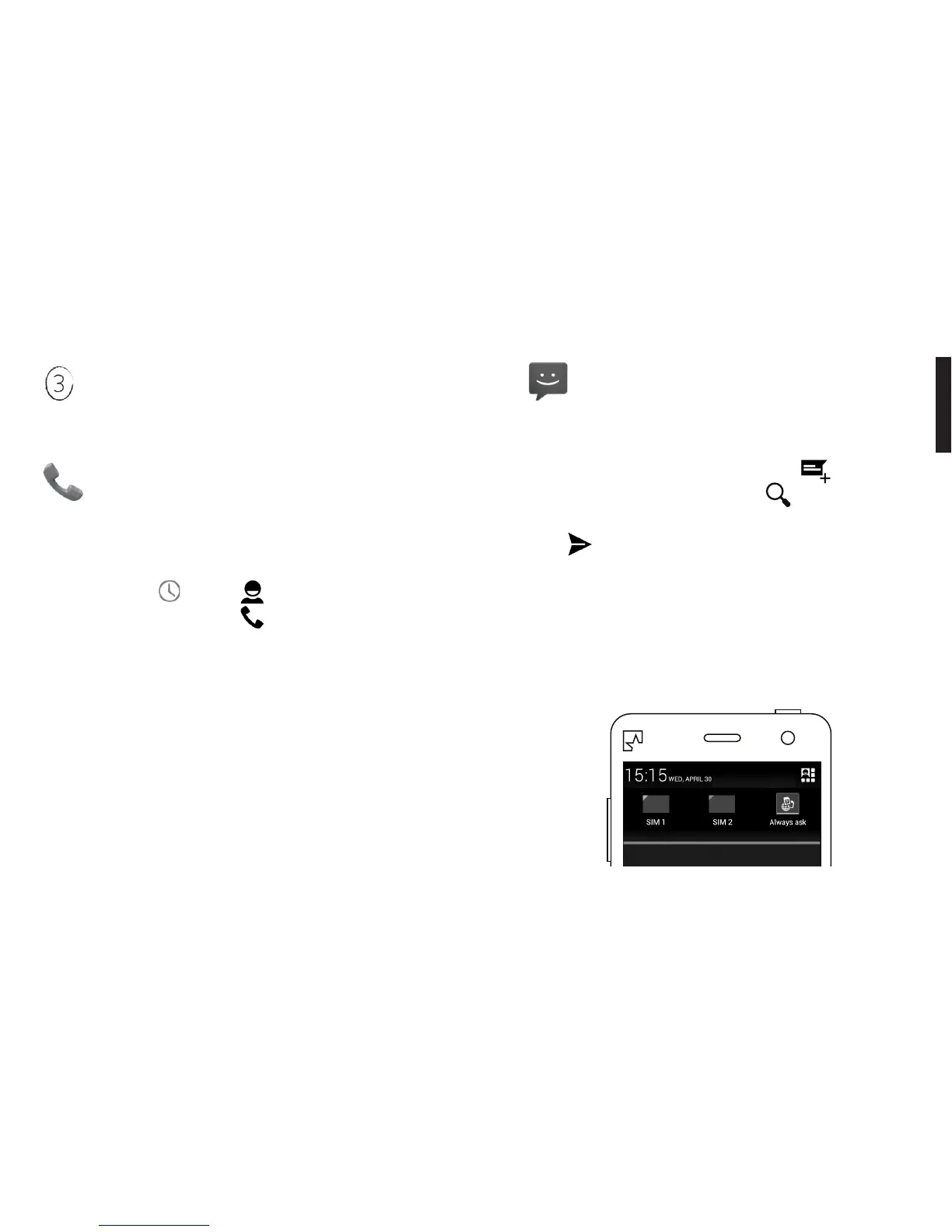
Dual SIM. If you’ve inserted two SIM cards, you can pick
which one you want to use from the pull-down menu
(p 21). Just swipe your nger down from the top of the
screen before making your call. For more information
about how Dual SIM works, see page 22.
15
Messages (SMS).
Open your Quick Access menu and slide your
nger to the Message icon.
To write a new SMS, press New Message . Search for
a contact by typing in a name or tap to select from all
your contacts. Type your message. When you’re done,
press .
Dual SIM. If you’ve inserted two SIM cards, select the one
you want to use from the pull-down menu before you
press Send. For more information about how Dual SIM
works, see page 22.
Dual SIM - Swipe your nger down from the top of the screen to see
both SIMs in the Pull-down menu.



 To Next Page