c. Cautions before disassembly
i. Power off the device: Before disassembly, please power off the device
and take out the battery.
ii. Press the power button more than 5 seconds after the battery is
removed, to release the electricity residual in capacitors.
iii. ESD Protection: Electronic-sensitive components inside (especially in
winter); suggest releasing the static electricity on the body (e.g., finger
touch metal objects).
iv. Pay attention to the two different types of screws:
1. Black Phillips head (M1.4) (for display repairs)
2. Silver Phillips head (M1.4) (for other repairs)
v. Prepare your tools:
1. Phillips screwdriver PH00.
vi. If you are a professional repairer, consider the torque force needed for
screw/unscrew operation:
1. Torque force for Philips screws: 0.8±0.15KGF
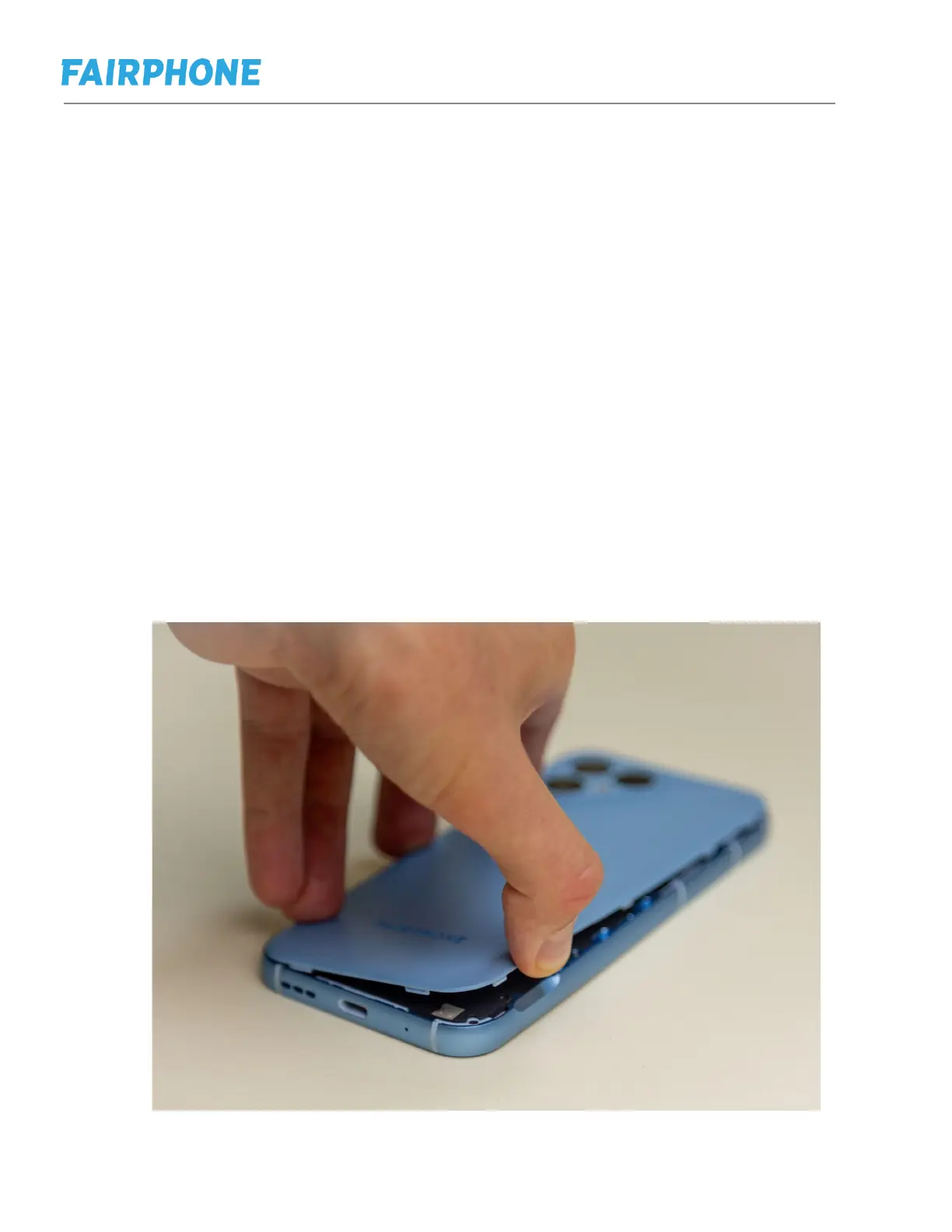
d. Replacing back cover and battery
Step 1: Lift the back cover, starting at the opening position on the bottom right, and
then remove it completely.



 To Next Page