h. Replacing the PCB and mid-frame
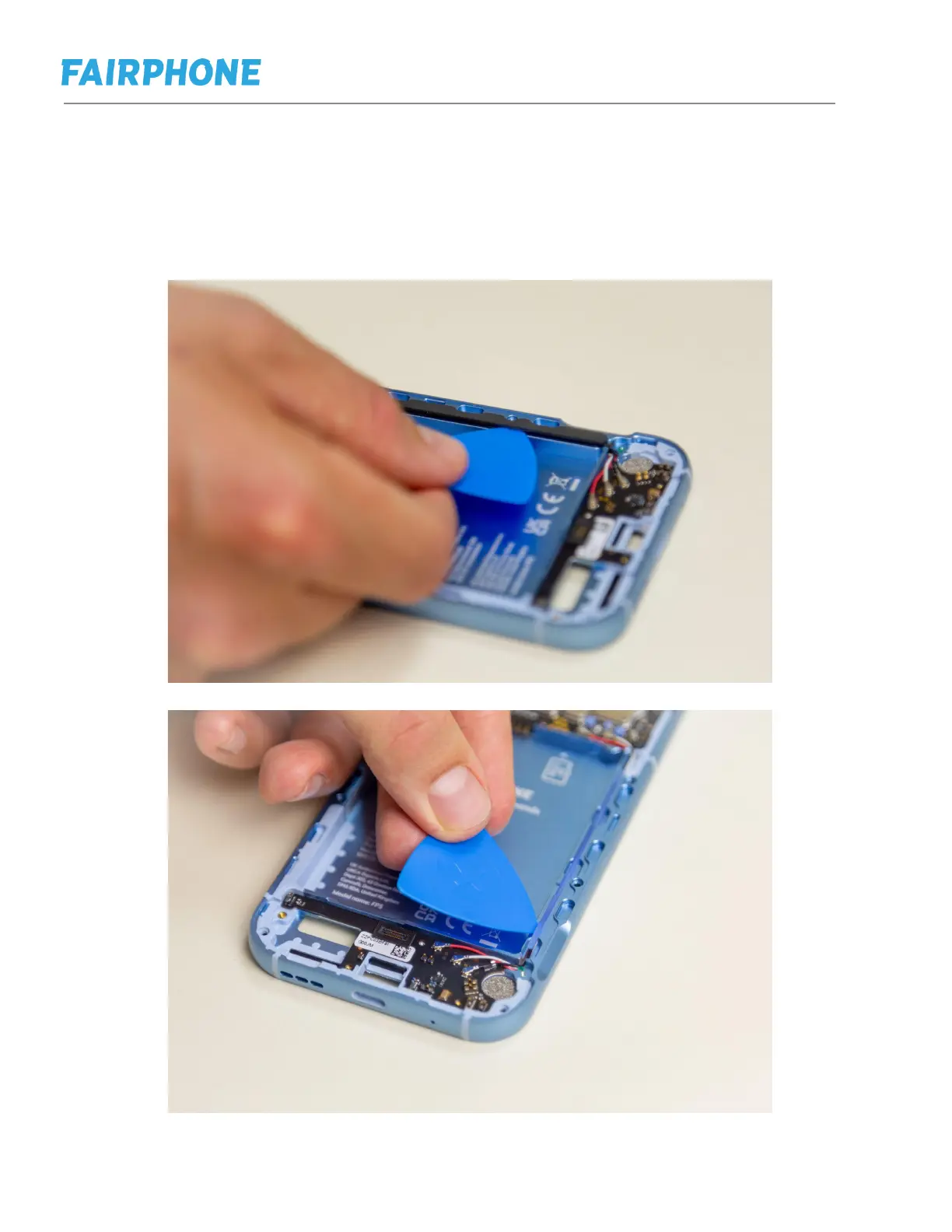
Step 1: Follow the steps in e to remove the back cover and battery.
Step 2: Follow the steps in f to remove the display.
Step 3: Follow steps in g to remove cameras and earpiece
Step 4: Follow steps in h to remove the loudspeaker and USB-C port.
Step 5: Use a prying tool to remove the FP5 coaxial cable cover.
Step 6: Remove the RF cable rubber.



 To Next Page