EasyManua.ls Logo

Fakir ExeCute 2 Blade - User Manual

Fakir ExeCute 2 Blade
92 pages
Go to English
Print Icon
To Next Page IconTo Next Page
Loading...
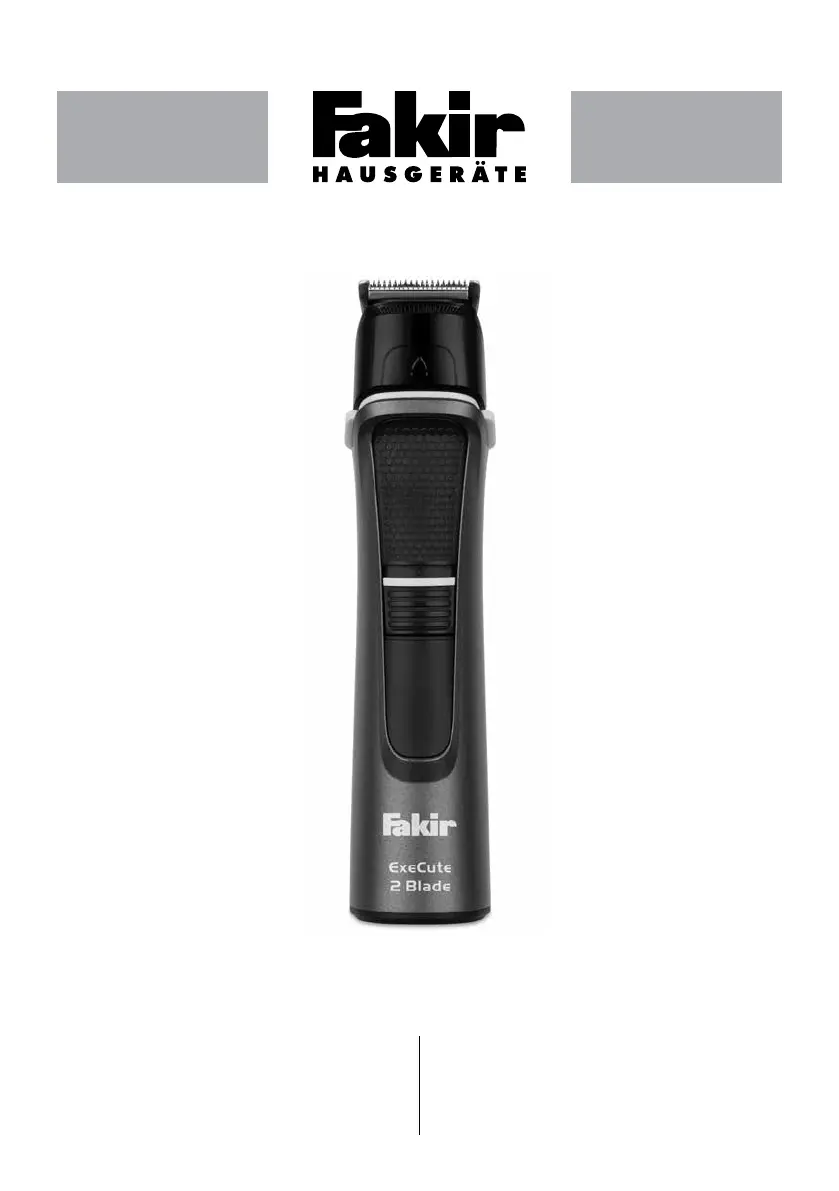
ExeCute 2 Blade
Benutzerhandbuch
User Manual
Kullanım Kılavuzu
Руководство По Эксплуатации

DE Waschbares Pegekit Für Männer
EN Washable Mens Care Kit
TR Yıkanabilir Erkek Bakım Kiti
RU Набор Для Стрижки И Бритья
AR


Table of Contents

Questions and Answers

  • D
    danieltiffanyAug 5, 2025
    What to do if my Fakir Electric Shaver does not turn on?
    • S
      stokesjasonAug 5, 2025
      If your Fakir Electric Shaver isn't turning on, the appliance might need charging, so charge it. Also, ensure that the appliance is turned on. If the shaver still does not work, check if there is power in the socket by trying another outlet. If none of these steps work, the USB cable may be damaged, and you should take the appliance to a service.
  • F
    flynndavidAug 13, 2025
    Why is my Fakir ExeCute 2 Blade Electric Shaver not working?
    • A
      Amanda Johnson DVMAug 13, 2025
      Your Fakir Electric Shaver might not be working because it needs charging; in this case, charge the appliance. Another reason may be that the appliance is not turned on, so turn it on. Also, make sure the outlet has power by testing with another device. If the shaver still fails to operate, the USB cable could be damaged, requiring a service.
  • J
    Jamie KelleyAug 21, 2025
    How to fix a Fakir Electric Shaver that won't start?
    • J
      Jeffrey MendezAug 21, 2025
      If your Fakir Electric Shaver won't start, try these steps: First, the appliance may need charging, so charge it. Second, ensure the appliance is actually turned on. Third, check the power outlet by plugging in another device. If these steps don't resolve the issue, the USB cable might be damaged, and you should take the appliance to a service.
  • R
    rachellopezAug 27, 2025
    What to do if my Fakir ExeCute 2 Blade Electric Shaver is not charging?
    • S
      Sarah CarrollAug 27, 2025
      If your Fakir Electric Shaver is not charging, the appliance may need charging, so charge the appliance. If it still doesn't charge, check if there is power in the socket by trying another outlet. If the shaver still does not charge, the USB cable may be damaged, and you should take the appliance to a service.

Summary

Safety Information

Safety Warnings

General safety measures for electrical appliances, covering usage, charging, and maintenance.

Unpacking and Contents

Box Contents

Lists all items included in the product package.

Technical Specifications

Parts Description

Identifies and illustrates the various parts and attachments of the appliance.

Preparation for Use

Charging the Battery

Details the process of charging the appliance using the USB cable and indicator lights.

Operating the Appliance

Using the Hair Clipper

Guidance on preparing hair before cutting with the clipper.

Changing Attachments

Steps for attaching and detaching different accessories for various functions.

Personal Care Tips

Facial Grooming

Instructions for beard trimming, shaving, and styling facial hair.

Hair Clipping and Trimming

Guidance on using hair clippers and combs for cutting and trimming hair.

Body and Specialized Trimming

Using body shaver, precision, and ear/nose trimmers for detailed grooming.

Cleaning and Maintenance

Cleaning Attachments

How to rinse attachments under tap water and clean with a brush.

Lubricating Blades

Steps for lubricating the blades with maintenance oil for longevity.

Troubleshooting

Disposal and Transport

Recycling Guidelines

Instructions for proper disposal of the appliance and packaging.

Shipping Precautions

Recommendations for carrying the appliance to prevent damage during transport.

Fakir ExeCute 2 Blade Specifications

General IconGeneral
Trimmer-
Wet & DryYes
Control typeButtons
Shaver systemFoil shaver
Blade materialStainless steel
Number of shaver heads/blades2
Attachment combsBeard, Body, Ear, Head, Nose
Product colorBlack
Built-in displayNo
Battery typeBuilt-in battery
Power sourceBattery
Charging time2 h
Operating time60 min
Battery capacity500 mAh
Warranty period3 year(s)

Related product manuals