STEP 3 OF 5
Pull the trigger to turn on the locator.
STEP 4 OF 5
Click to con
fi
rm you
’
ve read the manual.
STEP 5 OF 5
Click again to continue.
TRANSMITTER SETUP
STEP 1 OF 2
Your transmitter comes
with two battery contact
springs and one battery cap
tool.
STEP 2 OF 2
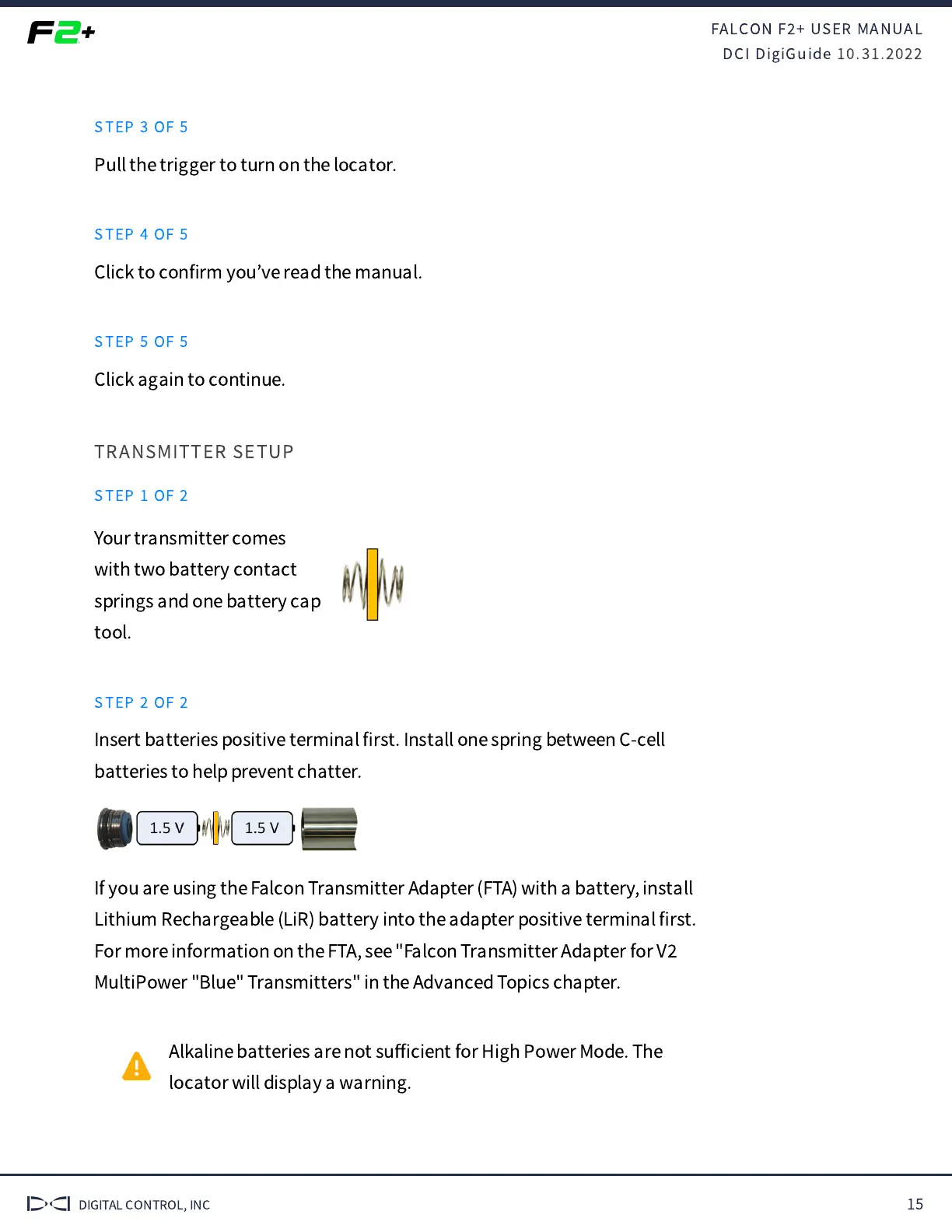
Insert batteries positive terminal
fi
rst. Install one spring between C-cell
batteries to help prevent chatter.
If you are using the Falcon Transmitter Adapter (FTA) with a battery, install
Lithium Rechargeable (LiR) battery into the adapter positive terminal
fi
rst.
For more information on the FTA, see "Falcon Transmitter Adapter for V
MultiPower "Blue" Transmitters" in the Advanced Topics chapter.
Alkaline batteries are not su
ffi
cient for High Power Mode. The
locator will display a warning.


 To Next Page
 Loading...