The drill head must be stationary when taking readings using
Max Mode. If the drill head is moving, data readings will not be
accurate.
You will typically use Max Mode in areas where interference is
high. In areas of high interference, it will be harder to obtain
stable readings. Never rely on unstable depth or data. Max
Mode is not a substitute for prudent operator judgment.
STEP 2 OF 4
At the
Locate Mode
screen,
hold the trigger for longer
than
fi
ve seconds to enter
Max Mode.
STEP 3 OF 4
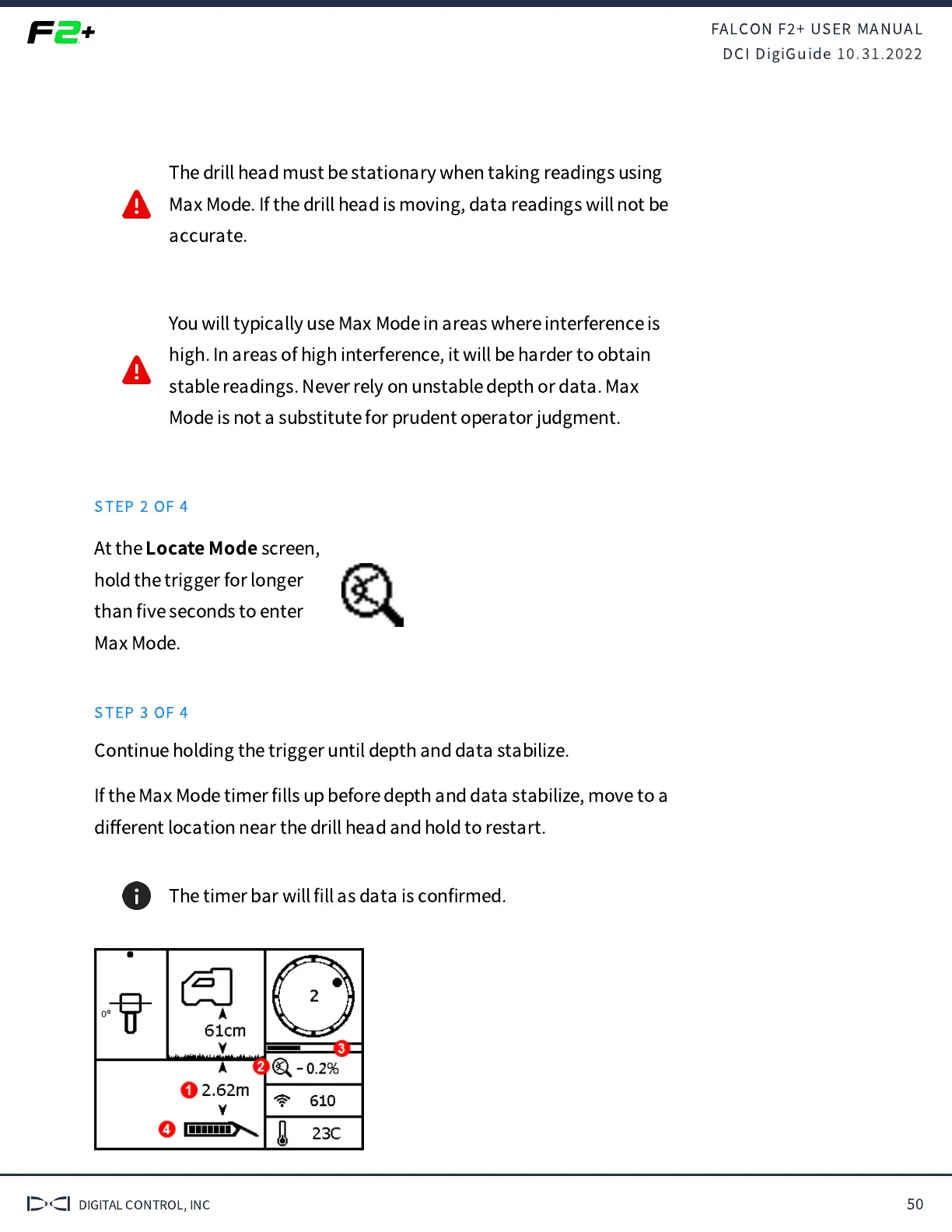
Continue holding the trigger until depth and data stabilize.
If the Max Mode timer
fi
lls up before depth and data stabilize, move to a
di
ff
erent location near the drill head and hold to restart.
The timer bar will
fi
ll as data is con
fi
rmed.


 To Next Page
 Loading...