FALCON F
+ USER MANUAL
DCI DigiGuide 10.31.2022
DIGITAL CONTROL, INC 58
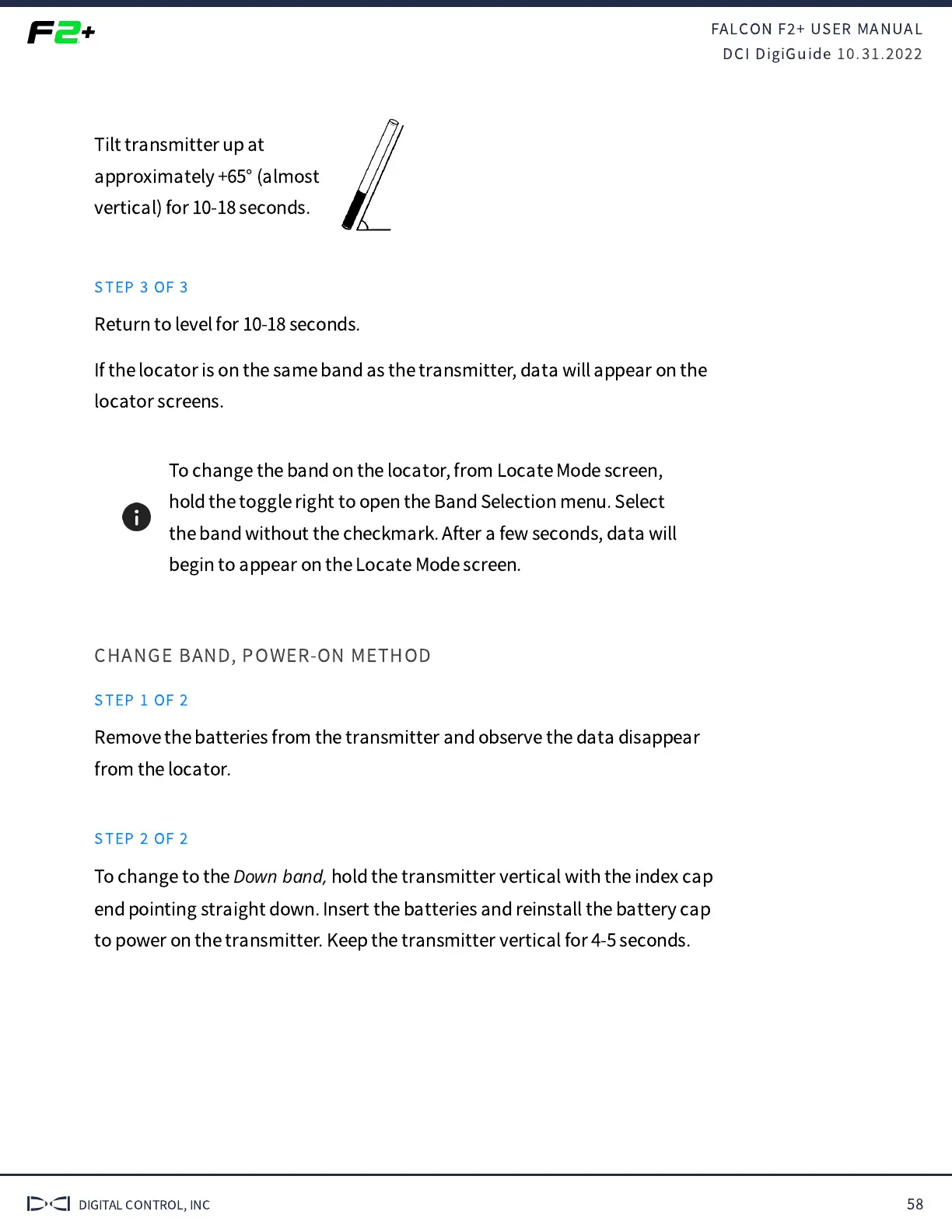
Tilt transmitter up at
approximately +65° (almost
vertical) for 10-18 seconds.
STEP 3 OF 3
Return to level for 10-18 seconds.
If the locator is on the same band as the transmitter, data will appear on the
locator screens.
To change the band on the locator, from Locate Mode screen,
hold the toggle right to open the Band Selection menu. Select
the band without the checkmark. After a few seconds, data will
begin to appear on the Locate Mode screen.
CHANGE BAND, POWER-ON METHOD
STEP 1 OF 2
Remove the batteries from the transmitter and observe the data disappear
from the locator.
STEP 2 OF 2
To change to the
Down band,
hold the transmitter vertical with the index cap
end pointing straight down. Insert the batteries and reinstall the battery cap
to power on the transmitter. Keep the transmitter vertical for 4-5 seconds.


 To Next Page
 Loading...