6
Note:
● The items supplied with the device and any available accessories may
vary depending on the region or service provider.
● The supplied items are designed only for this device and may not be
compatible with other devices.
● Appearances and specifications are subject to change without prior
notice.
● Third-party accessories may not be compatible with your device.
8. Getting started
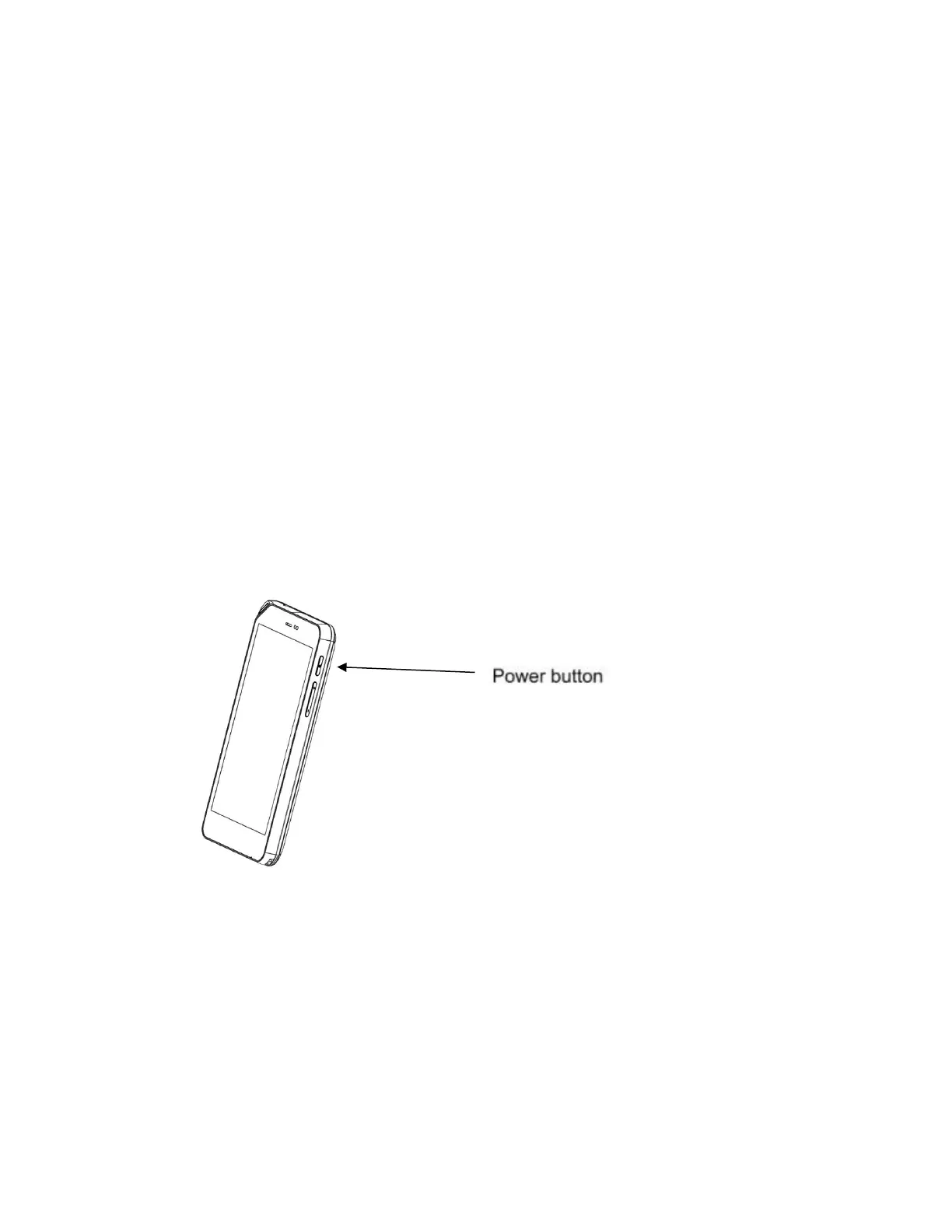
8.1 How to switch the device ON or OFF
To power ON:
Press and hold the power button for three seconds then release. The home
screen will be displayed after a few moments.
To power OFF:
Press and hold the power button for two seconds, then select the shut down
option on the screen.
Standby mode:
The device enters the standby mode after 30 seconds by default if left alone.



 To Next Page