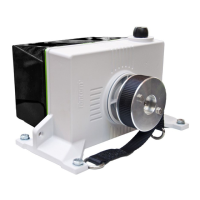
Set the inlet type
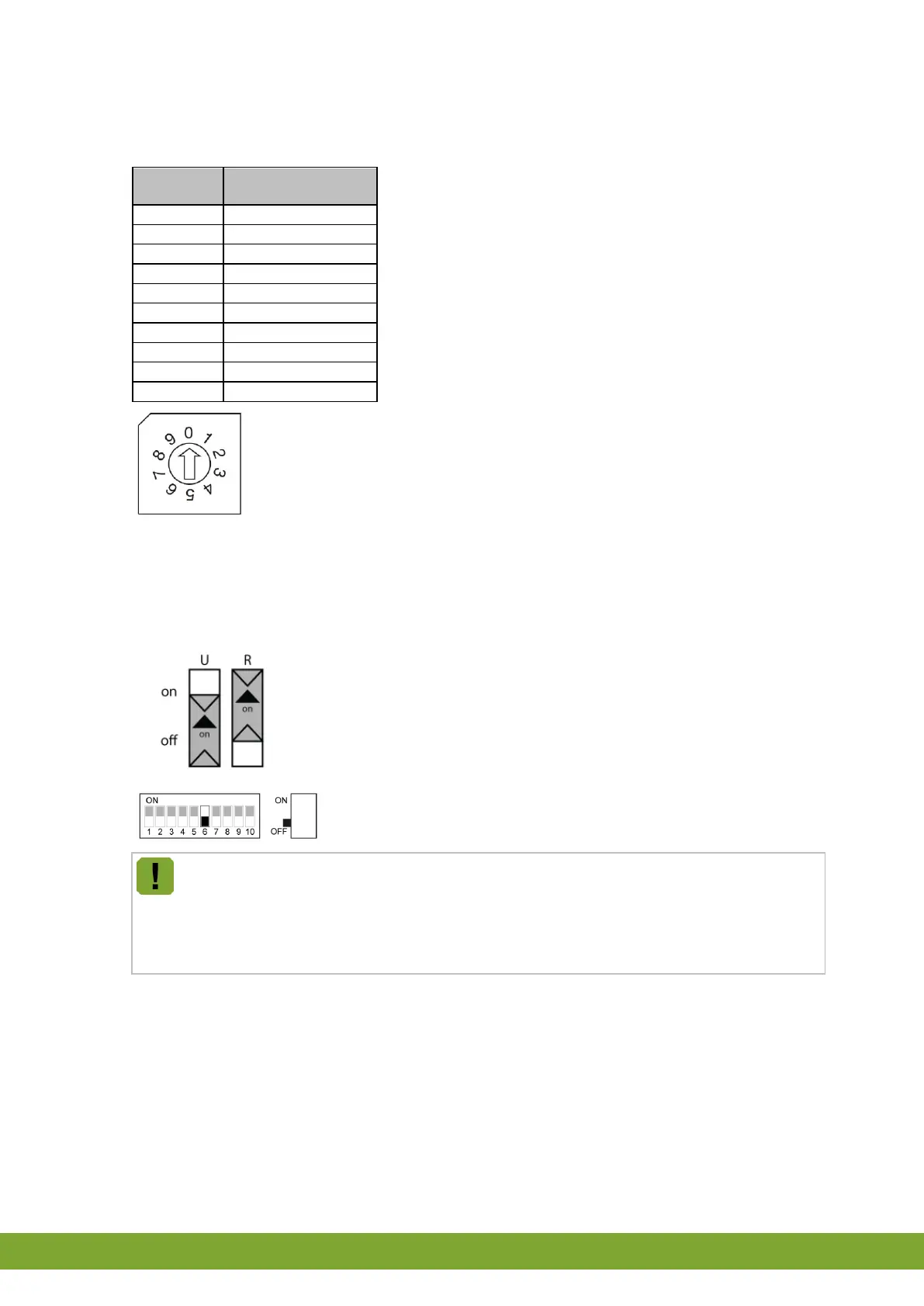
Using the table below, set the inlet type with the rotary switch.
Set the temperature measurement
As an I/O network module, the iM.60 can measure the temperature itself. This value can be used by the control
computer or for independent regulation in case of emergency. The voltage input (ain) can be used as temperature
sensor input.
Set slide switch R to ON.
Set slide switch U to OFF.
The iM.60 can also take over control in the event of communication problems. If the connected
computer can communicate the setpoint and control range to the IMS, these values will be used for
further control. The iM.60 will continue control based on the last received settings and the
temperature it measured on the connected sensor. If DIP switch 6 is set to NO measurement (OFF)
or no settings have been communicated, the iM.60 will control using the value set as the pre-
defined position.


 To Next Page
 Loading...