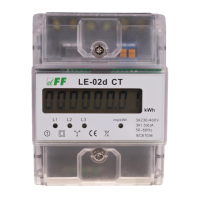
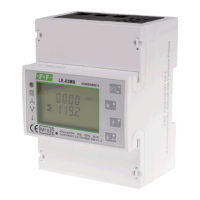
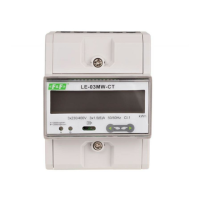
LE-03MW CT – user manual
18
9.2 Current transformer
The current transformer ratio of the meter can be set remotely via the Modbus RTU interface or
locally using the PROG button.
To set it manually:
1) switch off and on the power supply of the meter;
2) press and hold down the PROG button;
3) release the PROG button after about 15 seconds;
4) the display will show a blinking CT value (for example 0005-5); the table of available settings is
shown below;
5) set the desired value of the current transformer ratio by pressing the button to the left or right;
6) wait until the transformer value disappears from the display.
Setting the transformer ratio via the RS485 interface requires the code value corresponding to the
selected current transformer to be written to register number 8.
Please note: The code designation of the transformer is created by writing the value of the
transformer primary current as a BCD number.
Transformer


 To Next Page