English - 33 -
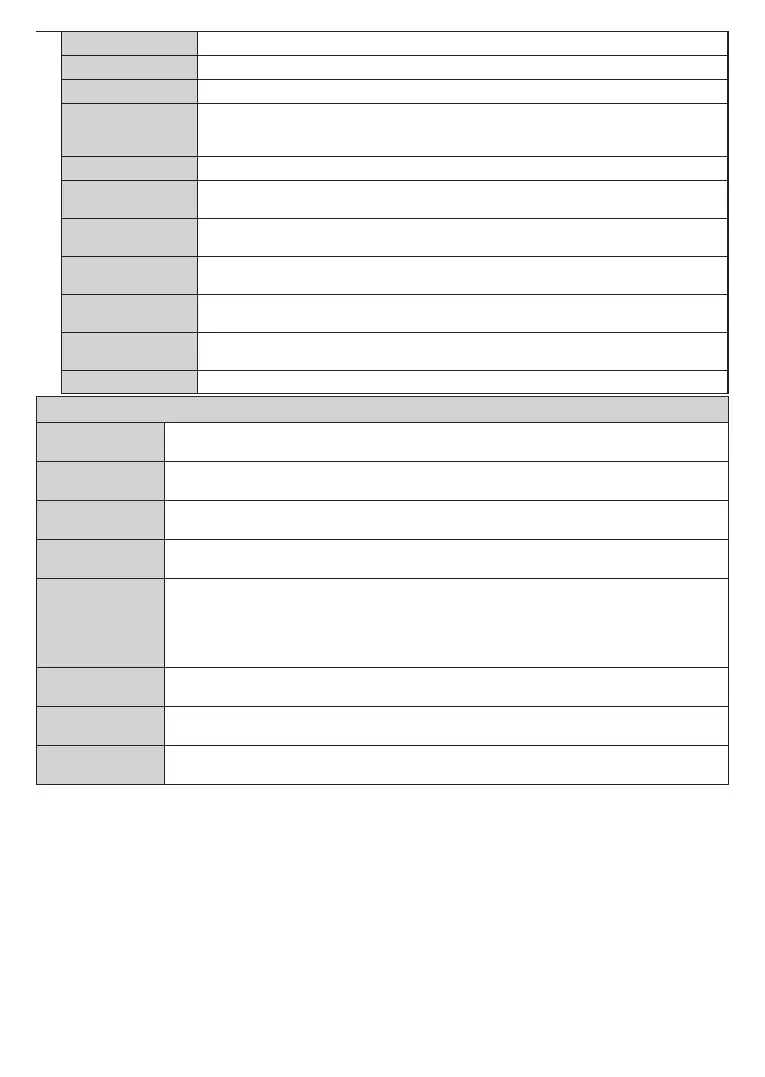
Menu Timeout Changes timeout duration for menu screens.
Software Upgrade EnsuresthatyourTVhasthelatestrmware.PressOK to see the menu options.
Application Version Displays current software version.
Subtitle Mode
This option is used to select which subtitle mode will be on the screen (DVB subtitle / Teletext
subtitle) if both is available. Default value is DVB subtitle. This feature is available only for the
country option of Norway.
Auto TV OFF Sets the desired time for the TV to automatically go into standby mode when not being operated.
Store Mode
Select this mode for store display purposes. Whilst Store Mode is enabled, some items in the
TV menu may not be available.
Power Up Mode
Thissettingconguresthepowerupmodepreference.Last State and Standby options are
available.
CEC
With this setting you can enable and disable CEC functionality completely. Press Left or Right
button to enable or disable the feature.
CEC Auto Power On
This function allows the connected HDMI-CEC compatible device to turn on the TV and switch
to its input source automatically. Press Left or Right button to enable or disable the feature.
Speakers
To hear the TV audio from the connected compatible audio device set as Amplier. You can
use the remote control of the TV to control the volume of the audio device.
OSS Displays Open Source Software license information.
Installation Menu Contents
Automatic channel
scan (Retune)
Displays automatic tuning options. Digital Aerial: Searches and stores aerial DVB stations. Digital
Cable: Searches and stores cable DVB stations. Analogue: Searches and stores analogue stations.
Manual Channel
Scan
This feature can be used for direct broadcast entry.
Network Channel
Scan
Searches for the linked channels in the broadcast system. Digital Aerial: Searches for aerial network
channels. Digital Cable: Searches for cable network channels.
Analogue Fine
Tune
Youcanusethissettingfornetuninganaloguechannels.Thisfeatureisnotavailableifnoanalogue
channels are stored.
Installation
Settings (Optional)
Displays installation settings menu. Standby Search(*) : Your TV will search for new or missing
channels while in standby. Any new found broadcasts will be shown. Dynamic Channel Update(*)
: If this option is set as Enabled, the changes on the broadcasts such as frequency, channel name,
subtitle language etc., will be applied automatically while watching.
(*) Availability depends on model.
Clear Service List
Use this setting to clear channels stored. This setting is visible only when the Country option is set
to Denmark, Sweden, Norway or Finland.
Select Active
Network
This setting allows you to select only the broadcasts within the selected network to be listed in the
channel list. This feature is available only for the country option of Norway.
First Time
Installation
Deletes all stored channels and settings, resets TV to factory settings.



 To Next Page