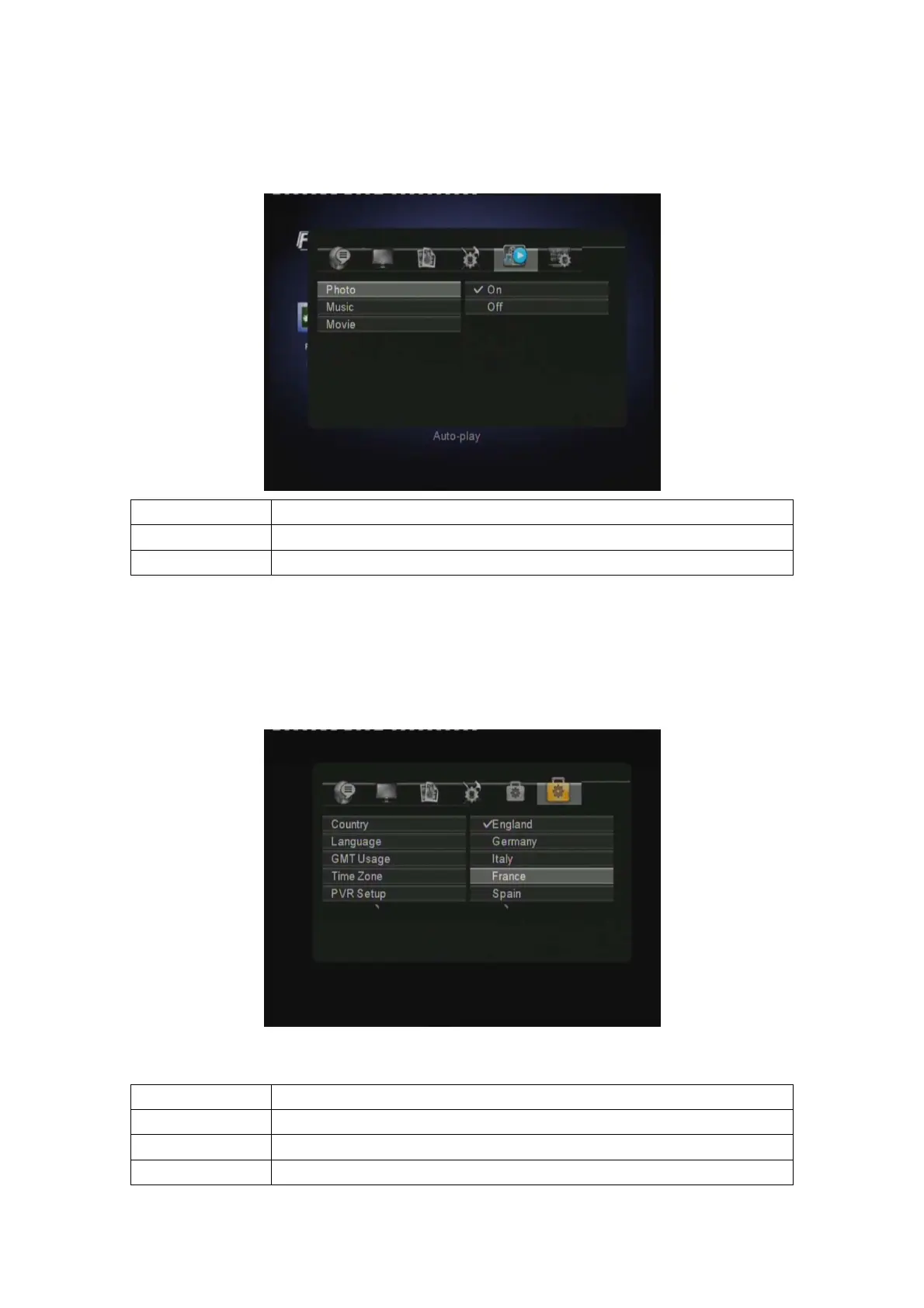
3.7.5 AUTO PLAY SETUP
Select AUTO PLAY SETUP and you can setup AUTO PLAY in PHOTO, MUSIC and MOVIE.
PHOTO ON, OFF
MUSIC ON, OFF
MOVIE ON, OFF
3.7.6 DVB-T SETUP
You cannot access this option via SETUP directly. Please go to the DIGITAL TV menu, press
SETUP to enter the DVB-T setup menu (only in the DIGITAL TV interface, you can enter this
menu). In this menu, you can setup Country, Language, GMT Usage, Time Zone, PVR Device,
Sort, Automatic Search and Manual Search.
After the very first installation is done, you can use the following functions:
Country
Press ENTER to select the country menu.
Language
Press ENTER to enter the language menu.
Time Zone Select the time zone
PVR Device Enter the select the record device
EN 21 / 31



 To Next Page