EasyManua.ls Logo

Fantec 4KS7000 - User Manual

Fantec 4KS7000
24 pages
Go to English
Print Icon
To Next Page IconTo Next Page
Loading...
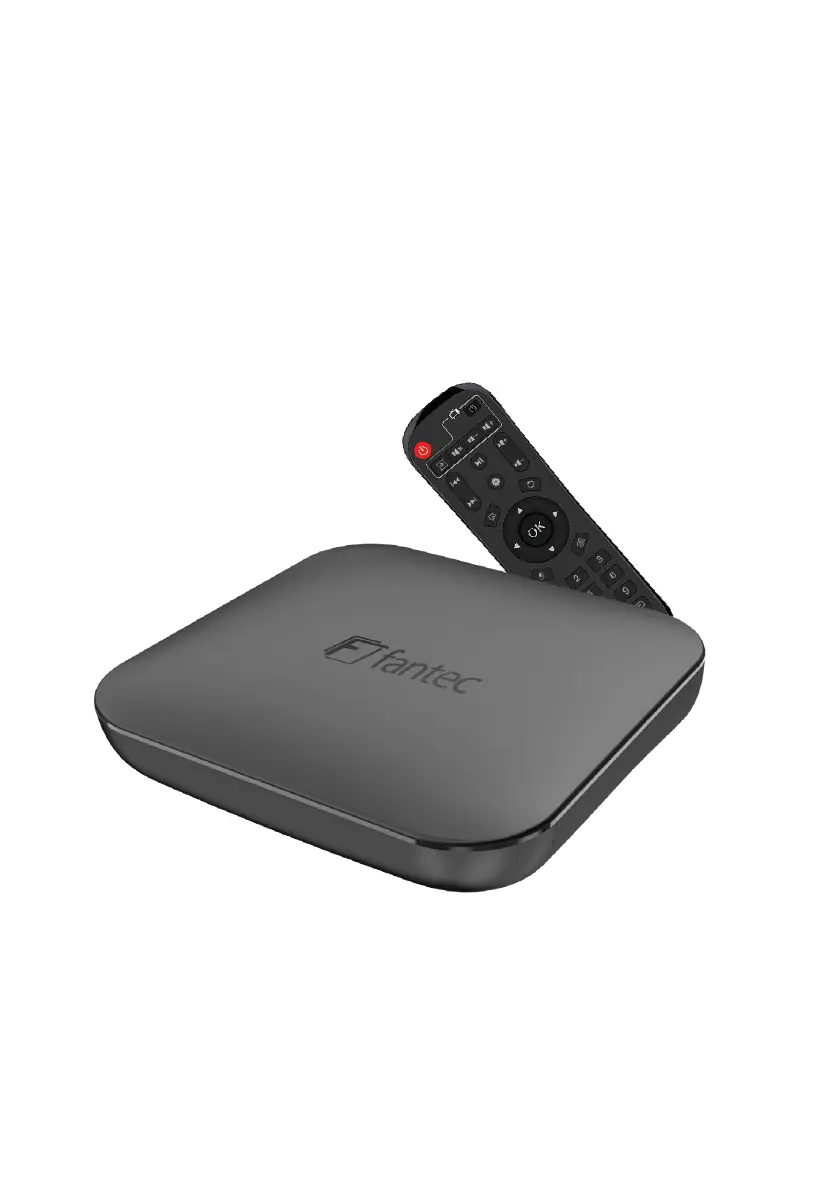
4KS7000
4K & 3D Android TV Media Player
Quick Start Guide
Lesen Sie bitte die Kurzanleitung sorgfältig durch,
bevor Sie das Gerät in Betrieb nemen.
Please read the user manual carefully before the first use of device.

Questions and Answers

  • L
    Leslie YangAug 6, 2025
    What to do if the Fantec Media Player remote control does not work?
    • P
      paul27Aug 6, 2025
      If the Fantec Media Player remote control isn't working, ensure there's a clear line of sight between the remote and the media player. Also, try replacing the batteries. If the buttons still don't respond after these steps, please contact service.
  • N
    natasha88Aug 10, 2025
    How to fix no network connection on Fantec Media Player?
    • M
      Mary SingletonAug 10, 2025
      If your Fantec Media Player has no network connection, first, check the cable connection by disconnecting and reconnecting the network cable. If you are using WLAN, try deactivating it in the network settings and then switching it back on. Verify the settings of your WLAN access. As an additional step, try moving the media player closer to the router.
  • A
    Angela JordanAug 14, 2025
    Why is there no sound on my Fantec 4KS7000?
    • C
      Cassandra CarterAug 15, 2025
      If you see the image on your TV but there's no sound from your Fantec Media Player, try these steps: First, check the cable connections by disconnecting and reconnecting the HDMI or AV cable. Second, press button number 13 on the remote control to ensure the mute function is not enabled. Finally, press button number 6 on the remote control to increase the playback volume.
  • D
    Dylan MartinezAug 23, 2025
    What to do if there is no sound on my Fantec 4KS7000?
    • N
      njimenezAug 23, 2025
      If your Fantec Media Player shows an image but no sound, first, check the HDMI/AV cable connections by disconnecting and reconnecting them. If that doesn't work, press button number 13 on the remote control to unmute the device. Also, try pressing button number 6 on the remote to increase the playback volume.
  • K
    Kevin JohnsonAug 28, 2025
    How to fix no image on Fantec 4KS7000 Media Player?
    • F
      Francis RussellAug 28, 2025
      If your Fantec Media Player shows no image after turning it on, ensure the plug-in power supply is correctly inserted. Also, check that the power cable is properly inserted into the media player and that the video cable is correctly inserted.
  • J
    john32Sep 1, 2025
    Why is my Fantec 4KS7000 Media Player remote control not working?
    • E
      Erin WaltersSep 1, 2025
      If the remote control for your Fantec Media Player isn't working, first ensure there is a clear line of sight between the remote and the media player. If that doesn't help, try changing the batteries.
  • K
    Keith DavisSep 10, 2025
    What to do if there is no image display on Fantec Media Player?
    • J
      John FrostSep 12, 2025
      If there is no image displayed after turning on the Fantec Media Player, check the following: Ensure the plug-in power supply is correctly inserted. Verify that the power cable is properly inserted into the media player. Also, check that the video cable is correctly inserted.

Fantec 4KS7000 Specifications

General IconGeneral
Video OutputHDMI 2.0a
HDR SupportHDR10
Audio OutputHDMI, Optical (S/PDIF)
Storage SupportUSB 3.0, USB 2.0, SD Card
Supported Video FormatsH.265/HEVC, H.264, MPEG-4, MPEG-2, VC-1
Supported Audio FormatsMP3, WMA, AAC, PCM, DTS, Dolby Digital, Dolby Digital Plus, FLAC
Supported Image FormatsJPEG, BMP, PNG, GIF
Subtitle FormatsSRT, SUB, SSA

Related product manuals