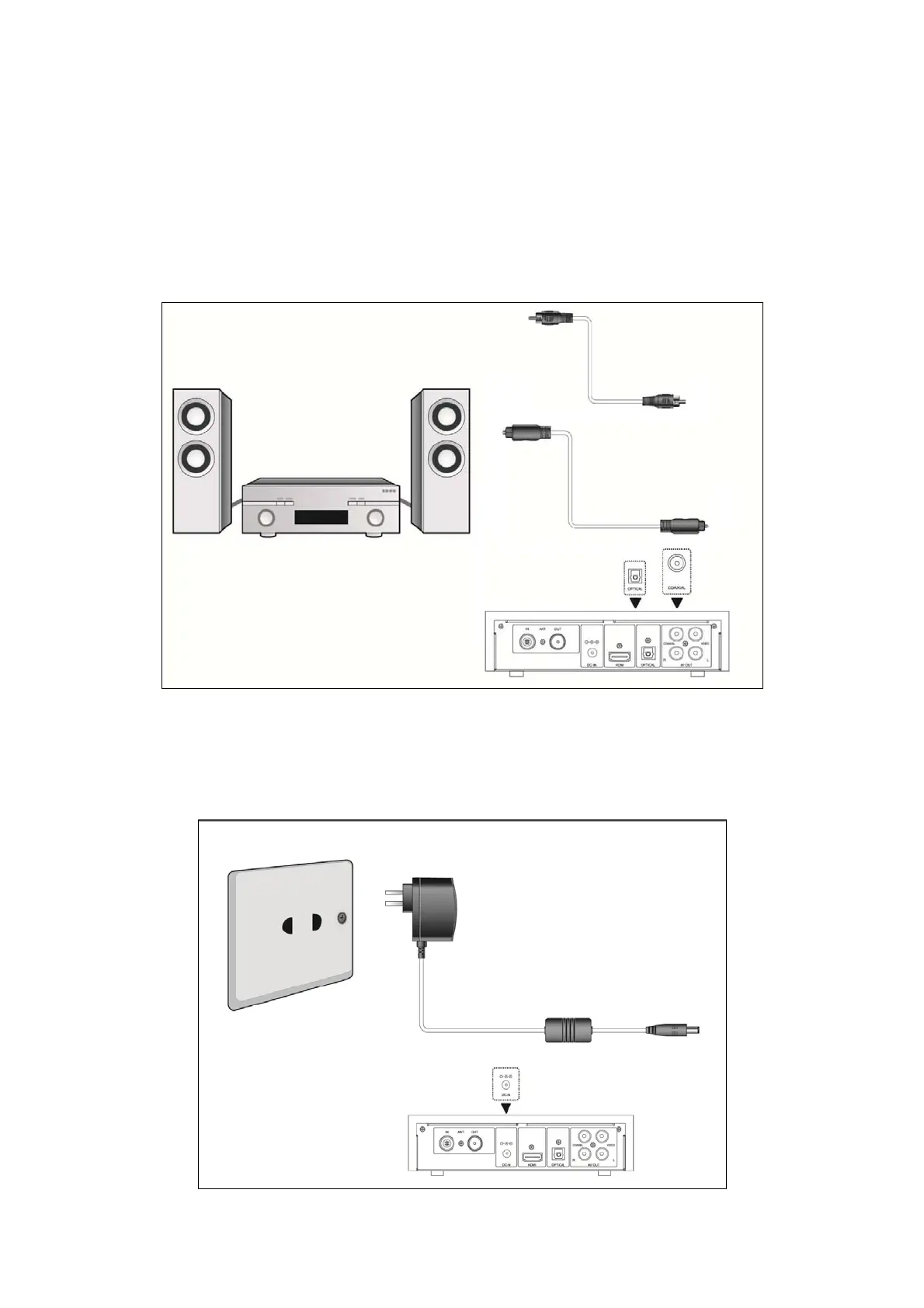
1.4.5 Connecting to an Digital Amplifier
(1) Follow the picture and plug in the RCA connector on your coaxial cable to the player’s
Coaxial jack. Or if you use optical fiber, please plug in the Toslink connector on your optical
fiber to the player’s S/PDIF Optical jack;
(2) Follow the picture and plug in the other connector on your coaxial cable or optical fiber to
the digital audio device (digital amplifier or decoder).
Note: Optical fiber and coaxial cable are not supplied.
1.4.6 Power connection
(1) Follow the picture and connect the AC adaptor to the player’s DC IN jack;
(2) Follow the picture and plug in the AC adaptor to the power outlet.
EN 9 / 31



 To Next Page