08
Ed. 1 - 03/2019Ed. 1 - 03/2019
ENGLISH
EN_40
Troubleshooting
Problem Possible cause Possible solution
10 Battery pack charge level insucient. Recharge the battery pack using the dedi-
cated battery charger.
11 Battery charge level too high.
Turn the system o completely and turn it
back on using the button T4 on the Control
Panel. If the problem persists, please contact
the dealer or the retailer.
12 The battery is almost / completely dead. Recharge the battery pack using the dedi-
cated battery charger.
20 Electrical measurements defective.
Turn the system o completely and turn it
back on using the button T4 on the Control
Panel. If the problem persists, please contact
the dealer or the retailer.
21 Heat sensor defective.
Turn the system o completely and turn it
back on using the button T4 on the Control
Panel. If the problem persists, please contact
the dealer or the retailer.
24 The internal voltage is outside the operat-
ing range.
Recharge the battery pack using the dedi-
cated battery charger.
25 Motor current measurement error.
Turn the system o completely and turn it
back on using the button T4 on the Control
Panel. If the problem persists, please contact
the dealer or the retailer.
Problem Possible cause Possible solution
26 The software has been reset.
Turn the system o completely and turn it
back on using the button T4 on the Control
Panel. If the problem persists, please contact
the dealer or the retailer.
40 Over-current detected in motor. Reduce the load on the motor by pedal-
ling more slowly or reducing the assisted
pedalling power level.
41 Over-current detected in motor. Reduce the load on the motor by pedal-
ling more slowly.
42 Motor rotation problem.
Turn the system o completely and turn it
back on using the button T4 on the Control
Panel. If the problem persists, please contact
the dealer or the retailer.
43 Short circuit in motor.
Turn the system o completely and turn it
back on using the button T4 on the Control
Panel. If the problem persists, please contact
the dealer or the retailer.
44 Motor over-heated. Reduce the load on the motor by pedal-
ling more slowly or reducing the assisted
pedalling power level.
45 The software corrected an error while the
motor was rotating.
Turn the system o completely and turn it
back on using the button T4 on the Control
Panel. If the problem persists, please contact
the dealer or the retailer.
46 No motor movement detected despite a
current level measurement of >2A.
Turn the system o completely and turn it
back on using the button T4 on the Control
Panel. If the problem persists, please contact
the dealer or the retailer.
60 Data exchange on CAN BUS interrupted. Check the cables and connect all the pow-
er-assisted pedalling system components.
70 Force applied to pedalling outside correct
range.
Turn the system o completely and turn it
back on using the button T4 on the Control
Panel. If the problem persists, please contact
the dealer or the retailer.
71 Pedal rotation not detected.
Turn the system o completely and turn it
back on using the button T4 on the Control
Panel. If the problem persists, please contact
the dealer or the retailer.
>>>
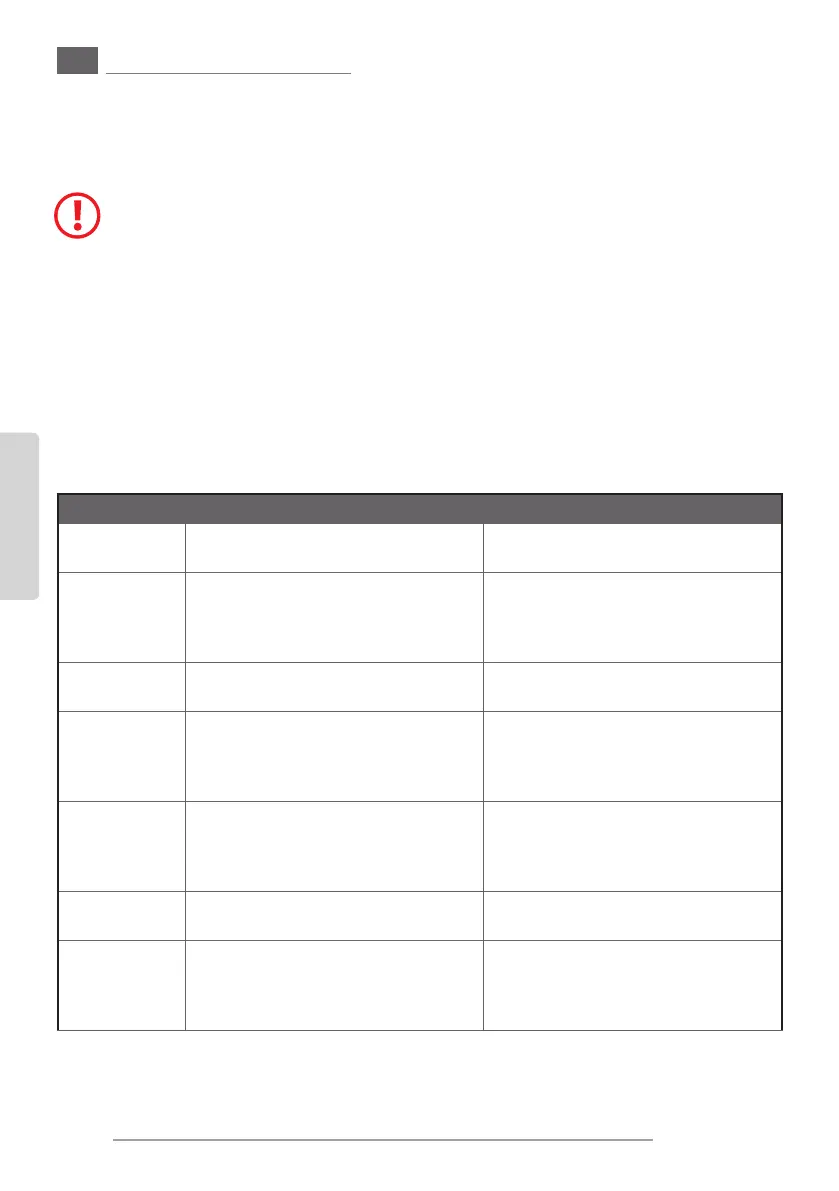
2. ERROR CODES - INSTRUMENT “A”
Check whether the error code that appears on the display is included in the table and, if so, proceed as indi-
cated.
Pay attention to the error codes!
The error codes can denote severe anomalies in the pedelec system. These
anomalies prevent a safe functioning of the pedelec and could cause damag-
es to the system itself or personal injuries. Stop using the pedelec.
Identify the meaning of the error code and please follow the indications in
order to correct it.
If you’re not sure of the meaning of the error code, please stop using the sys-
tem and park the bicycle. Please contact the manufacturer, the retailer or its
workshop to nd information on how to proceed.


 To Next Page
 Loading...


