ENGLISH
GB-24
Option
Delay
Delay
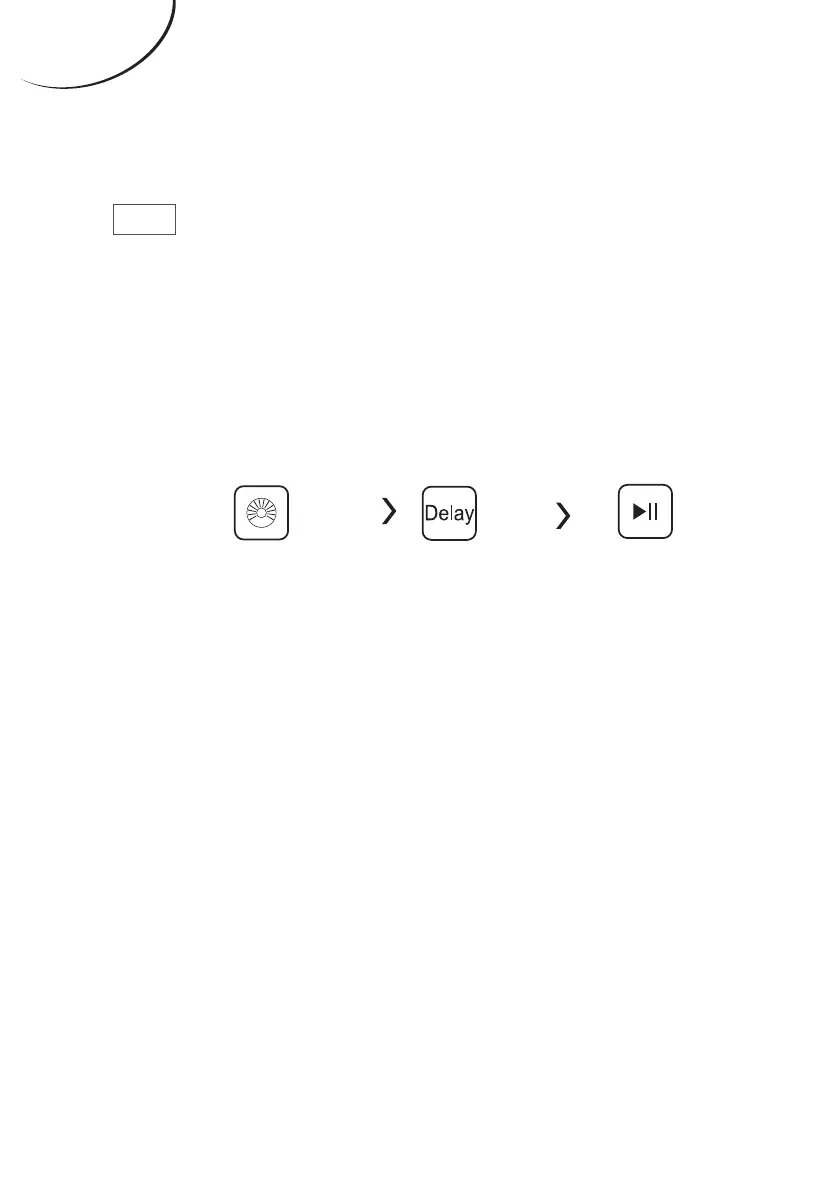
Set the Delay function:
1. Select a programme;
2. Press the Delay button to choose the
time of the delaying time is 0-24 H.);
3. Press [Start/Pause] to commence the
delay operation
Start
Setting
time
Choose the
Programme
Cancel the Delay function:
Press the [Delay] button until the
display be 0H. lt should be pressed
before starting the programme. If the
programme already started, should
switch o programme to reset a new one.



 To Next Page