EasyManua.ls Logo

Farberware BL 45312 - User Manual

Farberware BL 45312
18 pages
Print Icon
To Next Page IconTo Next Page
Loading...
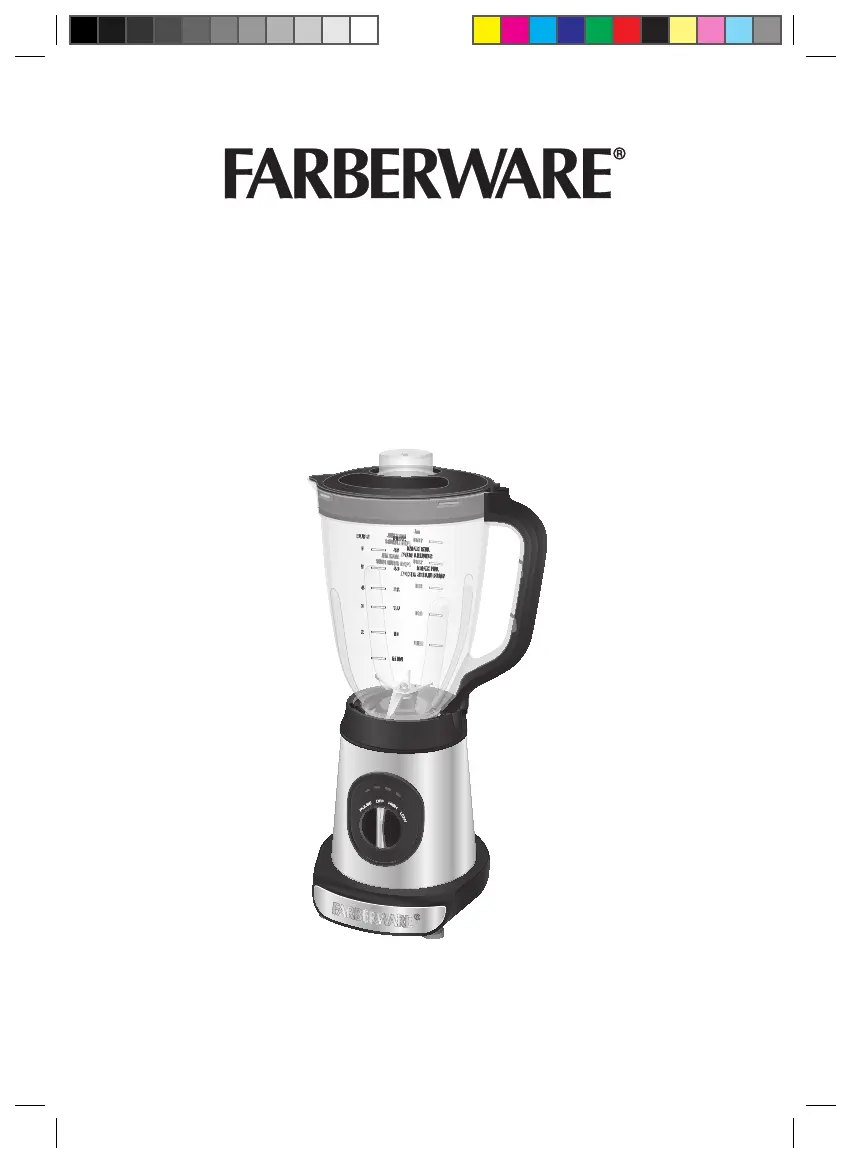
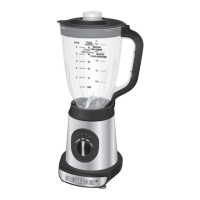
RECHARGEABLE BLENDER
Model Number: BL 45312
UPC: 848052005501
Customer Assistance
1-855-451-2897 (US)
Please consider the option to recycle the packaging material.
Rechargeable Blender_BL 45312_IM_US_V10_190610.indd 1 6/10/19 10:24 AM

Questions and Answers

  • C
    Carol JonesAug 8, 2025
    Why are the blades on my Farberware Blender rotating so slowly?
    • B
      Brian BakerAug 8, 2025
      If your Farberware Blender blades are rotating very slowly, it might be because there is too much food in the jar or not enough liquid. If there's too much food, turn the control knob to the OFF position, remove some food, shake the ingredients to redistribute them, and then restart the blending operation. If there is not enough liquid, turn the control knob to the OFF position, add some liquid, and restart the blending operation.
  • L
    Laurie BarnesAug 13, 2025
    Why is food not fully blended in my Farberware BL 45312?
    • J
      Joshua BrockAug 13, 2025
      If food is not fully blended in your Farberware Blender, it could be because the ingredients are too large or there is too much food in the jar. If the ingredients are too large, turn the control knob to the OFF position, remove the ingredients, and cut them into smaller pieces before restarting. If there is too much food, turn the control knob to the OFF position, remove some food, shake the ingredients to redistribute them, and then restart the blending operation.
  • R
    Robert MorganAug 18, 2025
    How to stop my Farberware BL 45312 from leaking?
    • M
      Mary YoungAug 18, 2025
      If your Farberware Blender is leaking liquid, several issues could be the cause. First, turn the control knob to the OFF position and check that all parts are tightly secured. If there's too much food in the jar, turn the control knob to the OFF position, remove some food, and clean the appliance. Shake the ingredients to redistribute them, then restart blending. Also, check for a missing or damaged seal ring on the attachment unit. If the seal ring is missing, insert the required seal ring. If it's damaged, replace it with a new one.
  • M
    Melanie StuartAug 23, 2025
    What to do if my Farberware Blender suddenly stops?
    • M
      Michael CampbellAug 23, 2025
      If your Farberware Blender suddenly stops, it could be due to a depleted Battery Pack (indicated by 1 red flashing light) or an overloaded motor (indicated by 4 red flashing lights). If the Battery Pack is depleted, turn the control knob to the OFF position, connect the Jack Adaptor to the Charger Socket and then the charger to a wall outlet, and restart operation once the Battery Pack is fully charged. If the motor is overloaded, turn the control knob to the OFF position, remove the Battery Pack, and let the appliance cool down. Make sure you follow the specified working and resting times as indicated in the blending programs.
  • K
    Kimberly FullerAug 28, 2025
    How to fix a Farberware Blender Battery Pack that won't charge?
    • D
      Deborah ClarkAug 28, 2025
      If the Battery Pack for your Farberware Blender cannot be charged, first ensure that the Jack Adaptor is correctly connected to the Charger Socket and the charger is plugged into a working wall outlet. Check the fuses and circuit breaker to confirm the outlet is energized. If the outlet works, but the Battery Pack still won’t charge, disconnect the charger from the wall outlet and then the Jack Adaptor from the Charger Socket, remove the Battery Pack and contact qualified personnel to check and repair the appliance. The issue could be a damaged Battery Pack or a damaged charger.
  • L
    Lisa FernandezNov 2, 2025
    Why is my Farberware BL 45312 not working?
    • S
      Sharon LeeNov 2, 2025
      If your Farberware Blender is not working, several factors could be the cause. First, ensure the Battery Pack is fully inserted into the Battery Docking Port. If the Battery Pack is depleted (indicated by 1 red flashing light), turn the control knob to the OFF position, connect the Jack Adaptor to the Charger Socket and then the charger to a wall outlet, and restart once fully charged. Also, make sure the jar and lid are properly assembled and locked. Overheating (4 red flashing lights) or an overloaded motor (4 red flashing lights) can also prevent operation; if this happens, turn the control knob to the OFF position, remove the Battery Pack, and allow the unit to cool down before using it again, also adhere to specified blending programs. Finally, a malfunctioning appliance or damaged Ba...

Summary

Important Safeguards

Additional Safeguards

Parts

Operation

Before First Use

Initial setup steps before operating the blender.

Assembly

Instructions on how to put the blender components together.

Using the Appliance

Guide on how to operate the blender for various tasks.

Blending Programs

Details on different blending modes and speeds.

Charging the Battery Pack

Instructions for charging the blender's battery.

Indicator Lights

Explanation of the meaning of different indicator light combinations.

Recipes

Hints and Tips

Cleaning and Maintenance

Cleaning Between Blending Operations

Steps for quick cleaning between different food types.

Storage

Guidelines for storing the appliance properly.

Troubleshooting

Technical Data

Customer Assistance

Farberware BL 45312 Specifications

General IconGeneral
ModelBL 45312
CategoryBlender
BrandFarberware
Power700 Watts
Speed Settings2
MaterialPlastic
ColorBlack
Voltage120V
Pulse FunctionYes
Blade MaterialStainless Steel
Capacity48 ounces

Related product manuals