-if the internet works, unplug FARIFI WE-N300 and plug it
halfway between your Router and the Device intended for the
internet usage/dead zones in your home where you were getting
2.Repeater Mode(Using Your Laptop)
-Make sure the route works normal.
-Plug it into an electrical outlet ( closest to your primary
router/WiFi access point ).
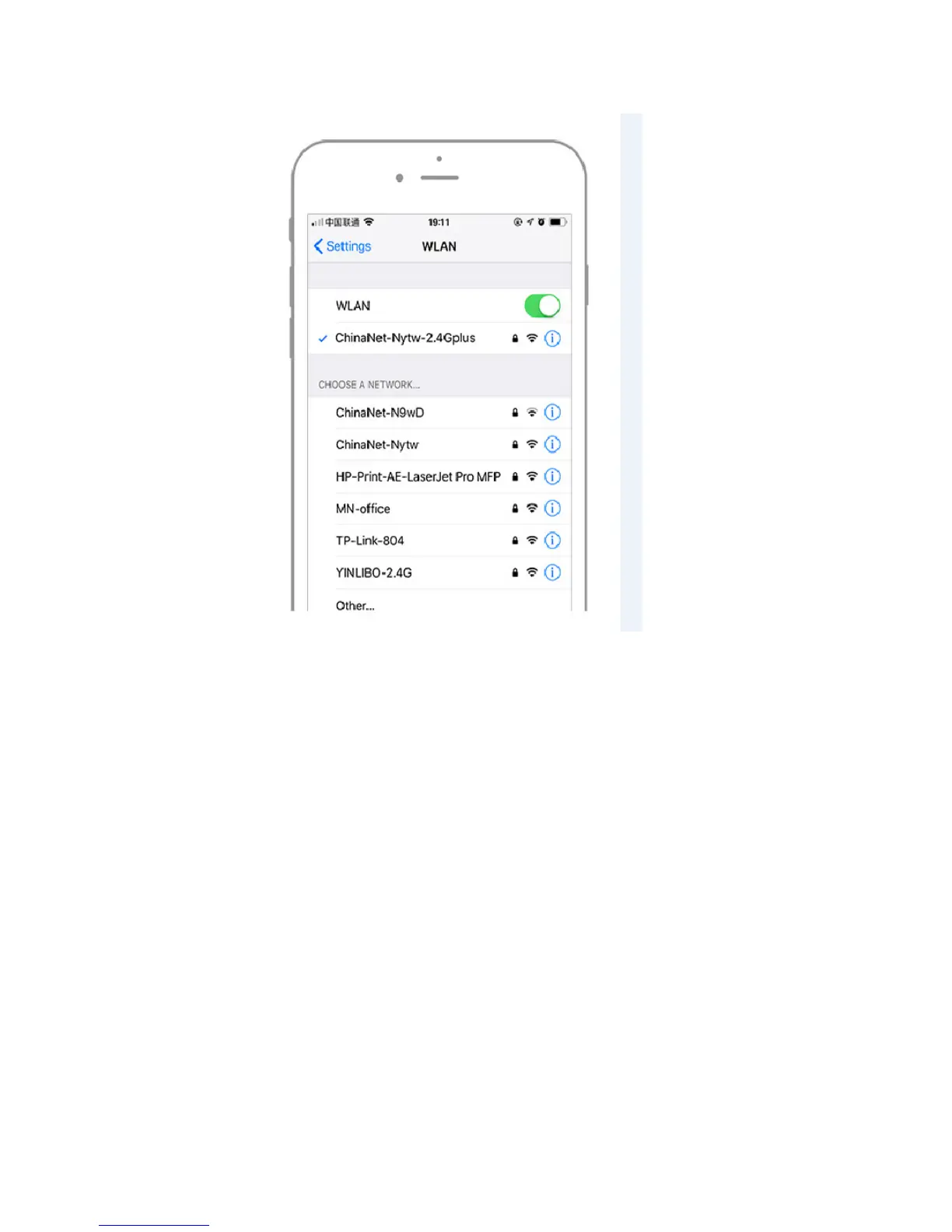
-Use your Laptop to connect with the repeater (find "FARFI"
and connect with it in your wireless signal list).
-Visit the IP address 192.168.10.1 from a web browser.
-Log-in to the Admin Page by using "admin" for both the
username and password, and then it will scan the exsisited



 To Next Page