©Farmstream LTD 2020
Step 6: Changing your cameras password
• Select the cameras settings menu
• Select change password
• Your old password is ‘admin’, enter a new password and record it
somewhere safely. You will need this password to share the camera to
other devices.
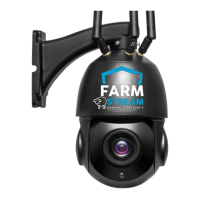
Step 7: Mounting your camera
• Mount your camera in the desired location and re-connect to power
Controlling your 360 Camera
• In order to move your 360 cameras, place your finger in the centre of the
screen and swipe in the direction you wish to move
• The camera defaults to SD when installed, click on SD to change to HD for
a higher quality.
• Within the camera menu you will find recording/photo options along with
the zoom function
• Your camera will auto-focus, we don’t recommend the manual-focussing
found within the zoom option


 To Next Page