12
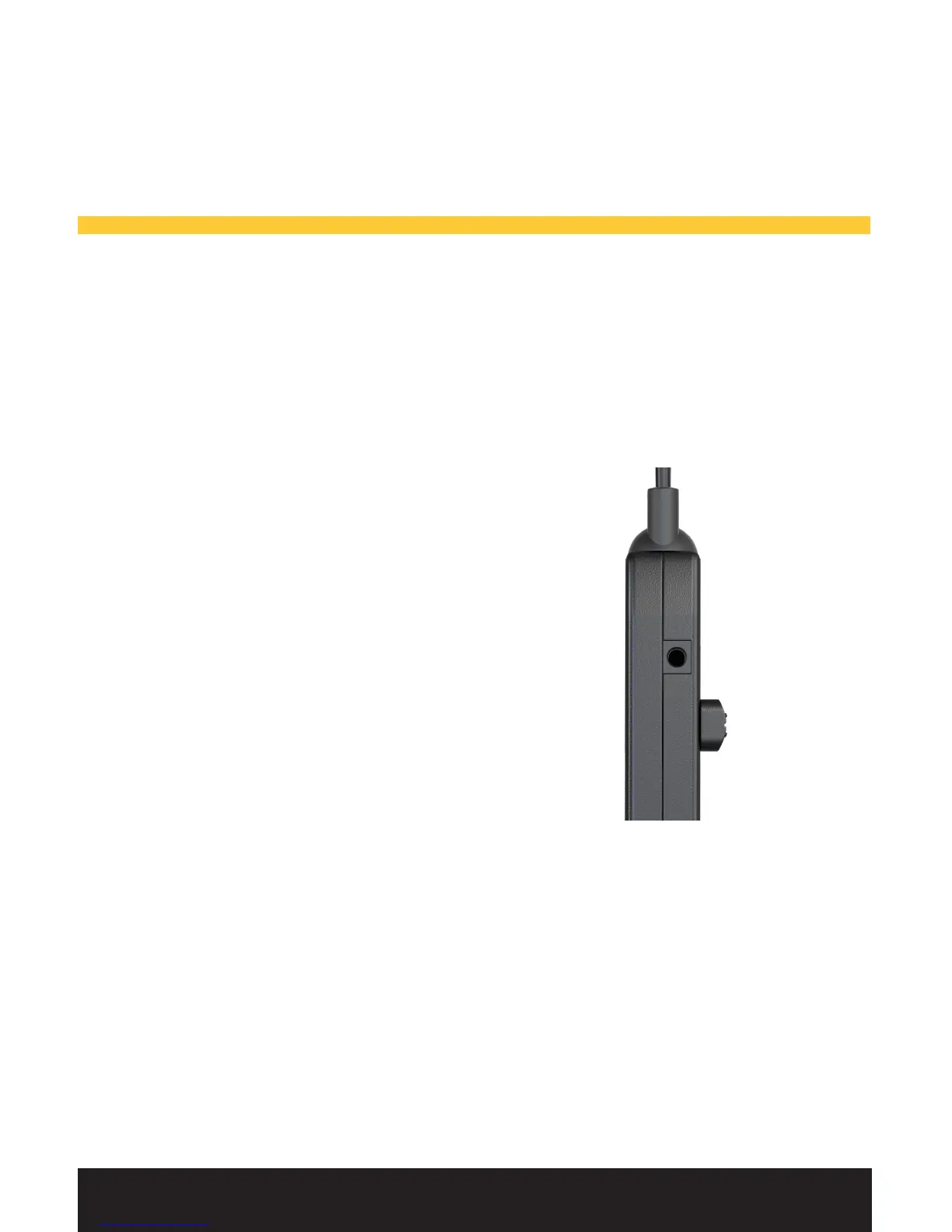
Auxiliary Audio.
Your AIR headset can be connected to an external audio
source, such as a portable audio device or a GPS via the
provided 3.5 mm cable.
You will nd the auxiliary input on
the side of your audio controller.
Tip: Be sure to have the auxiliary
audio at a volume that ensures
you do not miss any important
communications or aircraft sounds.
Using AIR.



 To Next Page