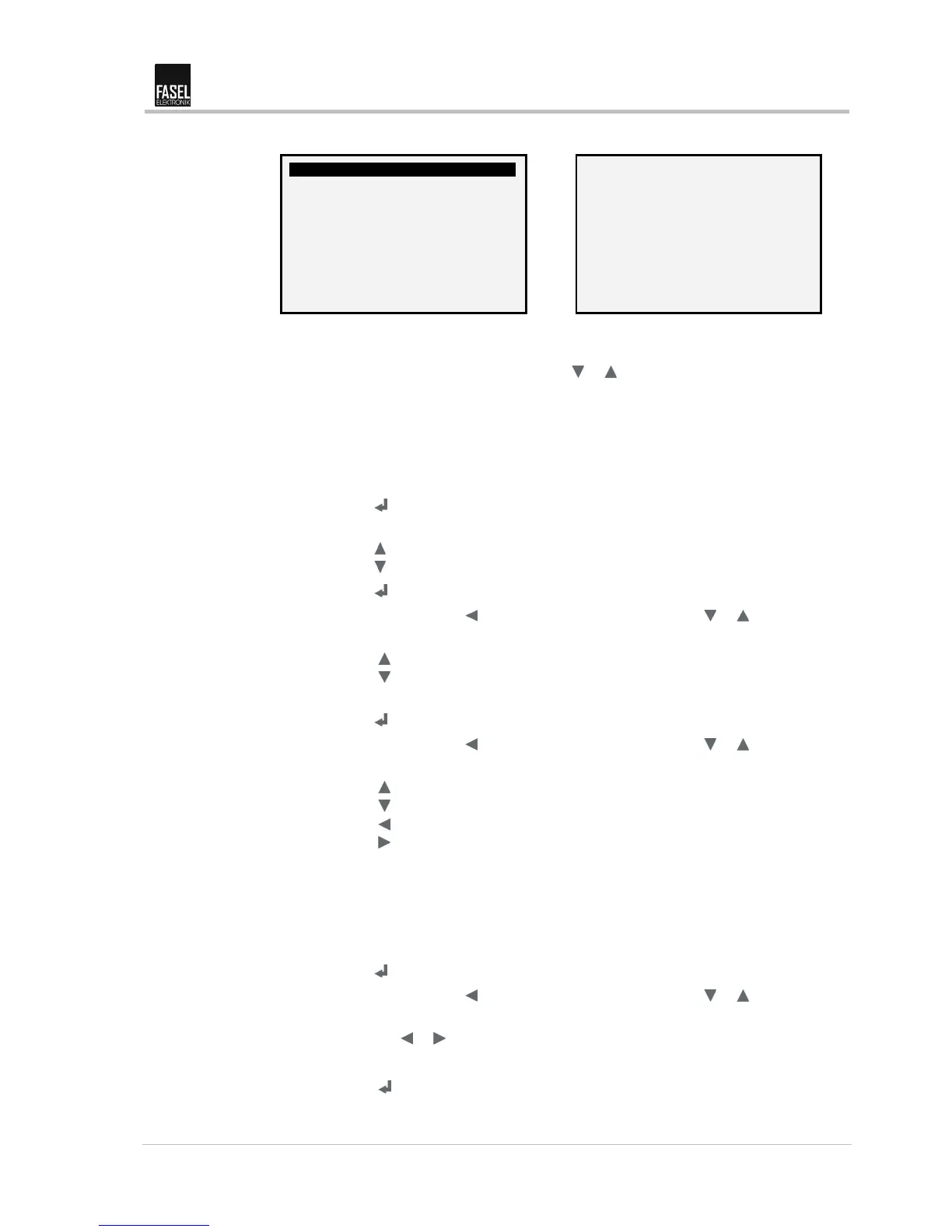
Fig. 32: "Colour light automatic – change mode" view (example)
5. Select one of the following lines with the or key:
– Colour program no. (→ point 7)
– Program step (→ point 10)
– Duration in min (→ point 13)
– Adjusted colour (→ point 16)
6. Press the key. Selected line is enabled.
7. Select colour program no. Cursor flashes on the selected line.
Press the key. Increase value.
Press the key: Reduce value.
8. Press the key. The selection is saved.
9. Exit the menu using the key or select the next line with the or key.
10. Select program step. Digit flashes.
Press the key. Increase value.
Press the key: Reduce value.
16 program steps are possible.
11. Press the key. The selection is saved.
12. Exit the menu using the key or select the next line with the or key.
13. Adjust duration. Last digit flashes.
Press the key. Increase value.
Press the key: Reduce value.
Press the key: Move cursor to the left.
Press the key: Move cursor to the right.
A maximum duration of 32 minutes is possible.
Important!
If you enter "0", the colour light programme automatically goes back to programme
step no. 1 during the programme run, i.e. after you enter the colour combination for
the last programme step, you must enter a "0" in the next programme step.
14. Press the key. The selection is saved.
15. Exit the menu using the key or select the next line with the or key.
16. Select adjusted colour. Cursor flashes. Select one or two (mixed colour) colour
lights with the or key. The following combinations are possible:
– 1 / 1 + 2 / 2 / 2 + 3 / 3 / 3 + 4 and 4
17. Press the
key. The selection is saved.


 To Next Page