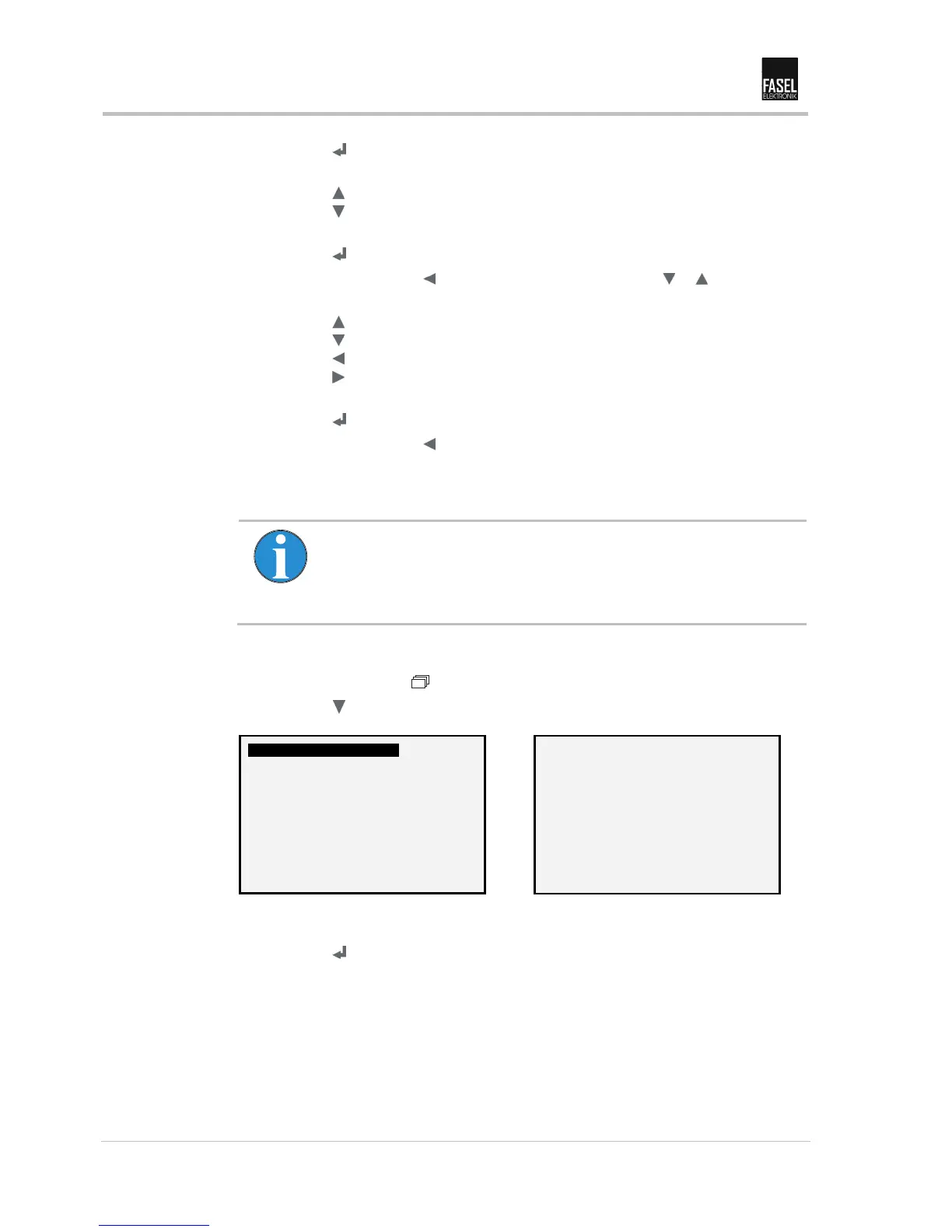
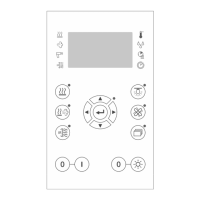
"Basic settings" menu
40 Operating manual Sauna control FCU2x00/FCU3x00/FCU4x00 Version V 2.09
6. Press the key. The selected line is enabled.
7. Select hand. Cursor flashes on the selected line.
Press the key: Increase value.
Press the key: Reduce value.
There is a maximum time period of 3 seconds possible.
8. Press the key. The selection is saved.
9. Exit the menu using the key or select the next line with the or key.
10. Adjust auto. Last digit flashes.
Press the key: Increase value.
Press the key: Reduce value.
Press the key: Select left digit.
Press the key: Select right digit.
There is a maximum time period of 50 seconds possible.
11. Press the key. The selection is saved.
12. Exit the menu using the key.
6.2.2 Colour light automatic (only for menu "Pro")
Note!
The "Colour light automatic" menu is only available for control devices
with the extension board type FCU-EXT-COLOR LIGHT or a RGB-LED
control from the company Licht2000.
In this menu you can program the sequence, if you have selected the "Auto" option in
the "Colour light mode". → See operating instructions for program settings.
1. Press (basic settings) key. The lamp next to the key must light up.
2. Press the key until you see the following view:


 To Next Page