Edition 1.0 pg6
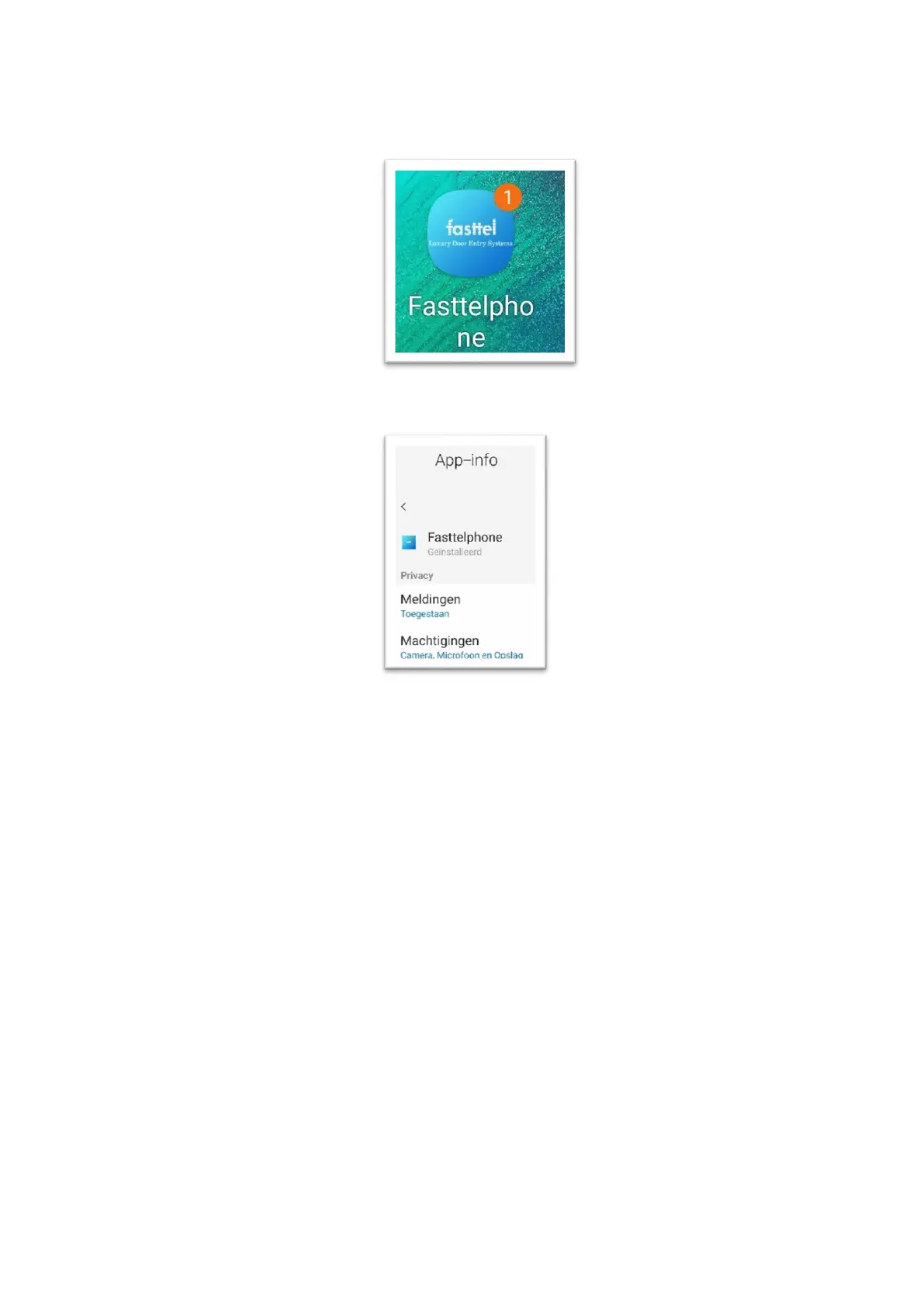
4.1) Go to the Appstore of your smartphone and download the app: Fasttelphone.
Make sure that in the settings / App the privacy / notifications and permissions are all released
for your App to work properly.
After the download you can scan the 1st QR code and if this is successful your smartphone has
been added to your installation.
You can do this for 4 devices for free.
Optional: (if you want more than 4 smartphone apps) you can order them via info@fasttel.com
FT600LIC Loose license for FT600 Doorphone entry stating the KIT number (FT600VKK+number)
If you are going to use another smartphone, make sure you read the correct QR code. There are
4 different codes. After downloading, confirm that you will be using another device. The app on
the previous device will be signed out.



 To Next Page