The audio settings are so correct. It is possible that the environment gives rise to more or less volume or
microphone noise. Then you can adjust it here or on the screen at “Sound”
Just skip the Multicast tab
.
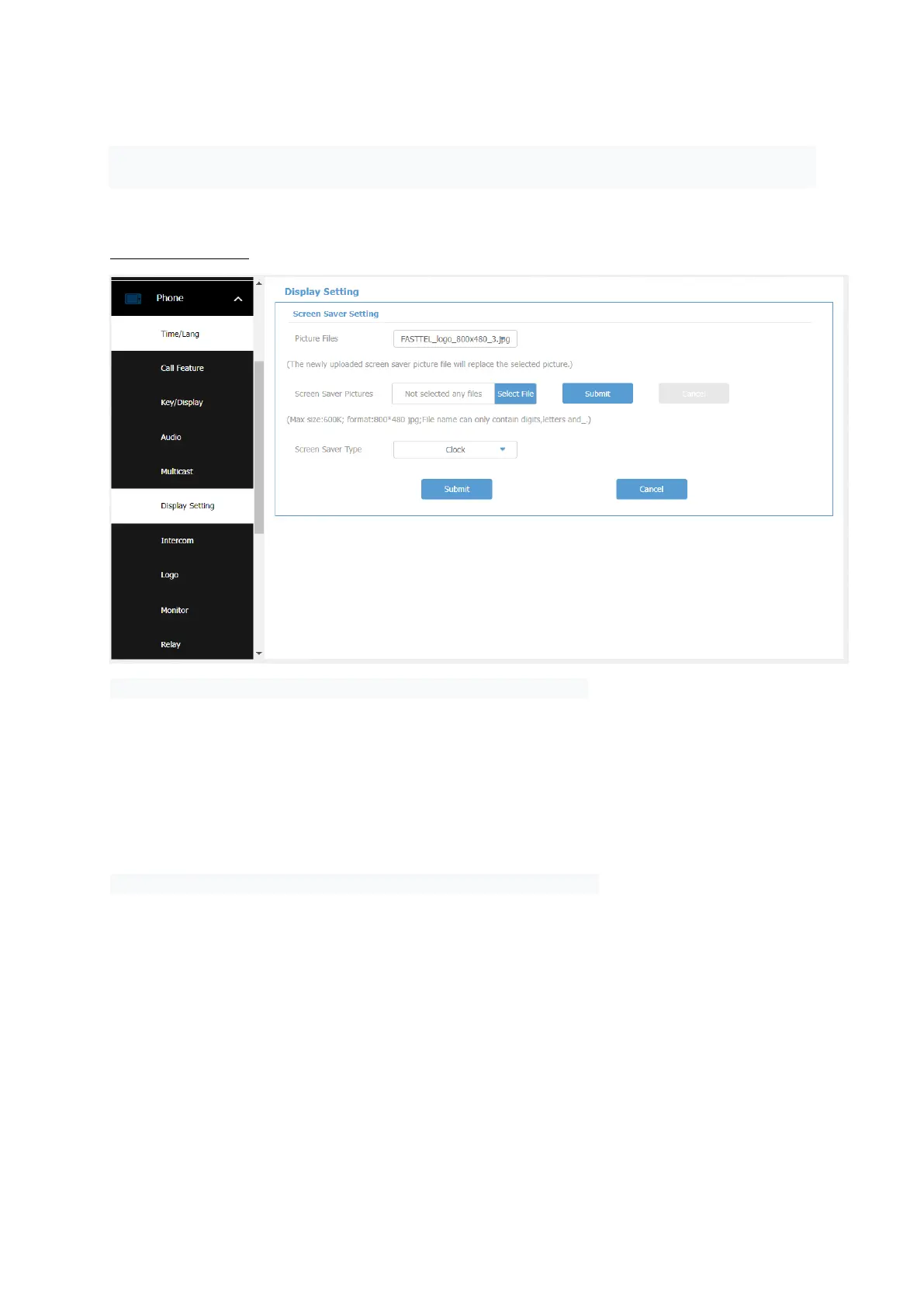
11 – Display Setting
We have already set this up correctly in the basic configuration.
Tabblad
XX – Phone - Intercom and
XX – Phone Logo
have no function is this configuration. So don't do anything with it



 To Next Page