EasyManua.ls Logo

Fat Shark DOMINATOR V3 FSV1063 - User Manual

Fat Shark DOMINATOR V3 FSV1063
12 pages
Print Icon
To Next Page IconTo Next Page
Loading...
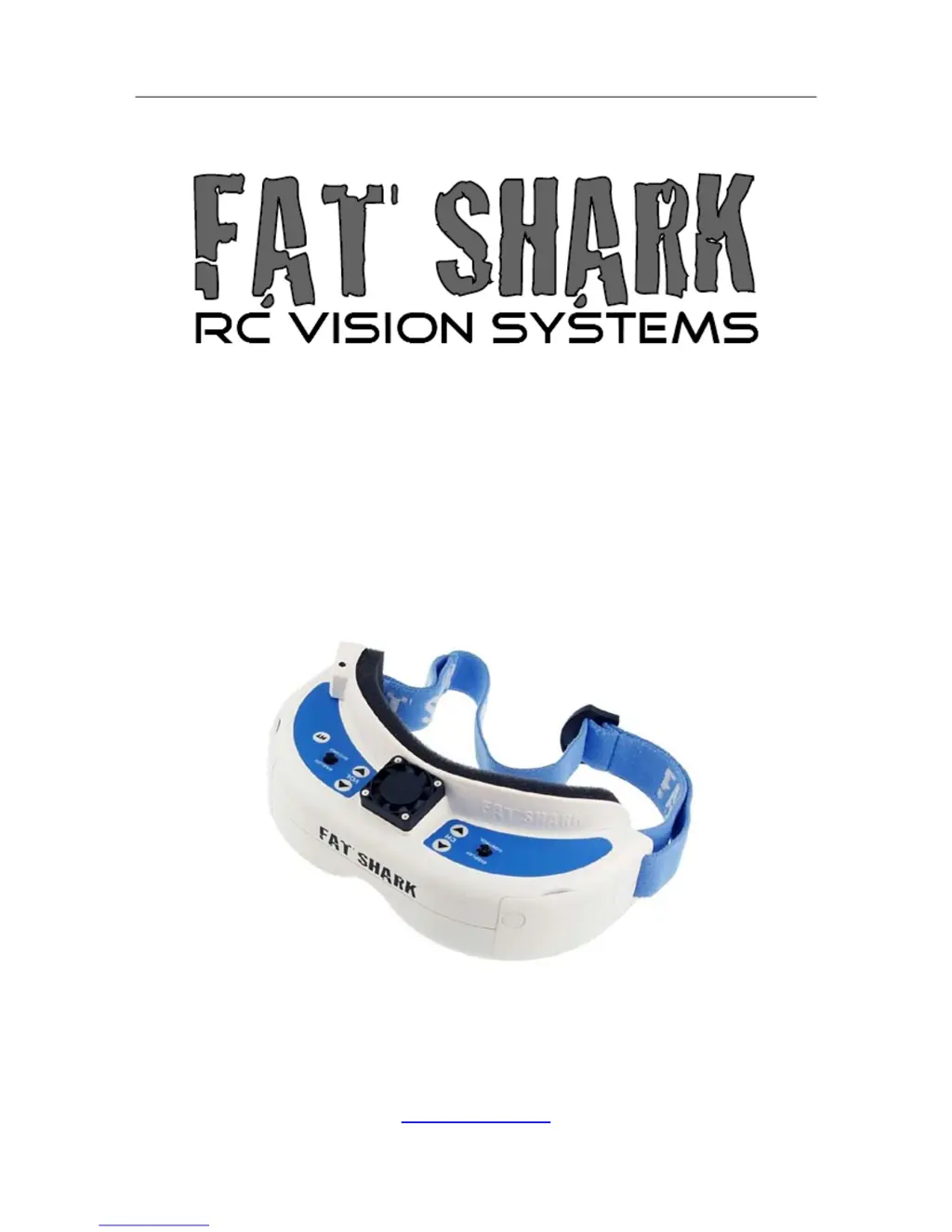
Fat Shark 1 RC Vision Systems
DOMINATOR V3
MODEL FSV1063
USER MANUAL
Revision A 09/10/2015
For more product information, please visit:
www.fatshark.com
All Rights Reserved

Questions and Answers

  • I
    ian33Aug 18, 2025
    What to do if Fat Shark 3D Glasses lens fogs up?
    • T
      Thomas WellsAug 18, 2025
      To prevent the lenses of your Fat Shark 3D Glasses from fogging up, try pre-warming the goggles by wearing them or storing them in a warm location. Alternatively, you can power on the anti-fog mini fan on the faceplate using the headset battery; each press of the button will run the fan for 10 minutes.
  • K
    Krista MccarthyAug 21, 2025
    Why do I have short range with my Fat Shark DOMINATOR V3 FSV1063?
    • T
      Thomas FergusonAug 21, 2025
      If you're experiencing short range with your Fat Shark 3D Glasses, make sure the correct antennas are installed. Check for any other sources of interference and ensure the transmitter has a clear line of sight to the headset. It's also a good idea to test in a wide open area, away from any obstructions.
  • J
    Jessica KelleyAug 23, 2025
    What to do if Fat Shark 3D Glasses HDMI doesn’t work?
    • R
      reneehuffAug 23, 2025
      If the HDMI on your Fat Shark 3D Glasses isn't working, first ensure that your host device supports 720x480 resolution. If you're connected to a computer, verify that the output to the alternative monitor is selected. Also, the HDMI cable could be faulty, so test with an alternative HDMI source and cable to rule that out.
  • J
    James HallAug 26, 2025
    What to do if Fat Shark 3D Glasses have lots of interference lines (horizontal lines) when using 5.8Ghz receiver?
    • K
      Kevin PhamAug 26, 2025
      If you're seeing a lot of horizontal interference lines when using the 5.8GHz receiver on your Fat Shark 3D Glasses, it could be harmonic interference from a 2.4GHz RC controller. Check this by turning the radio on and off. You can also try using CH1 on both the transmitter and headset, as CH1 is not affected by 2.4GHz. Finally, ensure that you are using the correct frequency antenna.
  • P
    phyllis13Aug 28, 2025
    What to do if Fat Shark DOMINATOR V3 FSV1063 display is glowing dark grey but there is no image?
    • A
      achenAug 28, 2025
      If your Fat Shark 3D Glasses display is glowing dark grey but there's no image, and you're using a wireless module, turn on the RX power on the bottom of the headset. If you're using an AV in cable, check the video source. Also, make sure the transmitter is on and the camera connections are solid.
  • K
    Kiara MurphyAug 30, 2025
    What to do if Fat Shark DOMINATOR V3 FSV1063 3D Glasses have lots of interference lines (horizontal lines) with 2.4Ghz receiver?
    • B
      Bryan WheelerAug 30, 2025
      If you are experiencing a lot of interference lines (horizontal lines) when using the 2.4Ghz receiver with your Fat Shark 3D Glasses, try selecting a cleaner channel. Alternatively, switch to 5.8Ghz AV. Also, verify that you are using the correct frequency antenna.
  • J
    Jennifer MichaelSep 2, 2025
    What to do if Fat Shark DOMINATOR V3 FSV1063 3D Glasses head tracker drifts or has excessive error correction (jumpy)?
    • K
      Kevin KaufmanSep 2, 2025
      If the head tracker on your Fat Shark 3D Glasses drifts or has excessive error correction, especially if it appears jumpy, it may be because you are operating inside, which can affect the compass sensor. Try using it outside. Also, RC radio interference with the compass sensor can be the cause, so keep the RC controller antenna away from the headset. Avoid standing near large metal objects, such as a car.
  • K
    kellywagnerSep 4, 2025
    How to fix poor image, dark or not enough contrast on Fat Shark 3D Glasses?
    • K
      Kari PhillipsSep 5, 2025
      If you're experiencing a poor image with your Fat Shark 3D Glasses, characterized by darkness or insufficient contrast, adjust the display using the contrast/brightness button.
  • A
    Angela EnglishSep 7, 2025
    What to do if Fat Shark 3D Glasses head tracker is not working (can enter menu)?
    • M
      Margaret BallSep 7, 2025
      If the head tracker on your Fat Shark 3D Glasses is not working, but you can still enter the menu, it may be due to several reasons: the radio might not support selective trainer function, the settings could be incorrect, the trainer switch on the RC controller may not be activated, or the device might be in Pause mode. Check these settings to resolve the issue.
  • H
    hannahcordovaSep 10, 2025
    Why is there no image on my Fat Shark 3D Glasses (display is completely dark)?
    • J
      Jeremy HamiltonSep 10, 2025
      If there is no image and the display is completely dark on your Fat Shark 3D Glasses, check the power connections.

Summary

Introduction and Warnings

Product Compatibility

Explains compatibility with various video standards and manufacturers.

Critical Product Warning

Essential safety notice regarding sunlight exposure and optics damage.

Product Contents

Controls Diagram

Headset Operation

Controls Overview

Details on adjusting brightness, contrast, volume, and channel selection.

DVR Operation Guide

Instructions for recording, playback, and menu navigation for the DVR feature.

Connectivity and Power Options

AV Cable and HDMI Input

Details on AV cable pinout, HDMI connectivity, and input handling.

Powering Methods

Information on various methods to power the headset and modules.

Battery Management

1800 mAh Battery Pack

Features and specifications of the included 1800mAh Li-po battery pack.

Battery Charging and Safety

Instructions for charging the Li-po battery and essential safety precautions.

Accessories and Modules

Trinity Head Tracker

Guide to installing and using the Trinity Head Tracker module.

Receiver Modules

Details on compatible receiver modules (1.3G/2.4G/5.8G) and installation.

Optional Enhancements

Diopter Lenses

Information on diopter lens inserts for users with visual impairments.

SpiroNET Antenna

Benefits of SpiroNET circular polarized antennas for video performance.

Tiny Telemetry System

Description of the Tiny Telemetry system for FPV flight data.

Technical Specifications

Operational Advice

Troubleshooting and Warranty

Troubleshooting Guide

Common issues and solutions for operating the headset.

Warranty Information

Details on the warranty period, coverage, and repair services.

Fat Shark DOMINATOR V3 FSV1063 Specifications

General IconGeneral
BrandFat Shark
ModelDOMINATOR V3 FSV1063
Category3D Glasses
LanguageEnglish