EasyManua.ls Logo

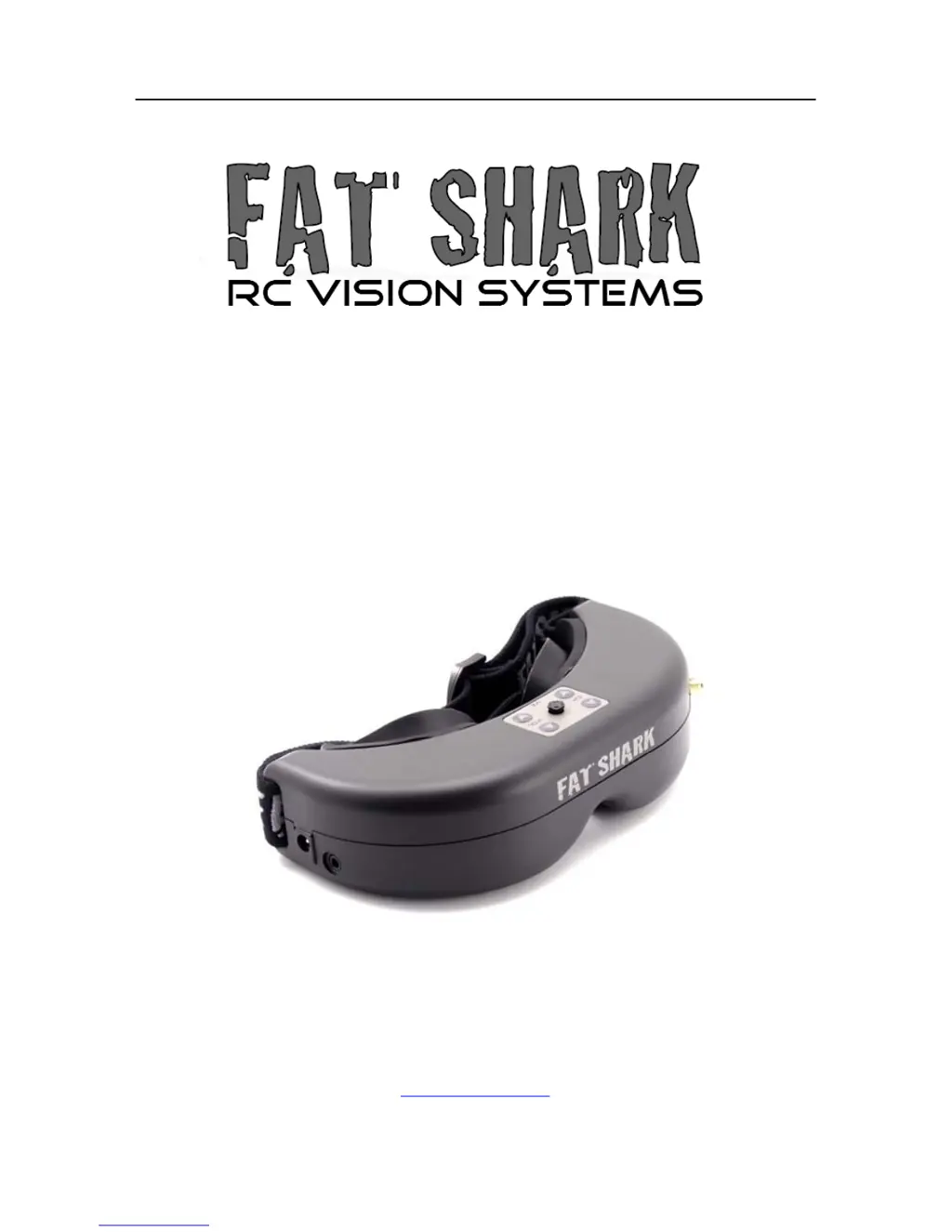
FatShark PREDATOR V2 - User Manual

FatShark PREDATOR V2
12 pages
Print Icon
To Next Page IconTo Next Page
Loading...
Fat Shark 1 RC Vision Systems
PREDATOR V2
RTF FPV KIT
USER MANUAL
Revision C 09/09/2013
For more product information, please visit:
www.fatshark.com
All Rights Reserved

Questions and Answers

  • J
    James JenningsAug 13, 2025
    How to fix short range on FatShark PREDATOR V2?
    • R
      Robert DavisAug 13, 2025
      To improve the short range of your FatShark Headsets, verify that a 5.8GHz antenna is installed. Also, check for any other sources of interference and ensure the transmitter has a clear line of sight to the headset. Testing in a wide-open area, away from obstructions, is recommended.
  • H
    Heather Boyd DDSAug 17, 2025
    What to do if FatShark Headsets display is glowing dark grey with no image?
    • T
      Tanya McphersonAug 17, 2025
      If your FatShark Headsets display is glowing dark grey but showing no image, and you are using a wireless module, turn on RX power on the bottom of the headset. If you are using an AV in cable, check the video source. Also, ensure the TX is on and the camera connections are solid.
  • J
    josephlucasAug 21, 2025
    Why do FatShark PREDATOR V2 Headsets have short range?
    • N
      Nicole RoseAug 21, 2025
      To address short range issues with your FatShark Headsets, ensure that a compatible antenna is installed. Avoid using antennas from other manufacturers, as they may be dual-band or have a reverse SMA (no center pin to connect to the receiver).
  • S
    sgonzalezAug 25, 2025
    How to remove interference lines on FatShark Headsets?
    • W
      washingtonbrandyAug 25, 2025
      To resolve interference lines (horizontal lines) on your FatShark Headsets, try selecting a cleaner channel.
  • S
    Stephanie GutierrezAug 28, 2025
    Why are there interference lines on FatShark Headsets with 5.8Ghz receiver?
    • J
      Jonathon RomeroAug 28, 2025
      If you are experiencing interference lines (horizontal lines) when using a 5.8GHz receiver on your FatShark Headsets, check if the cause is harmonic interference from a 2.4GHz RC controller by turning the radio on and off. Alternatively, use CH1 on the TX/headset, as it is not affected by 2.4GHz. Finally, ensure the correct frequency antenna is used.
  • S
    Stacey AnthonySep 1, 2025
    What causes short range on FatShark PREDATOR V2 Headsets?
    • L
      lisa21Sep 1, 2025
      To address short range issues with your FatShark Headsets, make sure the antenna has a clear line of sight and is free from any obstructions from parts of the RC craft. Incorrect mounting of the TX and antenna can cause this.
  • D
    danielellenSep 5, 2025
    How to fix FatShark PREDATOR V2 with no image and a completely dark display?
    • W
      William GonzalesSep 5, 2025
      If your FatShark Headsets display is completely dark with no image, check the power connections.
  • M
    Monica WatsonSep 8, 2025
    What causes white dots on LCD display of FatShark PREDATOR V2 Headsets?
    • O
      Olivia IrwinSep 8, 2025
      The white dots on the LCD display of your FatShark Headsets are because you were careless and left the goggles exposed to the sun, which burnt off the LCD color filter.

Summary

Product contents

Predator Headset

The primary video piloting headset component of the FPV system.

FPV kit (camera, TX, filter)

Includes the camera, transmitter, and filter for video transmission.

Battery (with discharge adapter)

Provides power to the FPV system; includes a discharge adapter.

Controls Diagram

Power in

Port for connecting the power supply to the headset.

Controls

Downlink Overview (Camera, TX, Power)

Downlink system

Preassembled video downlink system for plug-and-play use with aircraft.

Transmitter

WARNING: DO NOT POWER TRANSMITTER WITHOUT ANTENNA ATTACHED.

Critical warning about powering the transmitter without an antenna to prevent damage.

Power (via discharge filter supply)

Discharge filter supply

Powers downlink equipment from an RC pack via a filter supply.

Battery Charging

1000 mAh 7.4 V lithium polymer battery

Battery pack with a balance charger lead for standard RC chargers.

Connection to Standard RC Chargers

Illustrates connecting battery leads to standard RC chargers.

Note (1): If the charger fails to announce charge complete...

Guidance on determining charge completion if charger does not indicate it.

Note (2): If battery becomes fully discharged...

Procedure to reset battery's internal safety circuit after full discharge.

Specifications

Headset Specifications

Covers optics, audio, controls, electrical, battery, system, mechanical, display, head tracker, interface.

Camera Specifications:

Transmitter Specifications (250 mW 5 G8 V3)

Downlink Kit

Operational advice

Select channel for least interference

Choose channel with clear static by checking with transmitter off.

Perform a range test

Test AV and RC controls before flying to ensure proper operation.

5.8 Ghz AV with 2.4 Ghz RC controllers

Discusses harmonic interference and filtering for 2.4GHz RC controllers.

Proper transmitter and antenna placement

Crucial for range; place TX/antenna away from frame and in vertical orientation.

Trouble shooting

No image, display is completely dark

Check power connections; no power supplied is the likely cause.

No image, display is glowing dark grey

Check RX power, video source, TX power, and connections.

Lots of interference lines (horizontal lines)

Select cleaner channel or check for harmonic interference from 2.4GHz RC controllers.

Battery DOA

Battery may have tripped low voltage switch; check notes.

FatShark PREDATOR V2 Specifications

General IconGeneral
BrandFatShark
ModelPREDATOR V2
CategoryHeadsets
LanguageEnglish