Operation
4812162601_G.pdf2021-04-14
Manual vibration - Switching on
1
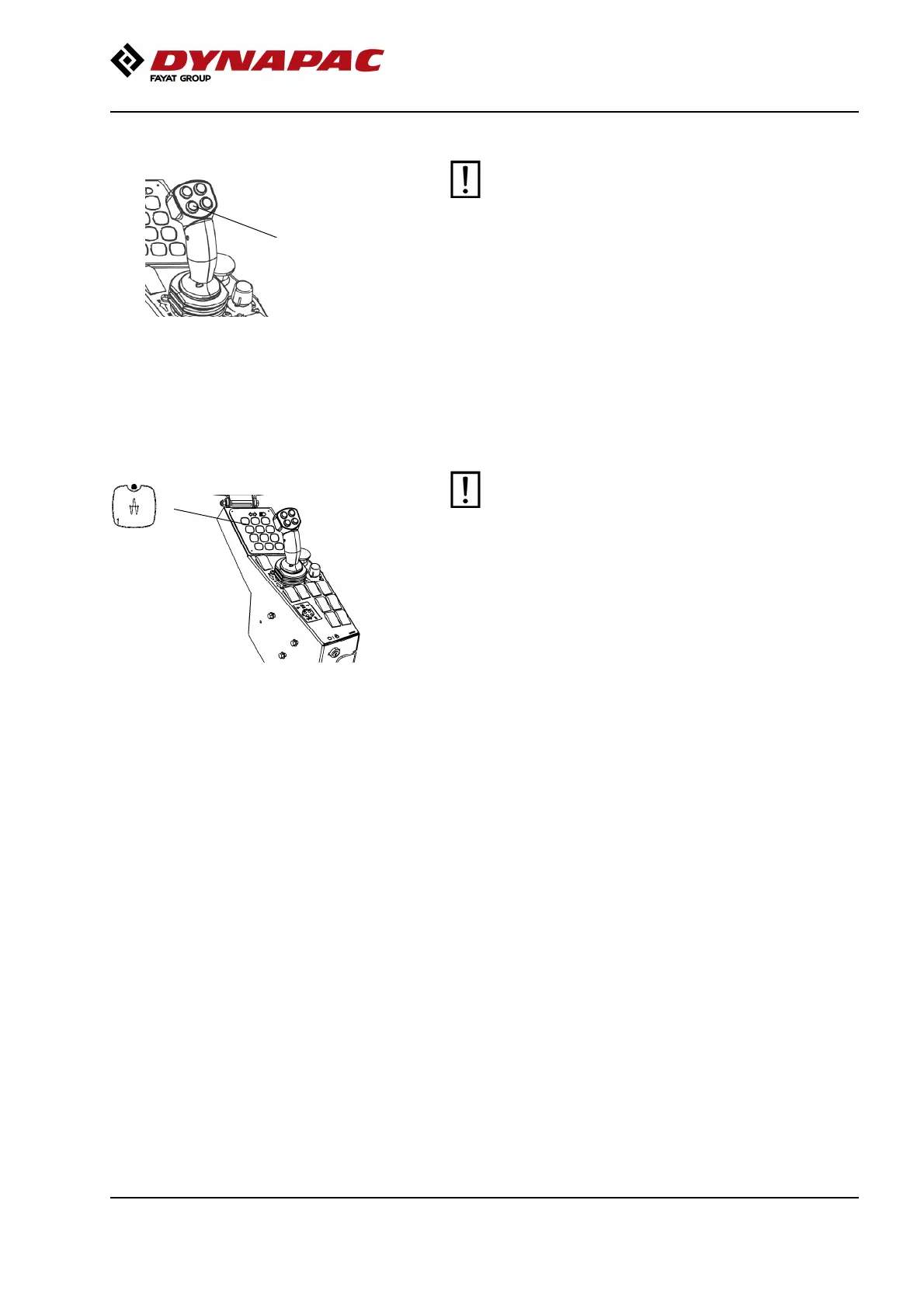
Fig. F/R lever
1. Vibration ON/OFF
Never activate vibration when the roller is
stationary. This can damage both the surface and
the machine.
Never activate vibration when the roller is
stationary. This can damage both the surface and
the machine.
Engage and disengage vibration using the switch (1)
on the front of the forward/reverse lever.
Always switch off vibration before the roller comes to a
standstill.
Amplitude - Changeover
1
Fig. Control panel
1. High amplitude
The amplitude setting must not be change when
vibration is in operation
Switch the vibration off and wait until vibration
stops before changing amplitude.
The amplitude setting must not be change when
vibration is in operation
Switch the vibration off and wait until vibration
stops before changing amplitude.
By pressing button (1) high amplitude is achieved.
79



 To Next Page