NOTE:
• Passive Entry may be programmed ON/OFF. Refer to
“Uconnect Settings” in “Understanding Your Instrument
Panel” for further information.
• If wearing gloves on your hands, or if it has been
raining/snowing on the Passive Entry door handle, the
unlock sensitivity can be affected, resulting in a slower
response time.
• If the vehicle is unlocked by Passive Entry and no door
is opened within 60 seconds, the vehicle will re-lock and
if equipped will arm the security alarm.
• The vehicles security alarm can be armed/disarmed by
pushing the passive entry key fob lock/unlock buttons
(if equipped).
• The key fob may not be able to be detected by the vehicle
keyless-go system if it is located next to a mobile phone,
laptop or other electronic device; these devices may
block the key fob’s wireless signal and prevent the
keyless-go system from starting the vehicle.
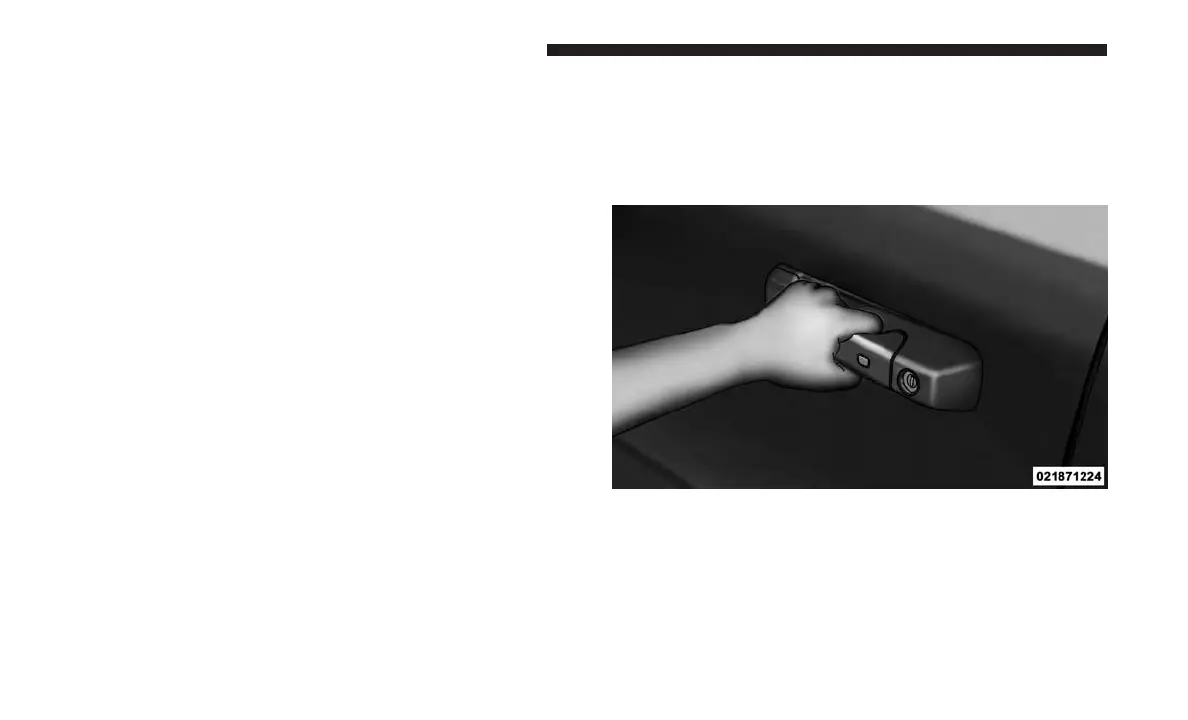
To Unlock From The Driver’s Side:
With a valid Passive Entry key fob within 5 ft (1.5 m) of the
driver door handle, grab the front driver door handle to
unlock the driver’s door automatically. The interior door
panel lock knob will raise when the door is unlocked.
NOTE: If “Unlock All Doors 1st Press” is programmed, all
doors will unlock when you grab hold of the front driver’s
door handle. To select between “Unlock Driver Door 1st
Press” and “Unlock All Doors 1st Press,” refer to
“Uconnect Settings” in “Understanding Your Instrument
Panel” for further information.
Grab The Door Handle To Unlock
36 THINGS TO KNOW BEFORE STARTING YOUR VEHICLE



 To Next Page