Chapter Five: Using FSMS Utilities
176 FedEx Ship Manager
®
Server User Guide, Version 7.6
Retrieve, Retain, Restore (R3)
The R3 (Retrieve, Retain, Restore) application is a software utility that assists in reconfigurations of the
FSMS software. R3 is especially useful when performing clean loads and/or software migrations for
FSMS customers as the utility exports and saves customer data before an uninstall so that the data may
be imported to the newer installation of the FSMS software. The R3 utility Retrieves, Retains and
Restores the following data:
• Customer Configuration Data – the customer table (FSMS Configuration Utility data), the IOR table,
and the config.ini file
• Express Tracking Numbers – both Current and Future ranges
• URSA
• Ground Discount Rates
• Express List and Discount Rates
R3 may be used as part of the clean load process when migrating a customer to new server hardware or
when migrating a customer from a lower version to a higher version of FSMS software in the event an
upgrade is not possible.
NOTE:
Do NOT use R3 to export/import tracking numbers from a version below v 7.2 to v 7.2. Prior to
v 7.2, a single range of tracking numbers was shared by all meters on a server. With FSMS v 7.2
and higher, tracking numbers are assigned at the meter level. After importing data from below
v 7.2 to v 7.2, a Demand Download must be performed to obtain new tracking numbers.
Using R3
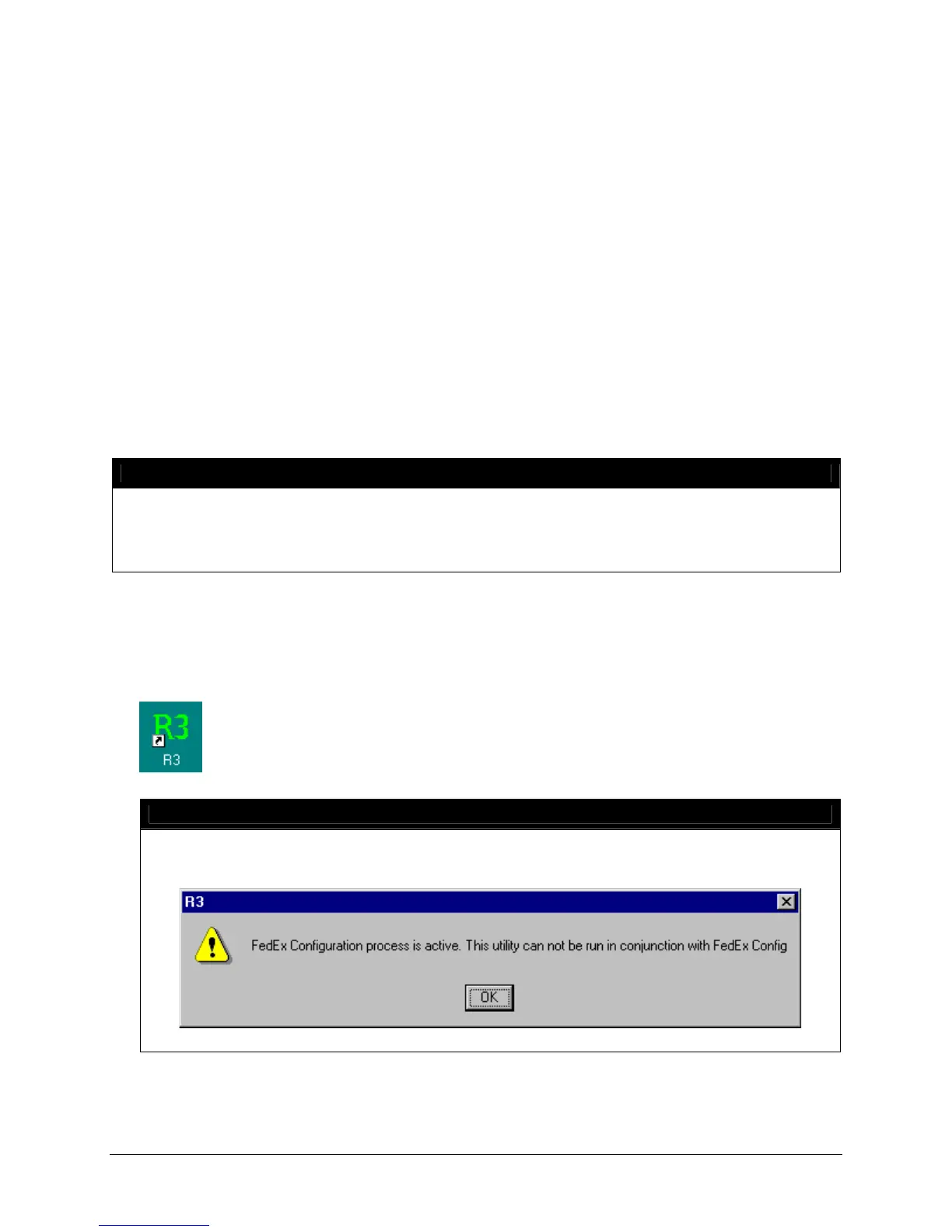
1. Ensure that the FSMS Configuration Utility is closed prior to launching R3. Double click the R3 icon
located on the desktop as pictured below.
NOTE:
R3 will not launch if FSMS is not installed. If the FSMS Configuration Utility is open when an
attempt to launch R3 is made, the following error message displays:


 To Next Page
 Loading...