Chapter Five: Using FSMS Utilities
FedEx Ship Manager
®
Server User Guide, Version 7.6 179
Restoring Data
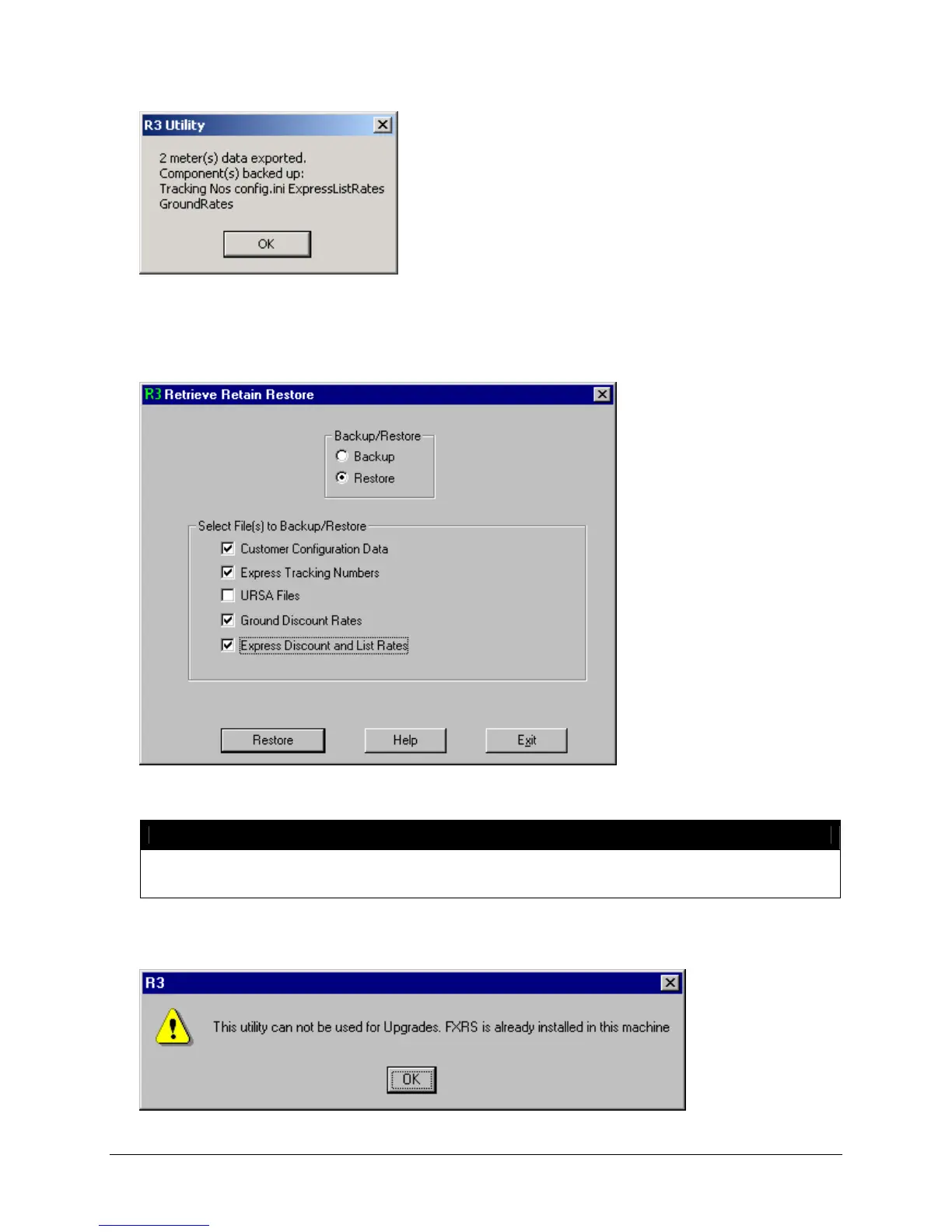
1. If restoring data, select the data you want to restore, then click the Restore button.
2. Select the folder where the data to be restored.
NOTE:
Do NOT select individual files. All files in the folder are automatically selected. R3 will only
restore Configuration data to clean loads of FSMS. All other data CAN be restored.
If any FSMS data exists in the FSMS Configuration Utility, the following error displays after you click
Restore:



 To Next Page