Chapter Five: Using FSMS Utilities
180 FedEx Ship Manager
®
Server User Guide, Version 7.6
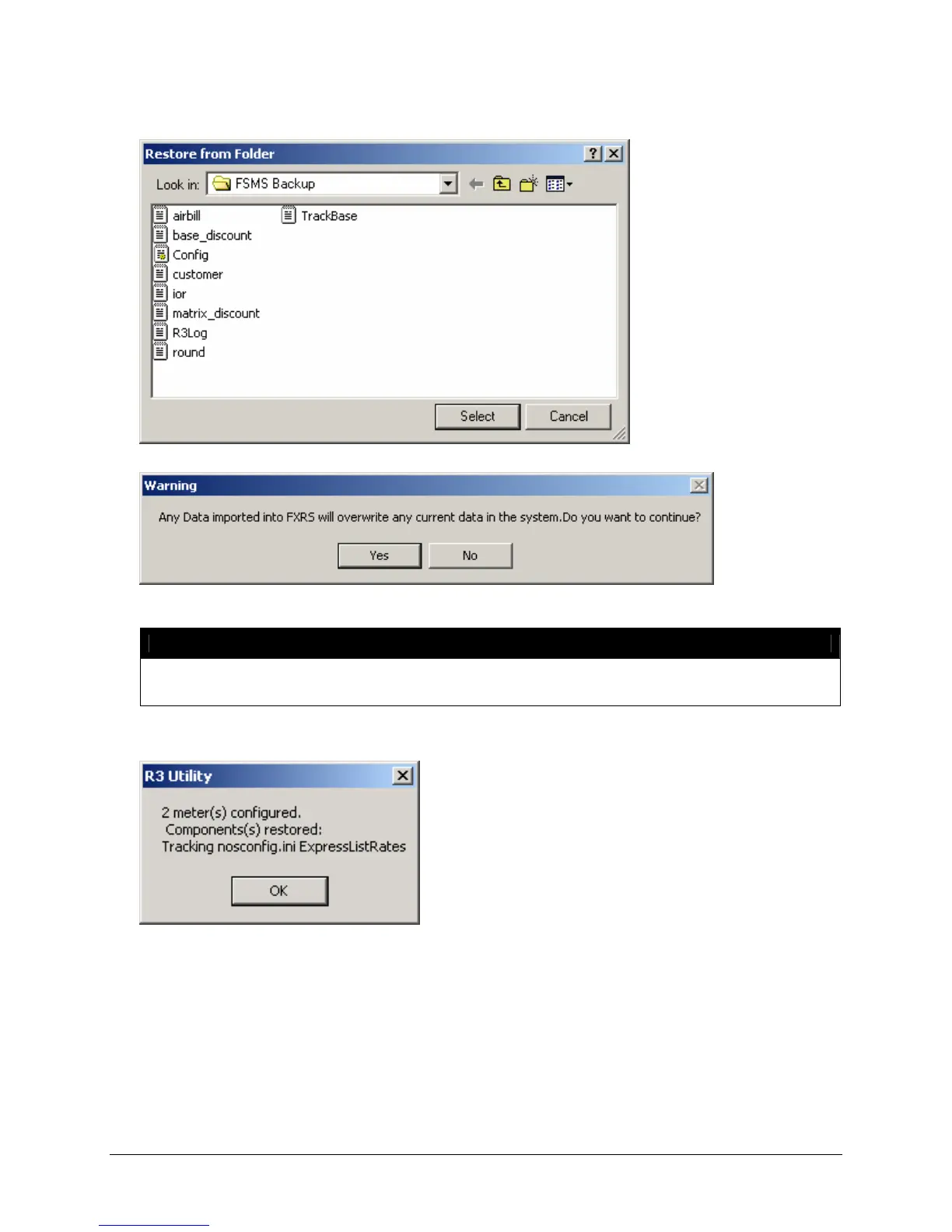
3. After selecting the folder where you want data to be restored, click Select.
NOTE:
This message refers to all data with the exception of Configuration data which will NOT
overwrite existing data. All other data can be overwritten.
4. After the selected data has been restored, the following message displays:
5. After successfully restoring your data, click Exit to exit the R3 utility.



 To Next Page