Chapter Five: Using FSMS Utilities
182 FedEx Ship Manager
®
Server User Guide, Version 7.6
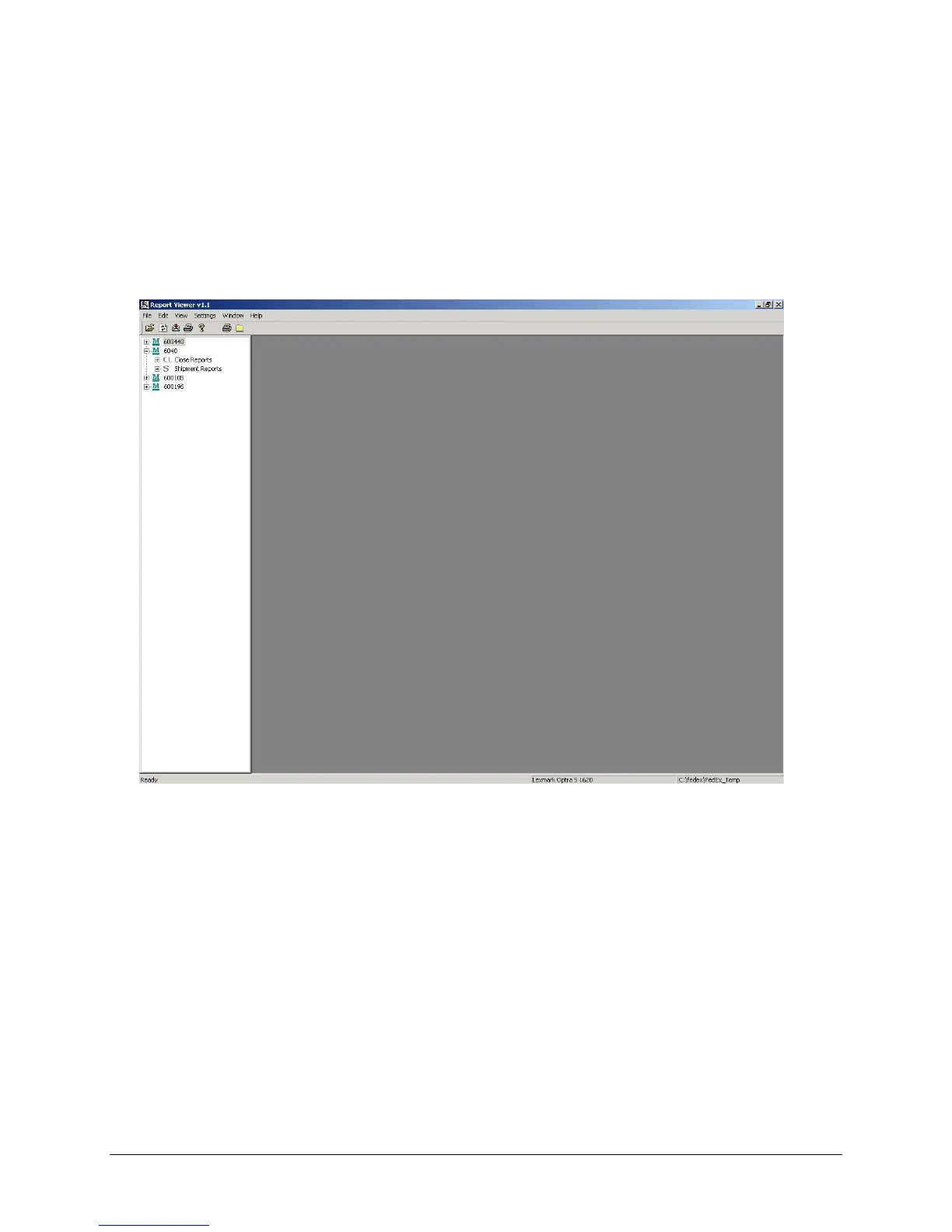
Report Viewer Utility
The Report Viewer Utility allows you to generate various FSMS reports from two categories: Close
Reports and Shipment Reports. The Report Viewer does not view reports that have been created and
saved to a file, but rather generates a ‘view’ of the report directly from information in the FSMS database.
When the Report Viewer Utility is started, it reads data from the local Sybase database and builds a Tree
View for each meter configured on the user’s system. You can only generate the Close Reports after an
End-of-Day (007) transaction has run.
Report Viewer Utility Features
• View Report: Double clicking on a report name in Tree View opens the report in the Report Viewer
window.
• Export Report: Export a single or multiple reports from a selected category to a directory. Selected
report(s) are exported in the format specified in the Report Settings tab of the FSMS Configuration
Utility to the specified report directory. If no directory is specified, reports are exported to
\FedEx\FedEx_Temp.
• Print Report: Print single or multiple reports from a selected category. You need to select the printer
for printing reports, since there is no default printer.
• Refresh: If the Report Viewer Utility has been started and you process a shipment or execute an
End-of-Day transaction, you should refresh the Tree View to include any recent activity.


 To Next Page
 Loading...