Chapter One: Setting Up FSMS
FedEx Ship Manager
®
Server User Guide, Version 7.6 41
7. Enter the Postal Code for the meter number.
8. Click OK.
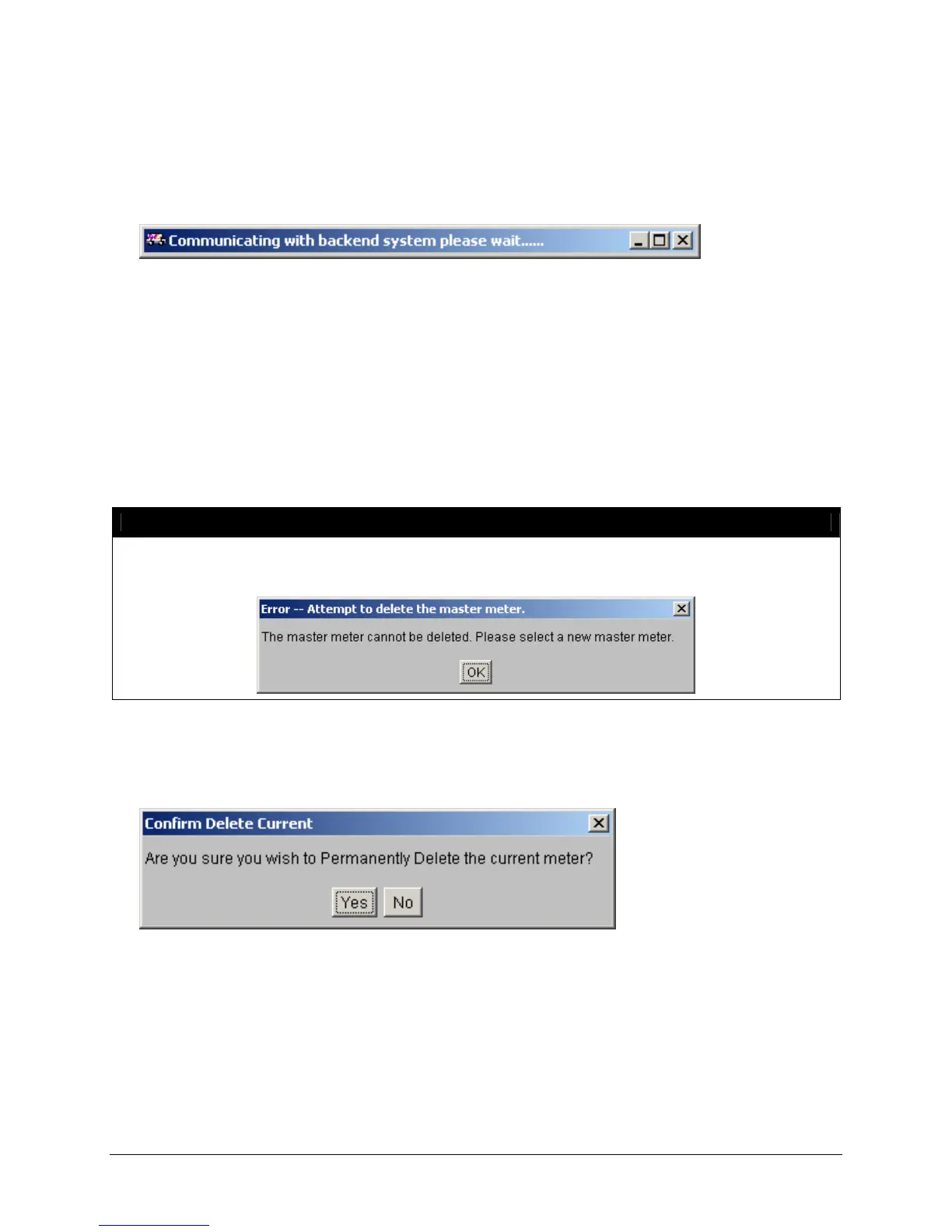
9. FSMS will attempt to retrieve meter information from FedEx systems. During this process, the
following message will be displayed:
10. If successful, the Shipper Settings and Meter Settings tabs of the FSMS Configuration Utility will be
populated with the correct information for FedEx systems.
11. If unsuccessful, an error will be returned and the user will be prompted to enter the information
manually.
Deleting a Meter:
You may also delete a Child meter from your FSMS Configuration by selecting the Child meter number
you want to remove from the Meter Number pull-down list at the top of the Shipper Settings window and
clicking Delete Current.
NOTE:
Only a Child meter may be deleted from the Shipper Settings window. The Master meter may
not be deleted. An attempt to delete the Master meter will result in the following error:
To delete a Master meter, another meter must first be designated as the Master. Contact your FedEx
Customer Support Representative if deletion of a Master meter is required.
If the meter selected for deletion is not the Master meter, the following window will be displayed:


 To Next Page
 Loading...