Chapter One: Setting Up FSMS
FedEx Ship Manager
®
Server User Guide, Version 7.6 49
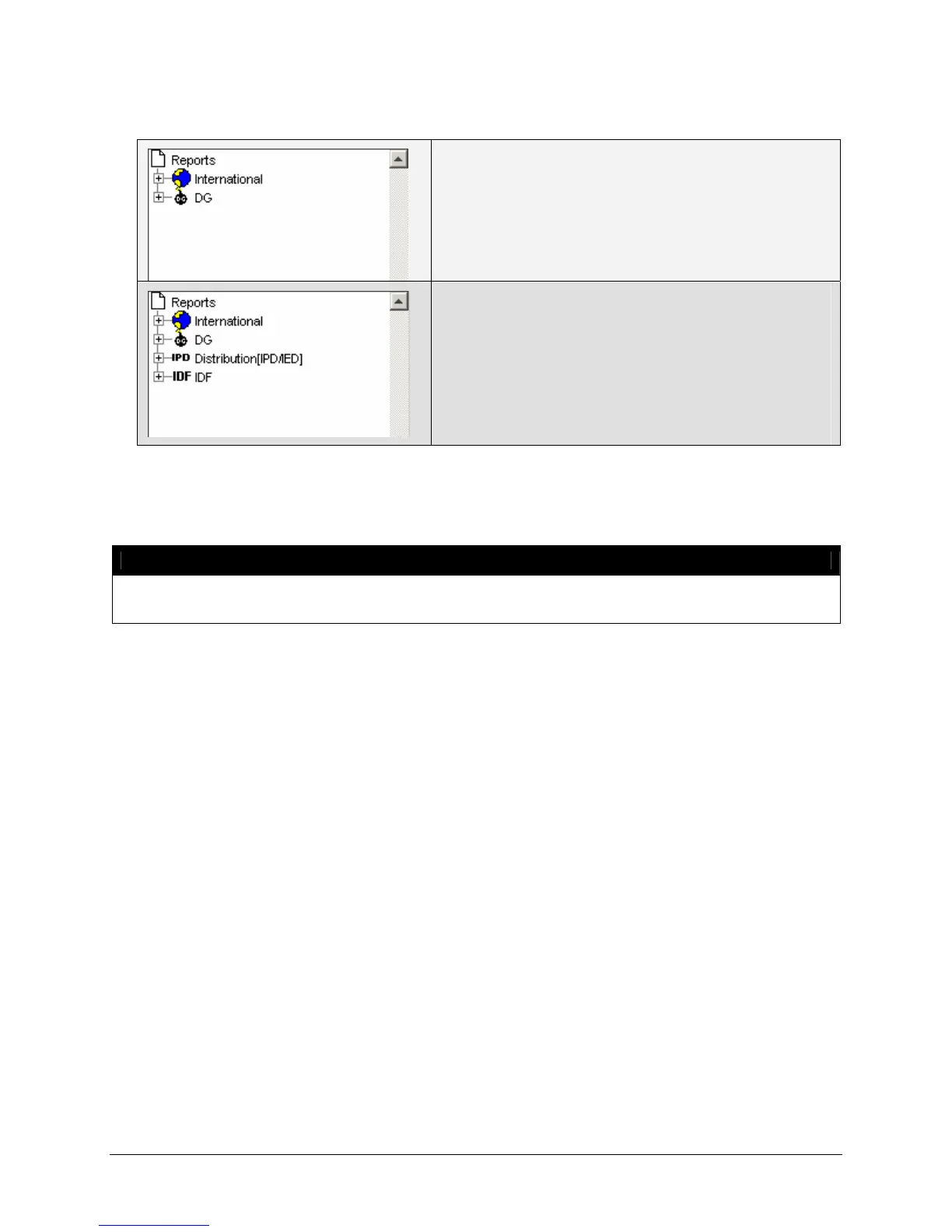
Non-U.S. or CA origin, FedEx Express only
Non-U.S. or CA origin, all services enabled
• The IPD and IDF reports will be enabled when IPD
is manually configured or after a download of the
rate file if the account is a valid IPD or IDF account.
If the account is manually configured, click the
Apply and Exit button and then re-launch the
FSMS Configuration Utility to configure IPD and/or
IDF reports.
Detailed information regarding the configuration options for each FSMS report is provided in Chapter Six:
FSMS Reports in this User Guide.
NOTE:
IPD/IDF and TD are contract services provided for FedEx International shipping. Please contact
your FedEx Account Executive for more information.
To Select a Printer for an FSMS Report:
1. Click on the + (plus) indicator next to the report type (Express, International, Ground, etc.) to expand
the report list.
2. Highlight the report for which you want to select a printer.


 To Next Page
 Loading...