Chapter One: Setting Up FSMS
FedEx Ship Manager
®
Server User Guide, Version 7.6 87
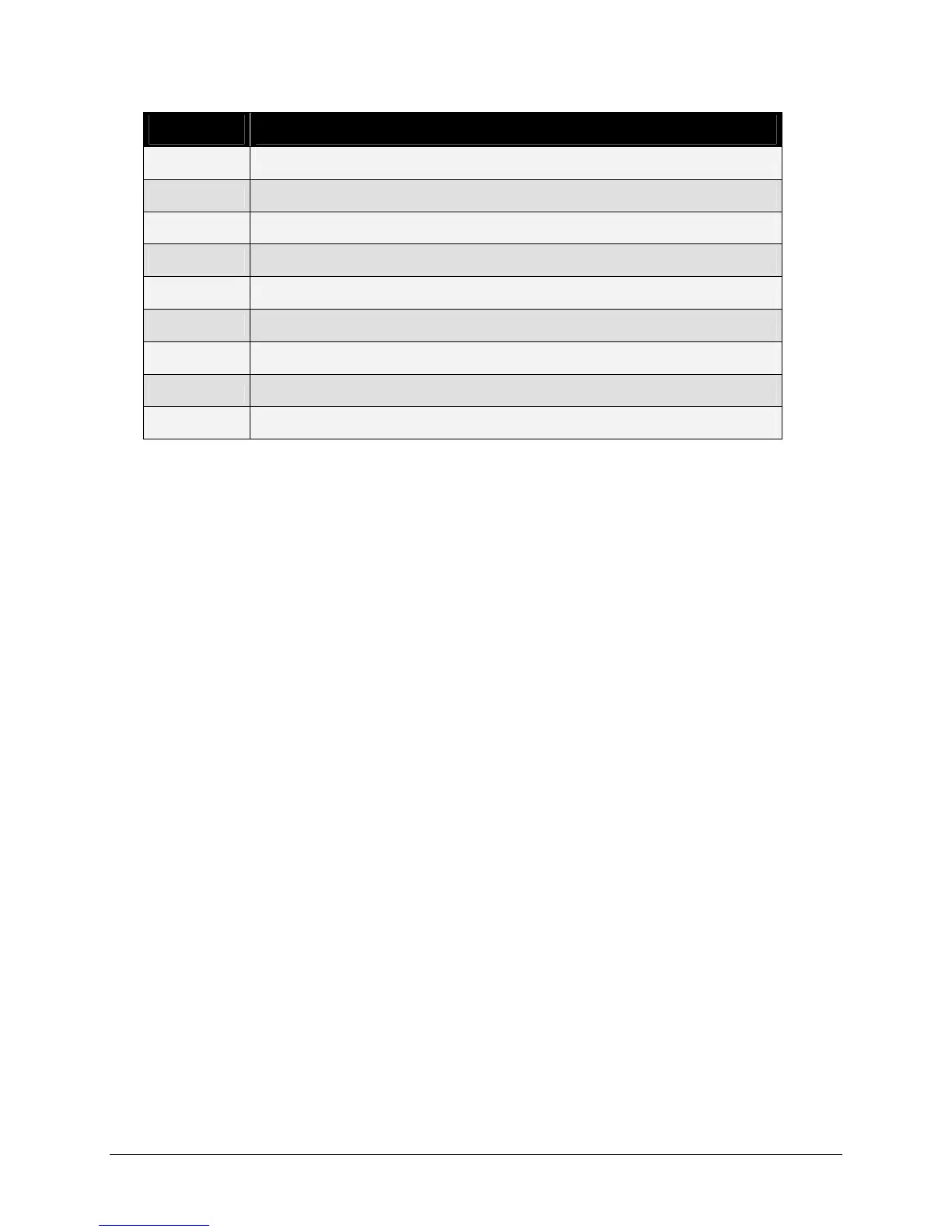
Step ID Description
4 Assign U.S. Domestic invoice numbers
5 Assign deleted invoice numbers
6 Assign International invoice numbers
7 Build U.S. Domestic Shipment Revenue File
8 Build Delete Shipment Revenue File (U.S. Domestic Only)
9 Build International Shipment Revenue File
10 Build Ground EPDI File
11 Move Closing shipments from the ship close table to the ship history table
12 Print Close Reports
The Polling Frequency field displays the time (in milliseconds) between the last and the next time the
Close process is polled for each meters’ status.
Polling of the Close process can be forced by clicking the Update Now button. Since polling is done on a
timed interval, some steps may appear to be skipped because they happen so quickly between polling
periods.



 To Next Page