8
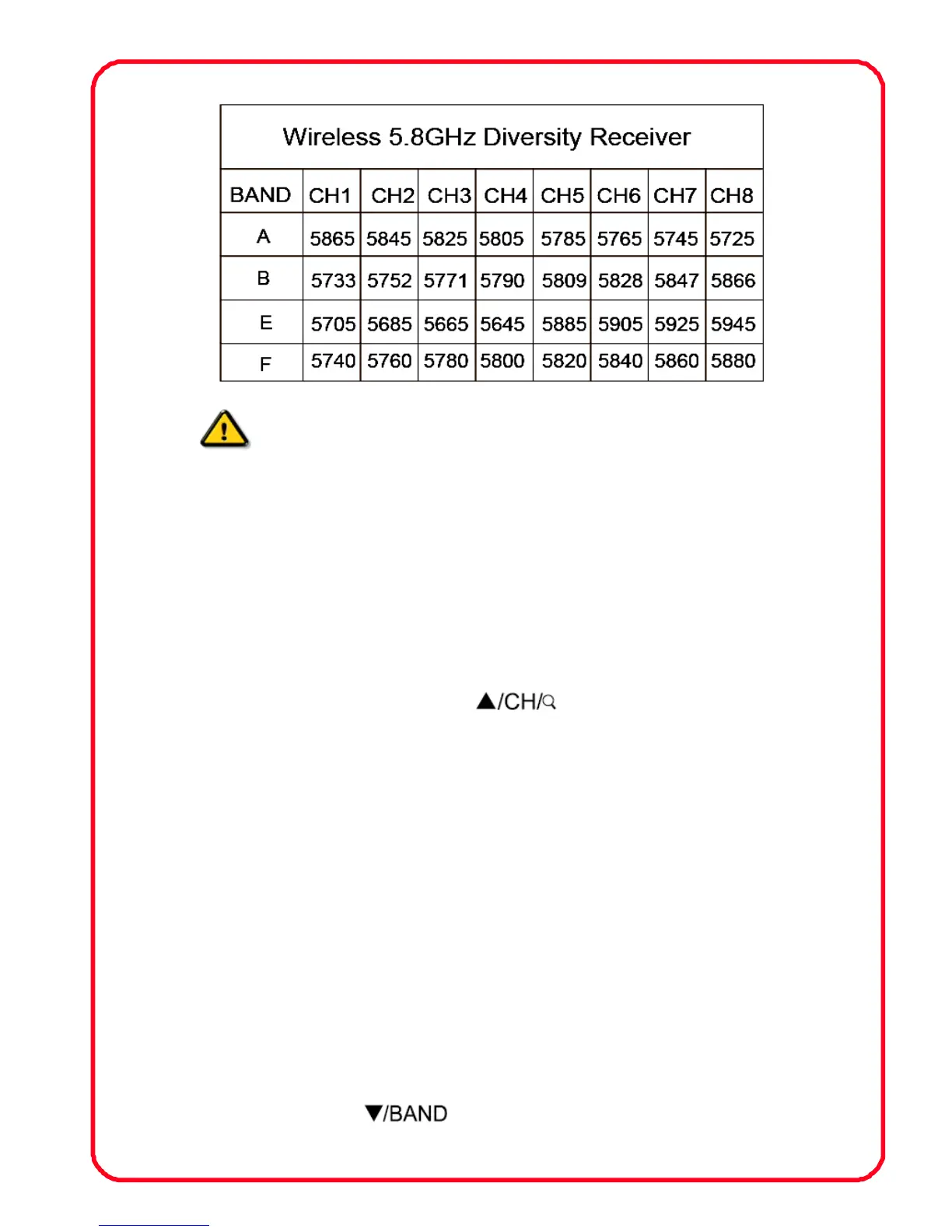
Note! During select channels must be supporting
the transmitter
2.2 Auto Searching:
Confirm that the transmitter has entered a normal working
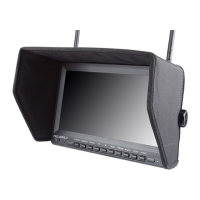
condition and then turn on the monitor, press “MODE” and select
“RF” signal input. Long pressing “
” ,“Auto Searching” will
display on the top left corner of the screen means the machine start
to auto searching when the screen on the upper left corner shows
the BAND:X CH:X, images, said that finished searching. now can be
received the signal.
2.3 Manual Searching and setting:
Confirm that the transmitter has entered a normal working
condition and then turn on the monitor, press “MODE” and select
“RF” signal input. “BAND: X CH: X” will display on the top left corner
of the screen Press
“ ” to switch channel A/B/E/F. Press


 To Next Page