5 Scanning Barcode
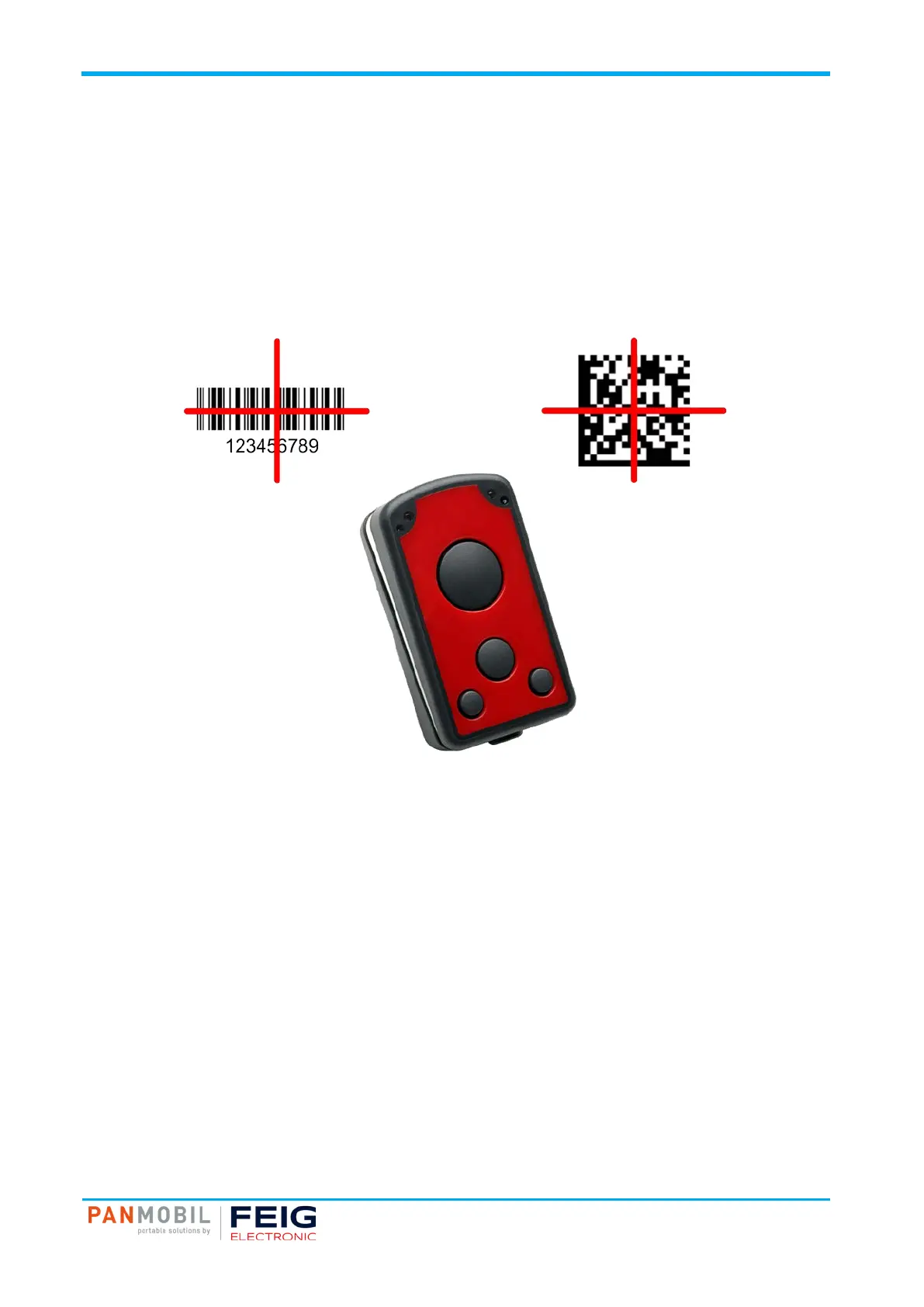
Fig. 3: Scan Example 1D/2D Imager
Pos: 23 /IDP/M anual s/PAN MOBI L/Sc anning B arco de (1D/ 2D Imag er) @ 3\mod_1542020027013_10021.docx @ 55934 @ @ 1
5.2 1D/2D Imager
Pos: 21 /IDP/M anual s/PAN MOBI L/Sc anning B arco de (1D Las er) @ 3\mod_1542018707813_10021.docx @ 55916 @ @ 1
To scan a barcode follow the steps below:
1. Aim the scanner on the barcode.
2. Press the trigger key (5).
3. The ID PM ECCO+ decodes the barcode closest to the cross center unless you disable the Pick-List
Mode (see below) in the 2D cameras.
4. The device beeps and the yellow LED (2) lights up yellow to indicate a successful decode.
Pos: 24 /IDP/M an
ls/Üb erschr ifte n/2/1D /2D Im ager @ 3\ mod_ 15420 17823 315_1 0021. doc x @ 55707 @ 2 @ 1Pos: 25 / Steuer mod ule/------------ Seitenumbruch ------------ @ 0\mod_1452083281983_0.docx @ 10032 @ @ 1



 To Next Page