6
7.2 App Connection
Download the Feiyu ON App
Scan the QR code to download the app, or
search for "Feiyu ON" in the App Store or
Google Play.
* Requires iOS 9.0 or above, Android 6.0 or
above.
iOSAndroid
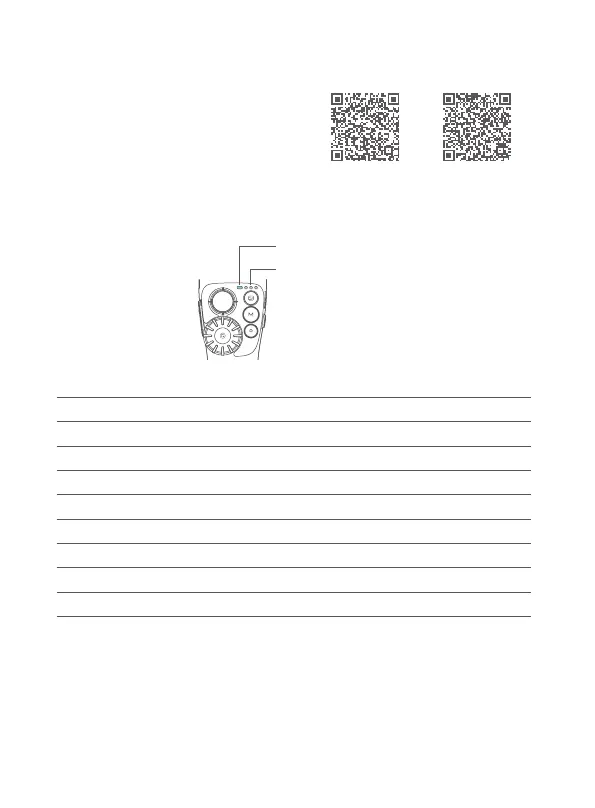
8. Indicator
Status indicator
Battery indicator
8.1 Status indicator
Status indicatorStatus
Constant Blue lightBluetooth connected
Blue light ashBluetooth disconnected
Blue light keeps ashingUnpairing Bluetooth
Green light stays onCharging completed
Green light ash Initializing
Breathing light (green)Standby mode
Red light stays onCharging
Red light ashLow power















 To Next Page