ENGLISH
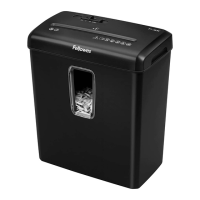
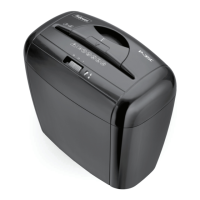
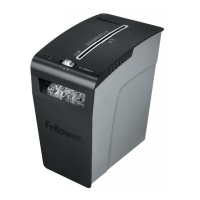
Model P-20
CAPABILITIES
Will shred: Paper only
Will not shred: Continuous forms, adhesive labels, transparencies,
newspaper, cardboard, paper clips, laminates or plastic other than
noted above
Paper shred size:
Strip-Cut ...........................................................................................7mm
Maximum:
Sheets per pass (Cross-Cut) ...................................................................5*
Paper entry width .........................................................................220mm
Continuous operation .................................................................2 minutes
* 70g A4 paper at 220-240v, 50Hz, P-20–0.6Amps; heavier paper, humidity or
other than rated voltage may reduce capacity. Recommended daily usage rates:
10-20 paper passes.
IMPORTANT SAFETY INSTRUCTIONS — Read Before Using!
• The grounded socket-outlet shall be installed near the equipment and
shall be easily accessible.
2
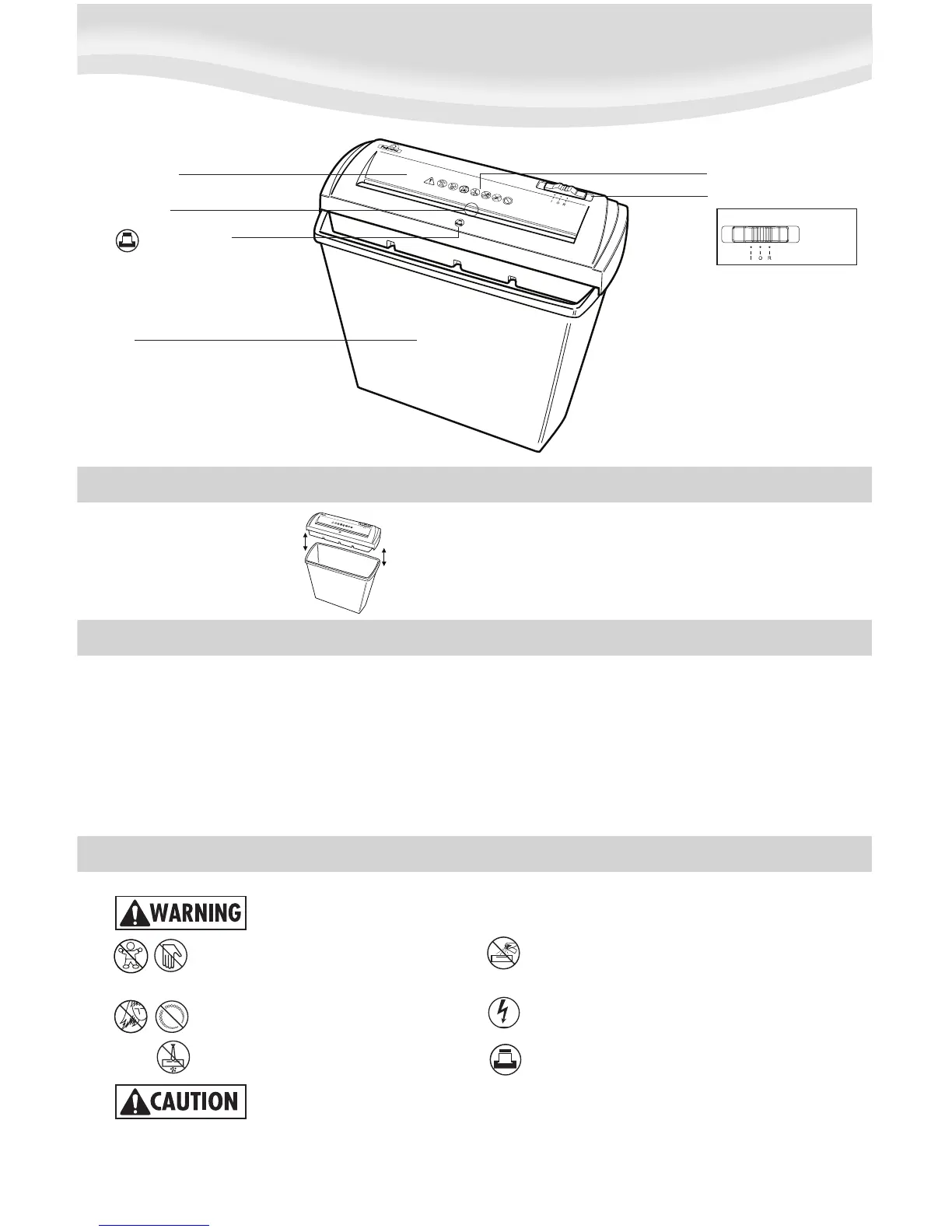
Paper entry
See safety instructions below
Shredder head
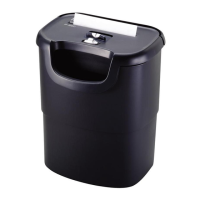
Bin
Sheet capacity icon
• Keep away from children and pets. Keep hands
away from paper entry. Always unplug when not
in use.
• Keep foreign objects – gloves, jewelry, clothing,
hair, etc. – away from shredder openings. If object
enters top opening, switch to Reverse (R) to back
out object.
• Never use aerosol, petroleum based or other flammable
products on or near shredder. Do not use canned air
on shredder.
• Do not use if damaged or defective. Do not open shredder
head. Do not place near or over heat or water source.
• 5 sheets per pass to avoid jams.
SET-UP
Place shredder head securely on top of bin.
Control switch
Auto-On (I)
Off (O)
Reverse (R)




 To Next Page