EasyManua.ls Logo

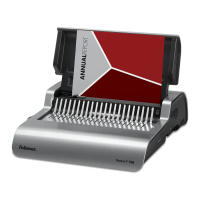
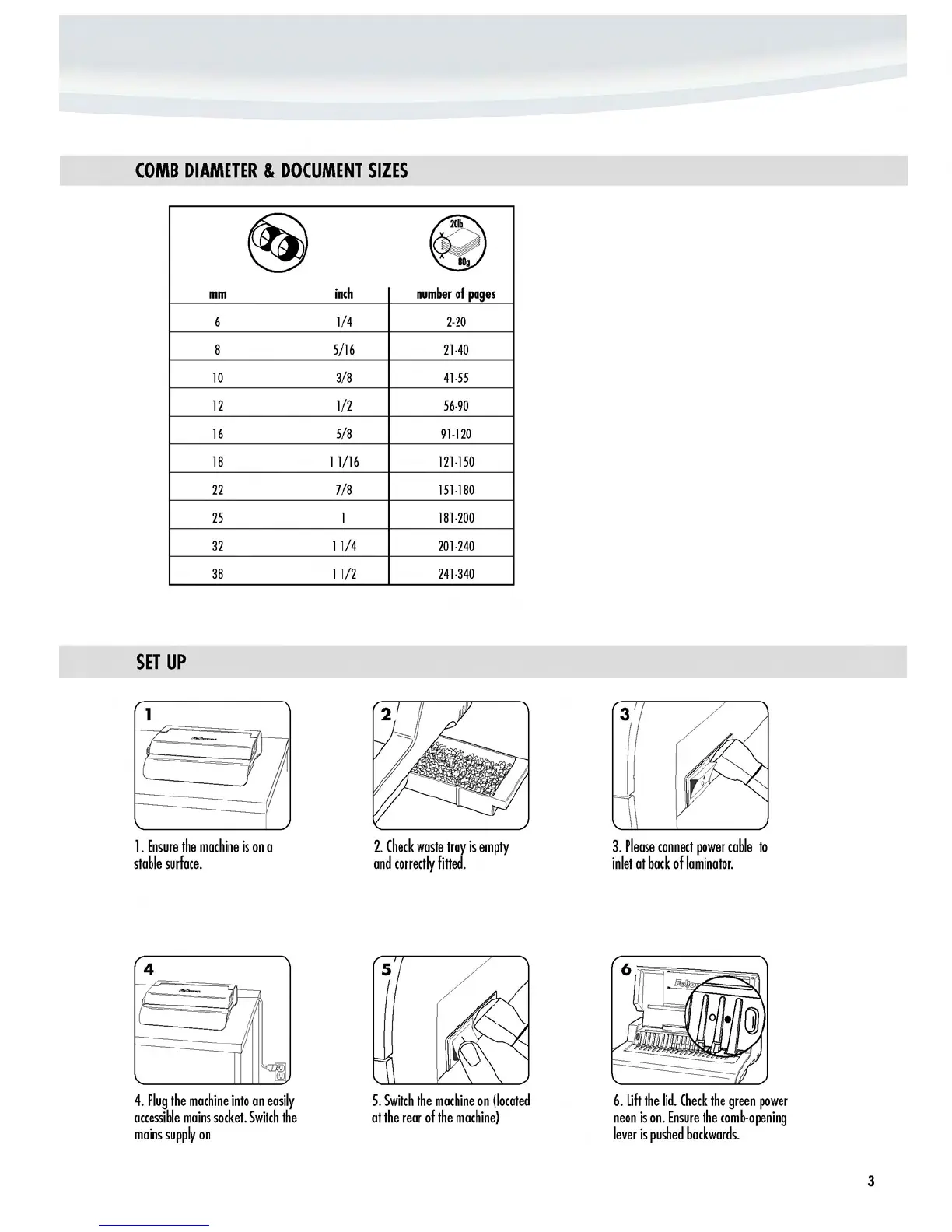
Fellowes Pulsar E 300 - Comb Diameter and Document Sizes; Setup Procedure; Initial Setup Steps

Fellowes Pulsar E 300
5 pages
Print Icon
To Next Page IconTo Next Page
To Previous Page IconTo Previous Page
Loading...
COMB
DIAMETER
&
DOCUMENT
SIZES
(§)
~
~
mm
inch
number
of
pages
6
1/4
2-20
8
5/16
21-40
10
3/8
41-55
12
1/2
56-90
16
5/8
91-120
18
11/16
121-150
22
7/8
151-180
25
1
181-200
32
11/4
201-240
38
11/2
241-340
SET
UP
1
3
1_
Ensure
the
machine
is
on
a
2_
Check
waste
troy
is
empty
3.
Please
connect
power
cable
to
stable
surface_
and
correctly
fitted_
inlet
at
bock
of
laminator_
4
4_
Plug
the
machine
into
on
easily
5_
Switch
the
machine
on
(located
6_
lift
the
lid_
Check
the
green
power
accessible
mains
socket.
Switch
the
at
the
rear
of
the
machine)
neon
is
on_
Ensure
the
comb-opening
mains
supply
on
lever
is
pushed
backwards_
3
http://www.monomachines.com
COMB
DIAMETER
&
DOCUMENT
SIZES
(§)
~
~
mm
inch
number
of
pages
6
1/4
2-20
8
5/16
21-40
10
3/8
41-55
12
1/2
56-90
16
5/8
91-120
18
11/16
121-150
22
7/8
151-180
25
1
181-200
32
11/4
201-240
38
11/2
241-340
SET
UP
1
1.
Ensure
the
machine
is
on
a
stable
surface.
4
4.
Plug
the
machine
into
on
easily
accessible
mains
socket.
Switch
the
mains
supply
on
2.
Check
waste
troy
is
empty
and
correctly
fitted.
5.
Switch
the
machine
on
(located
at
the
rear
of
the
machine)
3.
Please
connect
power
cable
to
inlet
at
bock
of
laminator.
6.
lift
the
lid.
Check
the
green
power
neon
is
on.
Ensure
the
comb-opening
lever
is
pushed
backwards.
3

Other manuals for Fellowes Pulsar E 300

Related product manuals