P
AIRING
T
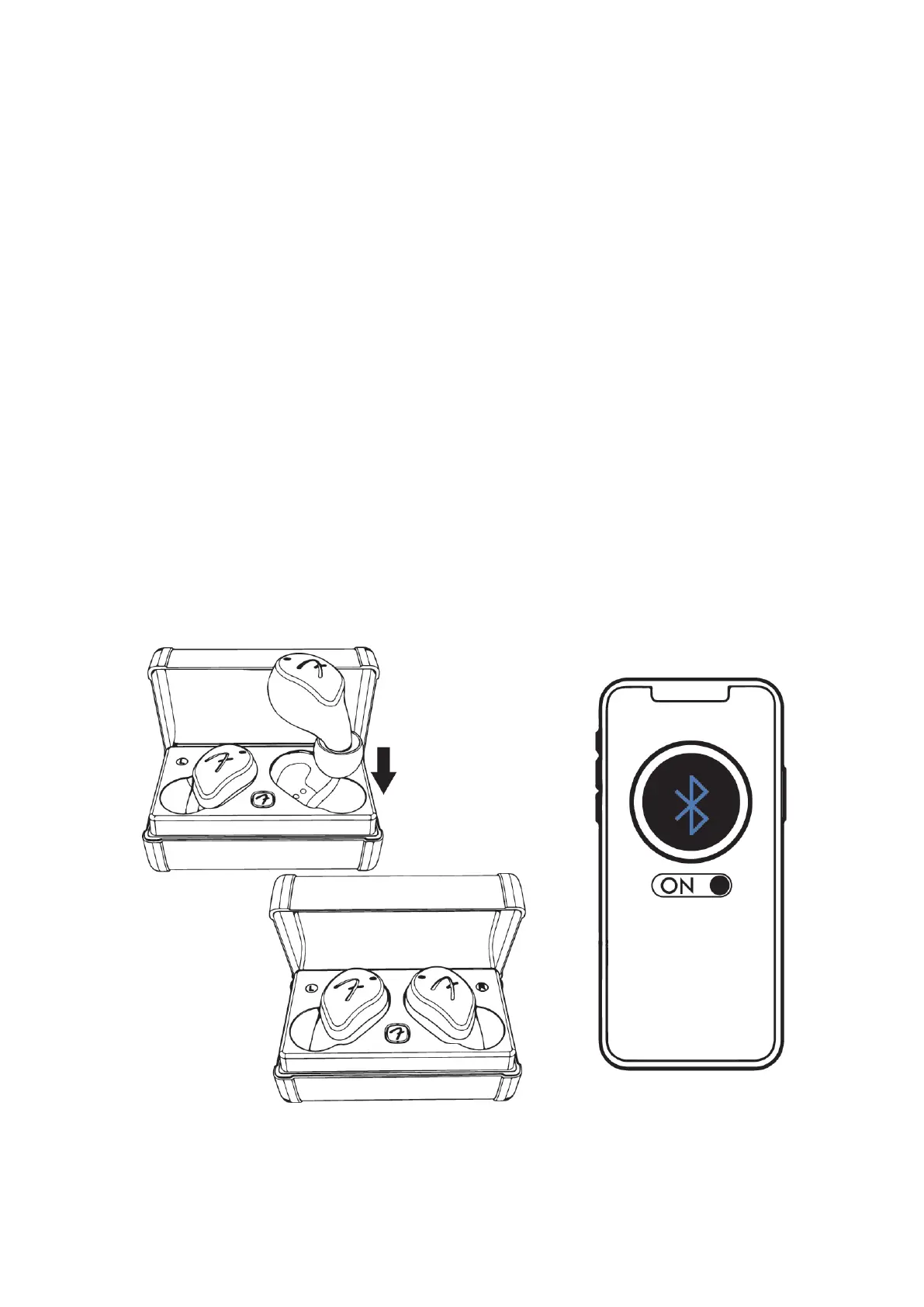
o pair to a Bluetooth audio device
1,S
tart with the TWS inside the charging case with the lid
closed.
2,Open the charging case, press and hold the case button until
the LED on the charging case blinks blue and green,the TWS
LED blinks green.
3,On your Bluetooth audio device, go to Bluetooth settings and
select “Fender Tour L”. Once connected, the TWS LED will turn
off.


 To Next Page