EasyManua.ls Logo

Fenix 300 - User Manual

Fenix 300
10 pages
Print Icon
To Next Page IconTo Next Page
Loading...
Usage and Installation Manual
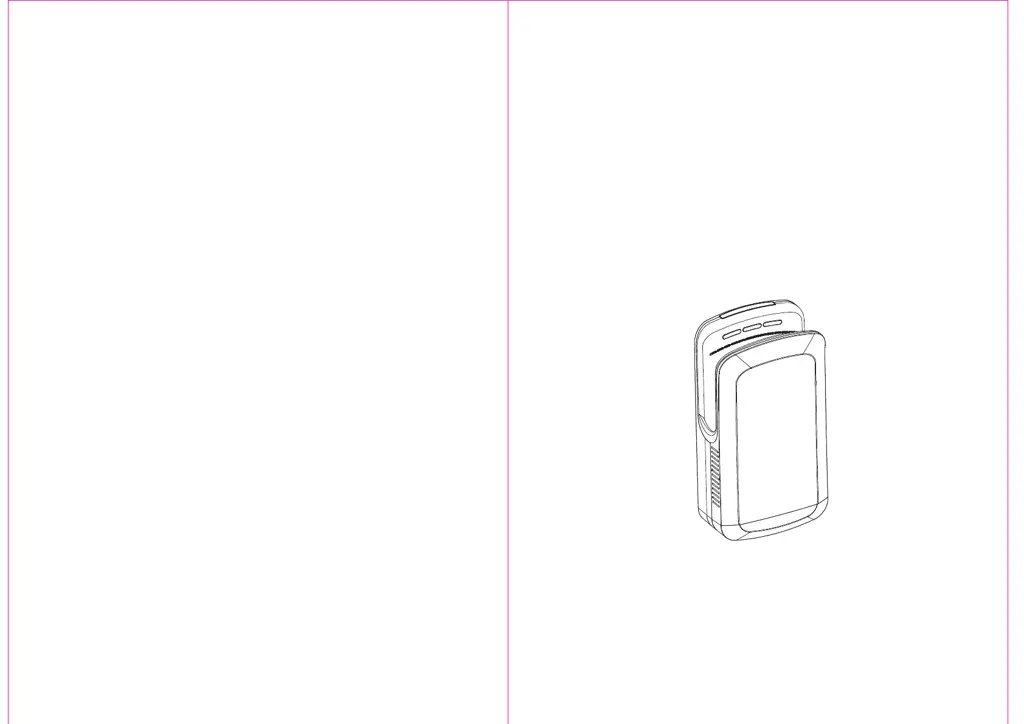
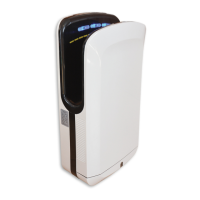
Dual Jet High Speed Hand Dryer
N831/R00 (23.03.20)

Questions and Answers

  • G
    grobinsonJul 28, 2025
    What to do if the indicator light is flashing on my Fenix Dryer?
    • W
      williamskarenJul 28, 2025
      If the indicator light on your Fenix Dryer is flashing, it could indicate a power supply issue. To resolve this, turn the power switch off. Wait approximately 40 seconds until all indicators in the display area have turned off, then turn the power switch back on.
  • R
    Robin BradfordAug 3, 2025
    Why my Fenix 300 doesn't stop blowing?
    • H
      hernandezanthonyAug 3, 2025
      If your Fenix Dryer unit won't stop blowing, the sensor might be blocked by dirt or dust. Turn the power switch off and wait until all the lamps in the display have gone off. Then, remove the dust. Finally, turn the power switch back on.
  • N
    nguyenkimberlyAug 8, 2025
    How to fix a Fenix Dryer that doesn't blow air?
    • D
      David SantanaAug 8, 2025
      If no air blows from your Fenix Dryer, even when hands are inserted, try the following: turn the ground-fault circuit breaker on, turn the power switch on, and ensure hands are fully inserted.
  • D
    Dr. Stephanie SanchezAug 15, 2025
    What to do if my Fenix Dryer is not blowing hot air?
    • C
      Chris Velasquez Jr.Aug 15, 2025
      If no hot air comes out of your Fenix Dryer, the heater sensor might be dirty. Turn the power switch off, remove the front panel, and then remove the cover of the terminal box. Check the fuse (terminal connector) to see if it's burnt.
  • A
    Amanda LeeAug 21, 2025
    How to troubleshoot no power on a Fenix 300?
    • J
      josephcrossAug 21, 2025
      If your Fenix Dryer has no power, turn off the power, take down the machine and ask the technician to replace the power cable.

Summary

Part Names and Indicator Descriptions

Switch and Indicator Descriptions

Explains the function of power, air speed, water level, and heating switches and indicators on the unit's panel.

Using the Hand Dryer

Operating the Unit

Details the step-by-step process of drying hands by inserting and removing them from the unit.

Troubleshooting and Wiring

Problem Diagnosis and Solutions

Lists common problems like 'No air blows' or 'No hot air' with corresponding checks and actions.

Electrical Wiring Diagram

Illustrates the electrical connections and components of the hand dryer for technical reference.

Installation Procedures

Power Cable Connection

Explains using a single-phase 220-240V power supply and the method for connecting the power cord.

Final Test Run

Operational Test Steps

Outlines steps to check voltage, circuit breaker, power switch, and unit functionality after installation.

Fenix 300 Specifications

General IconGeneral
BrandFenix
Model300
CategoryDryer
LanguageEnglish